Ionics Instruments 2004 C-6 DLM 30007-08 Rev. A
Turbo Mode TC Zero Offset
NOTE
Because Turbo mode measurements are valid only over the range 10 – 2500
ppb TOC, it is not necessary to perform a zero offset calibration. Do not
change the Turbo TC zero offset from the default value of 0.0.
To verify the TURBO TC ZERO OFFSET, access the TURBO TOC CALIB.
menu. The CALIBRATE MODE menu for a Sievers 800 Series Turbo analyzer
contains an option to select Turbo calibration values.
1. Select CALIBRATE from the MAIN menu.
2. Use the arrows ( or ) to scroll to TURBO TOC CALIB. and press
ENTER.
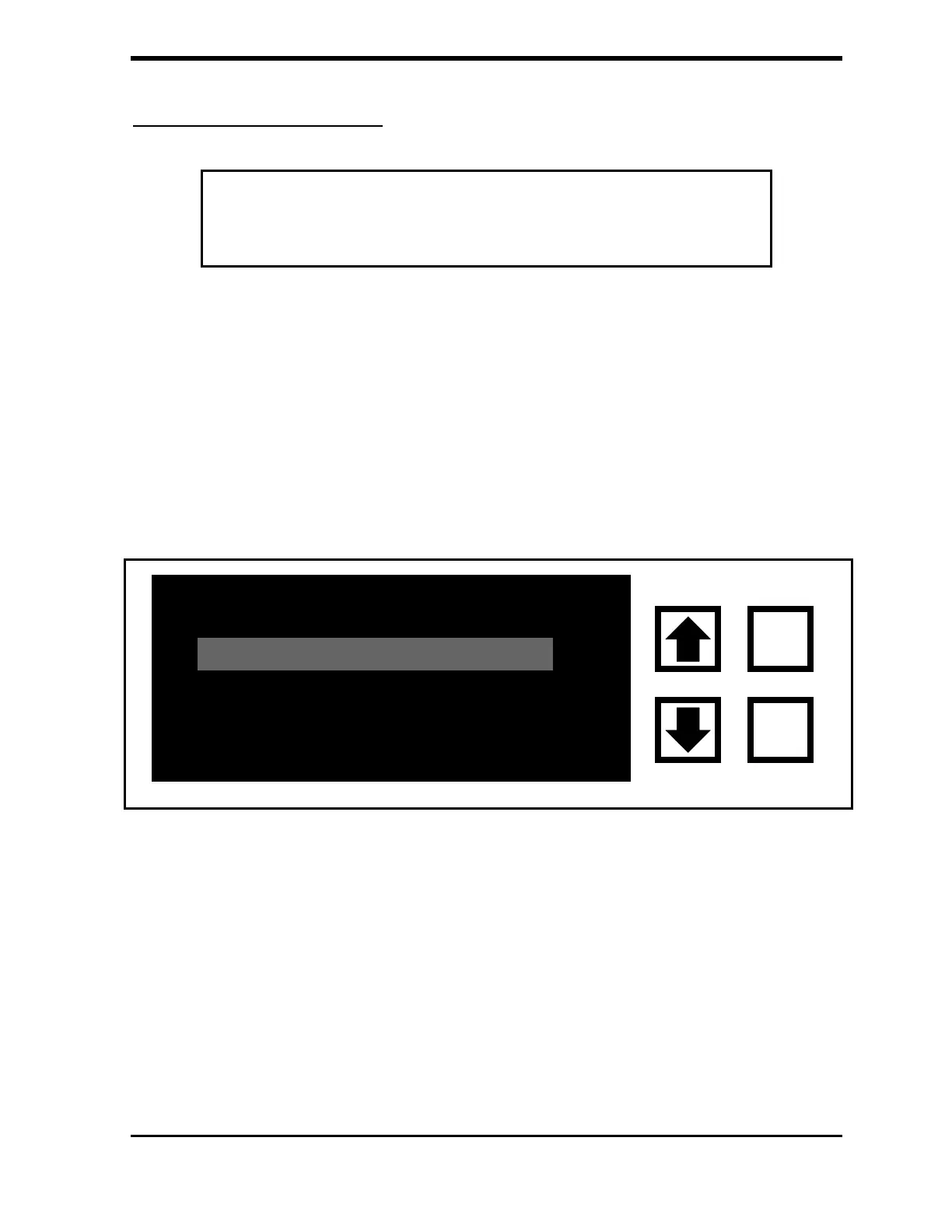
FIGURE C-6: CALIBRATE Menu for 800 Series Turbo TOC Analyzer
3. Use the arrows ( or ) to scroll to TC ZERO OFFSET and press
ENTER.
ONLINE CALIB.
TURBO TOC CALIB.
CLEAR
ENTER



 To Next Page