Ionics Instruments 2004 Page 7-8 DLM 30007-08 Rev. A
Entering a Password –
1. Enter the first letter of the password by using the arrows ( or ) to
scroll to the desired letter.
2. Press ENTER to input the first letter of the password. If a mistake
has been made, use CLEAR to delete the letter.
3. Use the arrows ( or ) to select the remaining letters of the current
password, pressing ENTER to input each letter.
4. After all of the letters have been entered for the password, press
ENTER again to enter the password.
If the entered password does not match any of the previously created
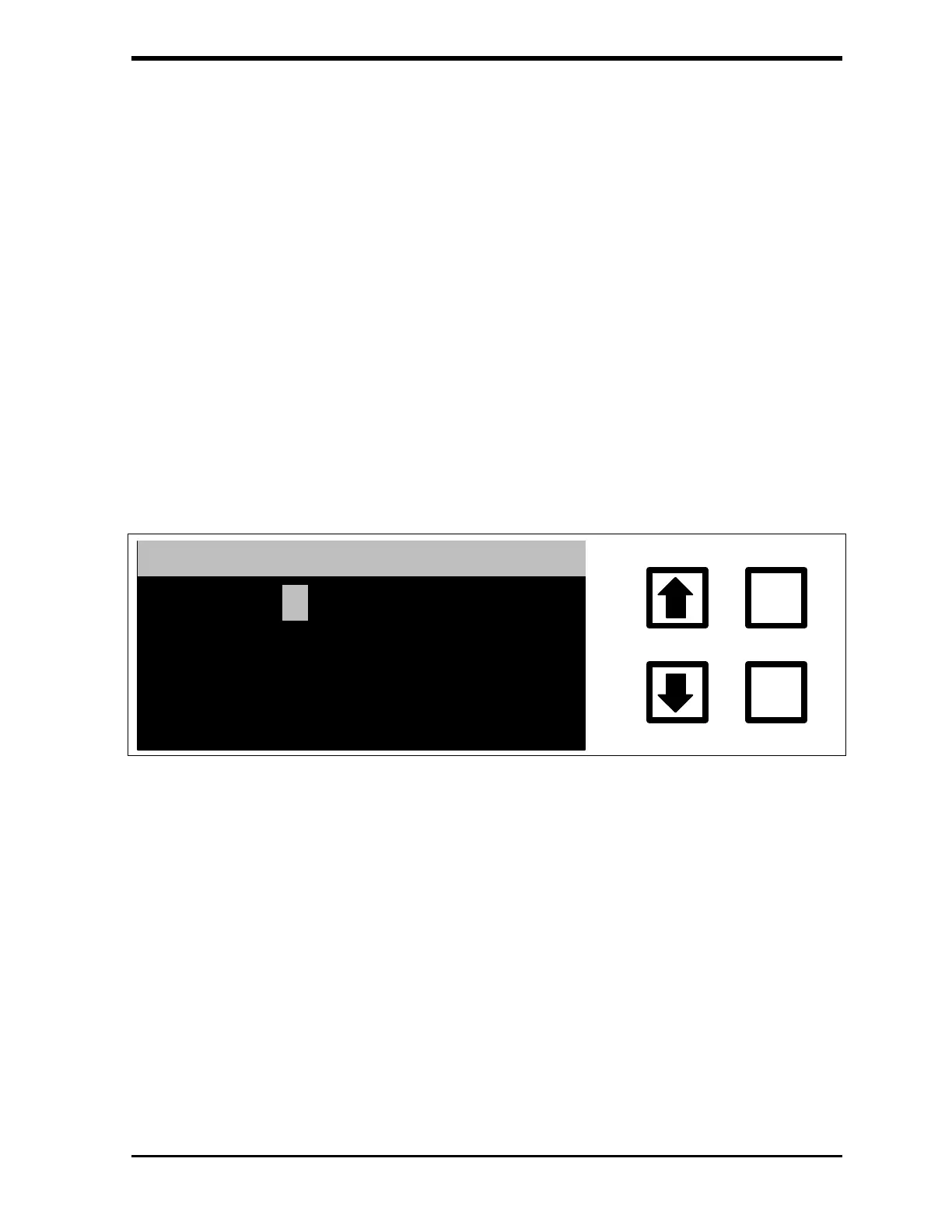
passwords, the INCORRECT PASSWORD screen displays:
ENTER
CLEAR
INCORRECT TRY AGAIN
*****
FIGURE 7-8: INCORRECT PASSWORD Screen
This screen displays for a few seconds before returning to the ENTER
PASSWORD screen.
If the entered password matches any of the previously created passwords, a
password confirmation screen displays:



 To Next Page