Ionics Instruments 2004 Page 6-17 DLM 30007-08 Rev. A
3. The current setting of the sample mode is displayed along with the two
options. If the sample mode is set to GRAB SAMPLING, press CLEAR to
return to the Setup menu. To change the sample mode, use the arrows (
or
) to select GRAB SAMPLING.
4. Press ENTER. The display will change to indicate the new sampling
mode. Press CLEAR to return to the SETUP menu.
Changing from On-line to Grab Sampling
The plumbing will need to be changed for sampling from containers or
calibrating the analyzer. To change the plumbing, refer to the Installation
Chapter of this manual.
Setting Up the Grab Sample Mode
After the sample mode has been set and the plumbing has been changed, the
grab sample parameters need to be set.
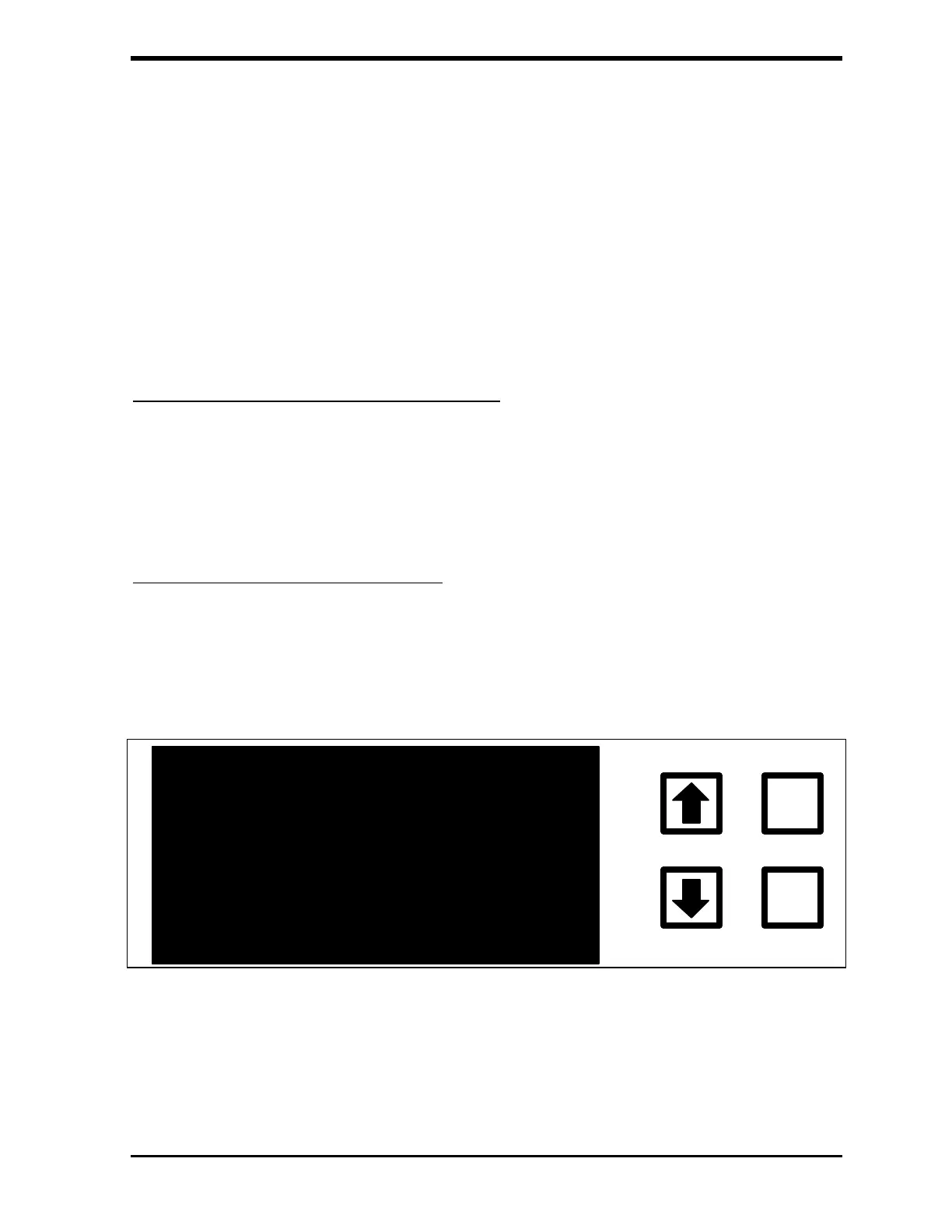
1. From the Main menu, select START TOC. Press ENTER. The
GRAB SAMPLE screen is displayed:
TOC = GRAB SAMPLE MODE
ENTER
CLEAR
START SETUP EXIT
S=00 R=00
FIGURE 6-21: GRAB SAMPLE Screen
2. Use the arrows ( or ) to scroll to SETUP and press ENTER. The
GRAB SAMPLE SETUP menu is displayed:



 To Next Page