Ionics Instruments 2004 Page 5-7 DLM 30007-08 Rev. A
NOTE
The analyzer will respond with ER (error) if the system is in the Grab,
Multistream, or Autosampler mode.
If an incorrect code has been entered, (e.g., TS instead of TB to start the TOC
analysis) the analyzer will return BY (busy).
Alarms
The analyzer has two alarm outputs that can be set to trigger an alarm if the
measured TOC, TC, or IC exceeds a set value or if a serious analyzer error
occurs. The analyzer is shipped with both alarms OFF. If the alarms are
connected to the analyzer, the alarm level must be set.
To set the alarms:
1. From the SETUP menu, scroll to OUTPUTS and press ENTER.
From the Outputs menu, use the arrows ( or ) to scroll to
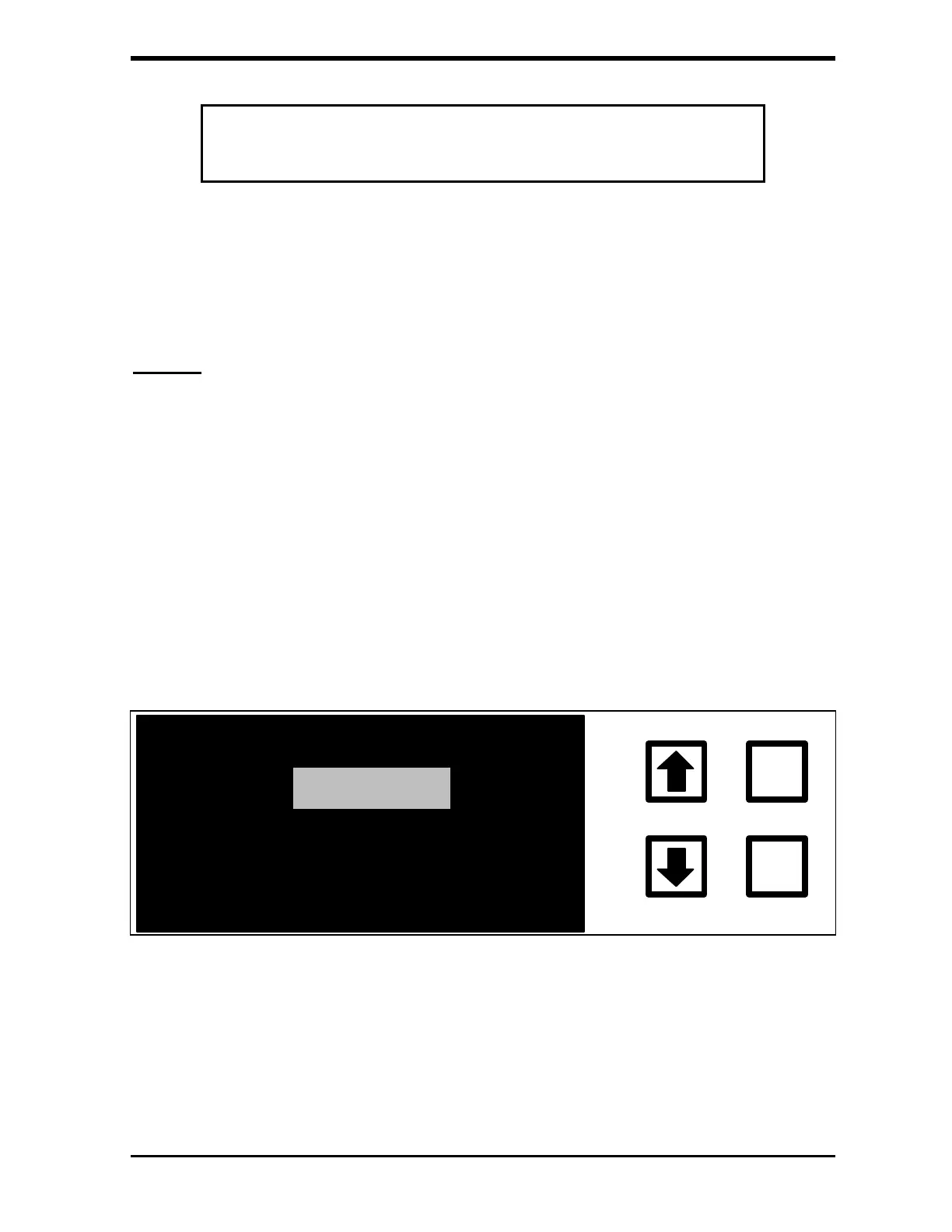
ALARMS. Press ENTER. The Alarms menu is displayed:
ALARM #1
LARM #2
ENTER
CLEAR
FIGURE 5-5: ALARMS Menu
2. Use the arrows ( or ) to select Alarm #1 or #2.



 To Next Page