Ionics Instruments 2004 Page 4-31 DLM 30007-08 Rev. A
For the configuration of the system, the PRINTER menu allows the
selection of the number of columns for the printer (40 or 80) and the
selection of how often the results are printed.
PRINT CONSTANTS
ENTER
CLEAR
PRINTER COLUMNS
PRINT INTERVAL
PRINT ERROR LIST
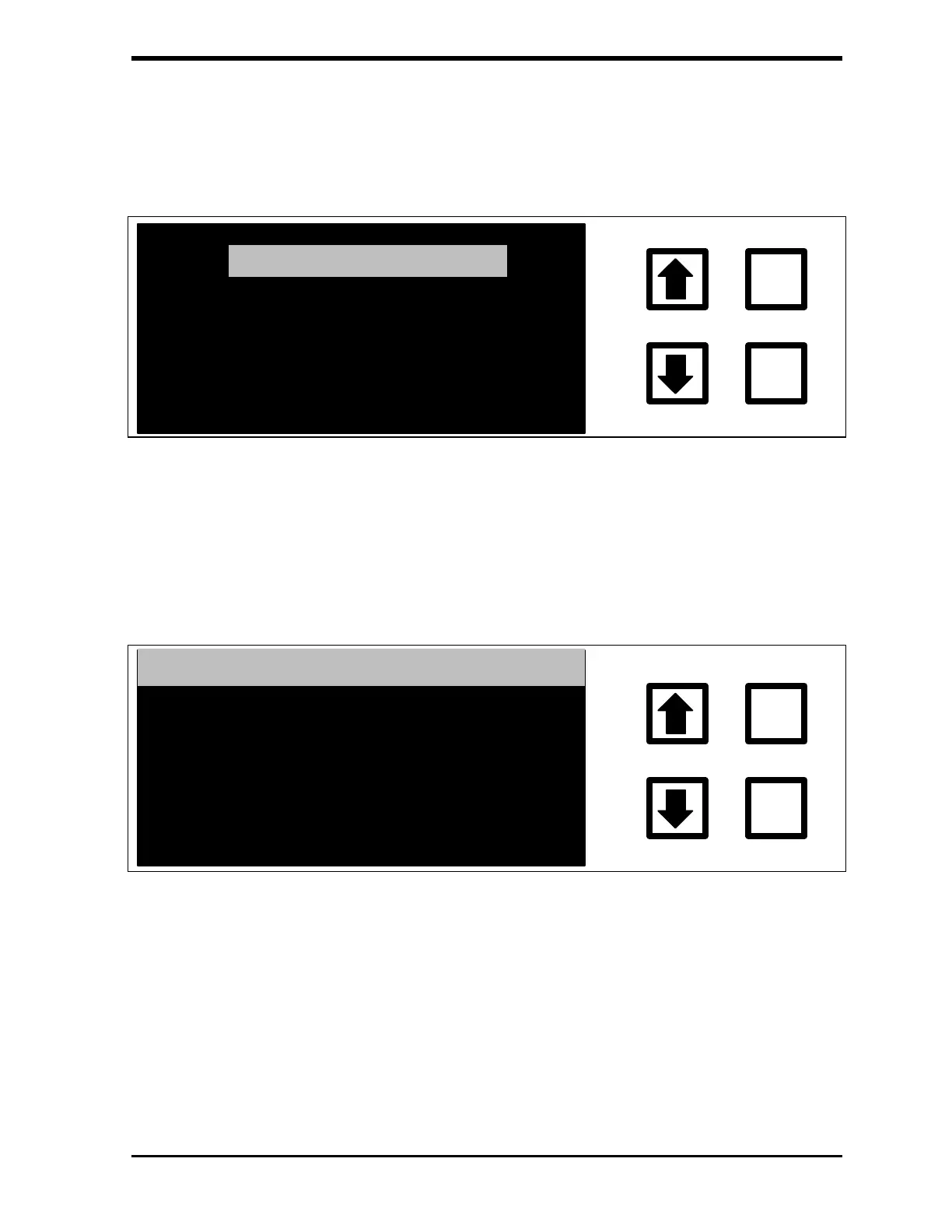
FIGURE 4-24: PRINTER Menu
2. To select the number of columns for the printer, scroll to PRINTER
COLUMNS and press ENTER. The PRINTER COLUMN SETTING
screen is displayed:
ENTER
CLEAR
PRINTER COL. SETTING
COLUMNS: 80
CHANGE TO: 40
ENT = SET, CLR = EXIT
RROWS TO CHANGE
FIGURE 4-25: PRINTER COLUMN SETTING Screen
3. Use the arrows ( or ) to select the proper column setting (40 OR
80). Press ENTER.
4. Press CLEAR to return to the Printer menu.



 To Next Page