Ionics Instruments 2004 Page 4-32 DLM 30007-08 Rev. A
Print Interval
The analyzer takes TOC measurements every 6 minutes. There is an option of
printing the Time, TOC, TC, and IC results for every measurement or printing
only the average value and standard deviation for TOC and IC for a selected
interval. The options are:
• Print every sample;
• Print average value and standard deviation every hour;
• Print average value and standard deviation every two hours;
• Print average value and standard deviation every four hours;
• Print average value and standard deviation every eight hours.
To select the print interval from the PRINTER menu:
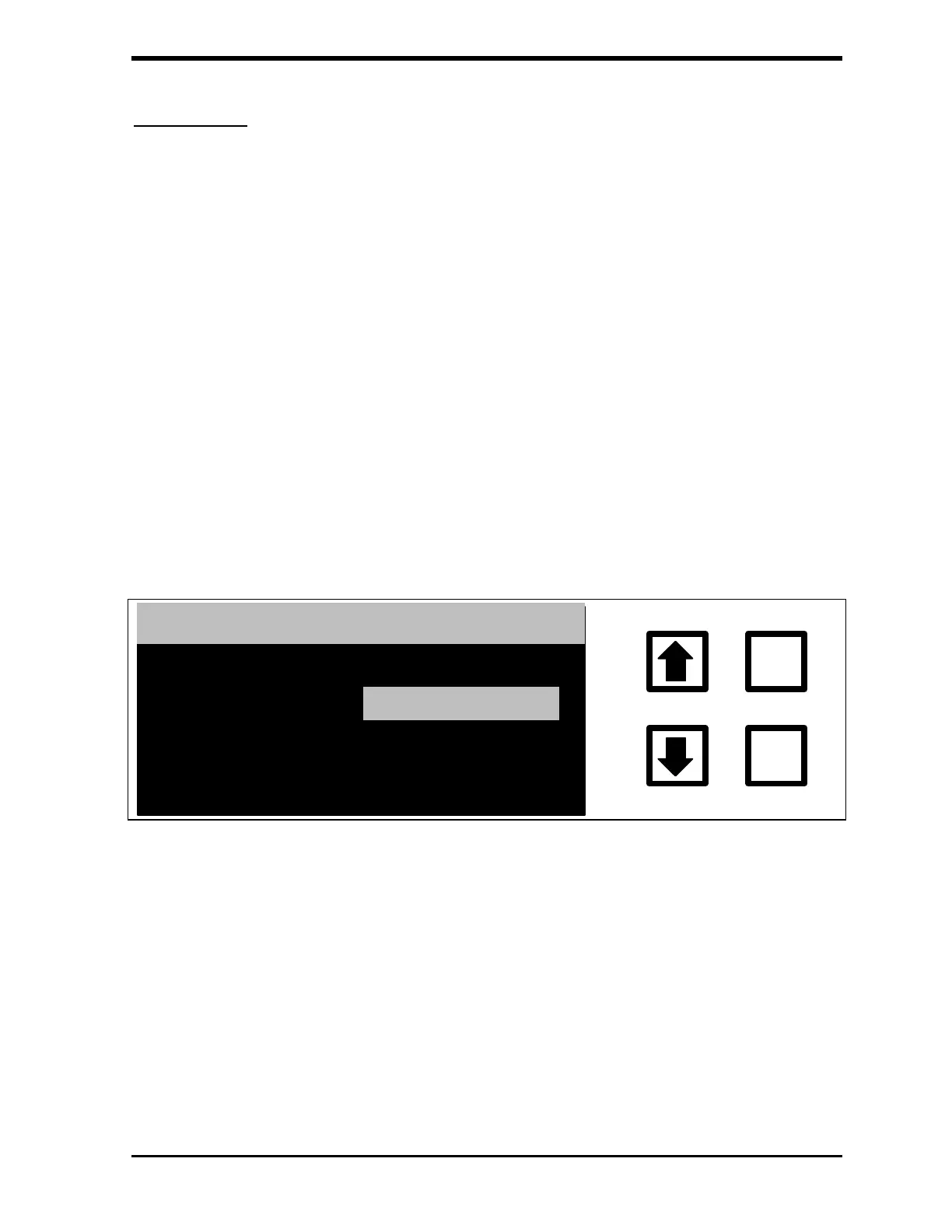
1. Scroll to PRINT INTERVAL and press ENTER. The PRINT
INTERVAL screen is displayed.
ENTER
CLEAR
PRINT INTERVAL
:
INTERVAL: EVERY HOUR
CHANGE TO:
EVERY SAMP
ENT = SET, CLR = EXIT
RROWS TO CHANGE
FIGURE 4-26: PRINT INTERVAL Screen
2. Use the arrows ( or ) to select the desired interval. Press ENTER.
3. Press CLEAR twice to return to the SETUP menu.



 To Next Page