Ionics Instruments 2004 Page 7-13 DLM 30007-08 Rev. A
VIEW AUDIT TRAIL
PRINT AUDIT TRAIL
ENTER
CLEAR
EXPORT AUDIT TRAIL
RESET AUDIT TRAIL
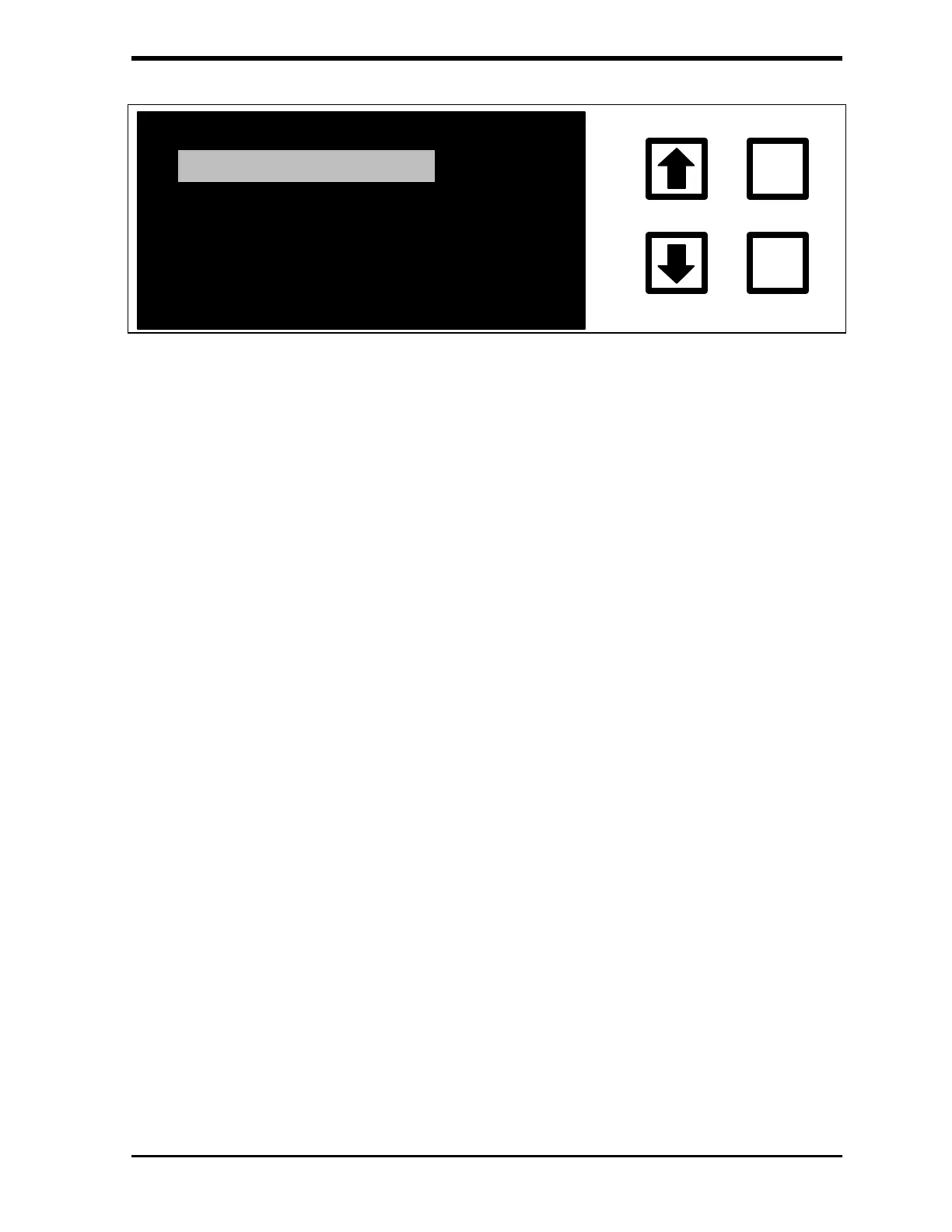
FIGURE 7-15: AUDIT TRAIL Menu
There are four options in the AUDIT TRAIL menu:
• VIEW AUDIT TRAIL shows the audit trail entries on the display.
• PRINT AUDIT TRAIL sends the entire audit trail to the printer, if a
printer is available.
• EXPORT AUDIT TRAIL sends the entire audit trail to the RS-232
port.
• RESET AUDIT TRAIL is used to allow more audit trail entries after
printing or exporting the audit trail.
Select an option by using the arrows ( or ) to highlight the desired option,
then press ENTER.
The instrument can store approximately 200 entries. When the audit trail is
almost full, a message will be displayed requesting that the audit trail be
archived (either by printing or exporting). The audit trail should be reset after it
has been archived; this will allow the instrument to store another 200 or so
entries.



 To Next Page