Ionics Instruments 2004 Page 8-19 DLM 30007-08 Rev. A
3. To change the install date to today's date, press ENTER.
4. If password protection is enabled, the ENTER PASSWORD screen is
displayed; input the password and press ENTER. Otherwise, go to
step 5.
5. The display changes to the ACID Status and INSTALLATION screen
and asks for confirmation of the new installation date. Press ENTER
to store the new installation date and return to the ACID
INSTALLATION menu. Press CLEAR at the ACID Status and
INSTALLATION screen to exit without changing the value.
6. To change the percent left, highlight SET % LEFT and press ENTER.
Follow the on-screen instructions to change the percent left.
7. Press CLEAR to return to the CONSUMABLES menu.
Lamp
The UV Lamp is monitored by a timer that counts down the hours from a
beginning point of 4368 (182 days x 24 hours). The display will calculate the
percentage of hours remaining. To reset the timer for the lamp:
1. With the LAMP option highlighted in the CONSUMABLES menu,
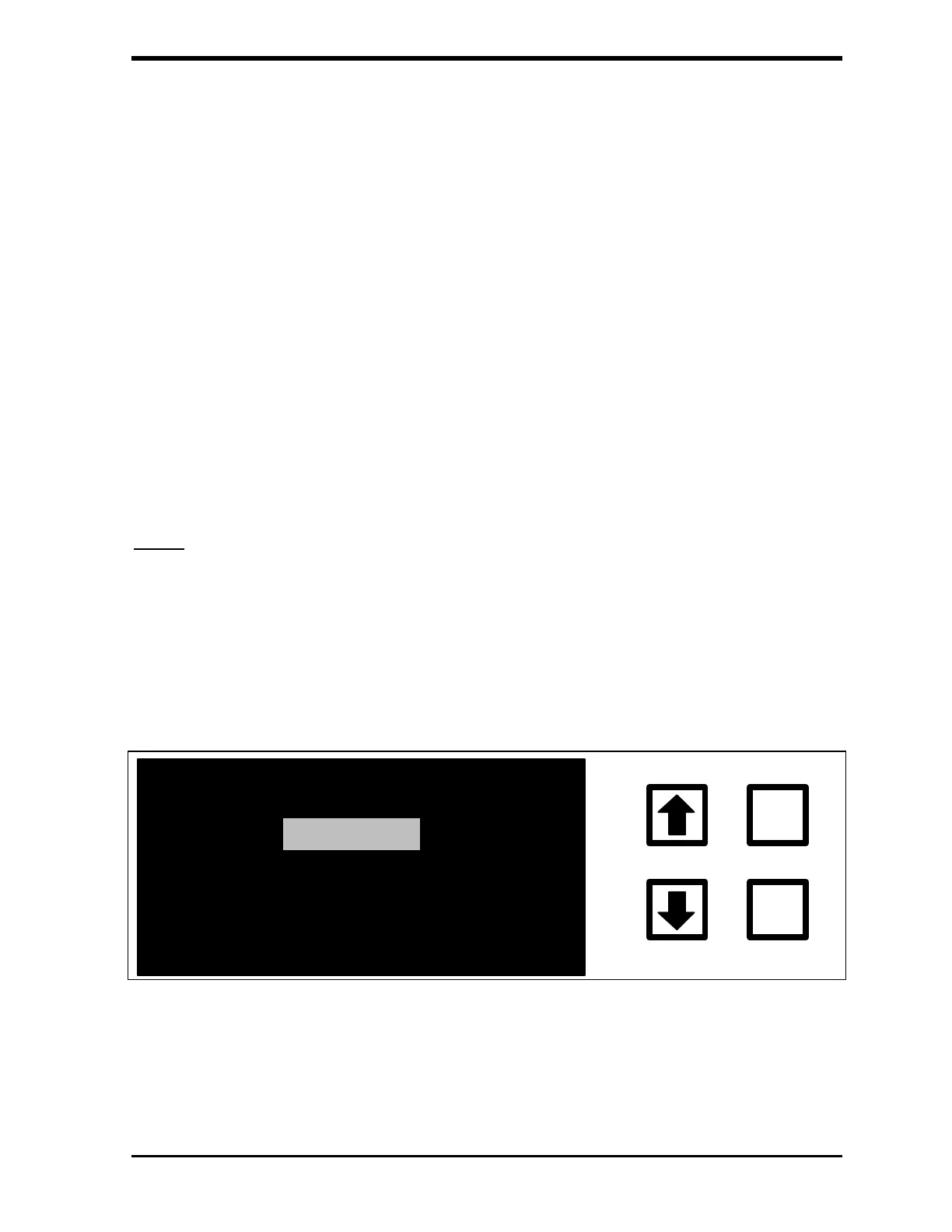
press ENTER to display the LAMP INSTALLATION menu:
INSTALL
ENTER
CLEAR
SET % LEFT
FIGURE 8-11: LAMP INSTALLATION Menu
2. With the INSTALL option highlighted, press ENTER to display the
LAMP Status and INSTALLATION screen:



 To Next Page