Ionics Instruments 2004 Page 11-2 DLM 30007-08 Rev. A
Removing the RAM Card
1. Turn the instrument off and disconnect the power cord. If the
instrument is running, first select STOP TOC (on-line mode) or STOP
(measure sample mode) to stop the instrument.
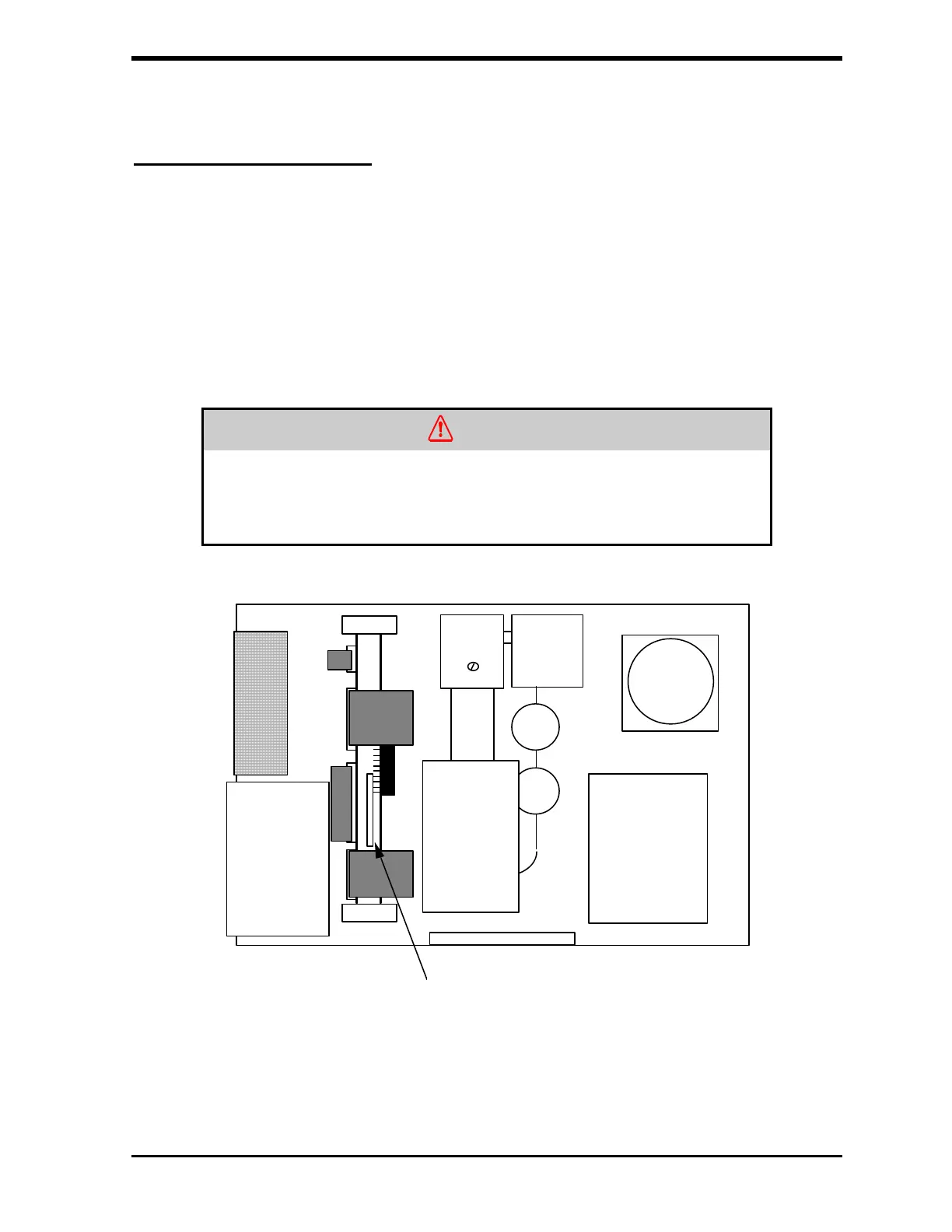
2. Locate the RAM card (white with black trim) that extends out of the
circuit board, to the left of the CO2 sensors (see Figure 11-1).
Remove the RAM card by pulling it straight up out of the socket.
WARNING
Removing the RAM card requires access to the inside of the instrument.
Disconnect the power cord before opening the instrument's top panel and
removing the card. Removing the card with the power on will damage the
instrument and invalidate the warranty.
RAM CARD
FIGURE 11-1: Location of RAM Card



 To Next Page