Ionics Instruments 2004 Page 4-34 DLM 30007-08 Rev. A
1. Turn the power to the analyzer off, open the top cover, and make
sure the Mininert valves on the reagent containers are open (green
button pushed in all the way).
2. Close the top cover, and turn the analyzer on.
3. From the MAIN menu, scroll to SETUP and press ENTER.
4. Scroll to REAGENTS and press ENTER.
5. Use the arrows ( or ) to scroll to REAGENT FLUSH and press
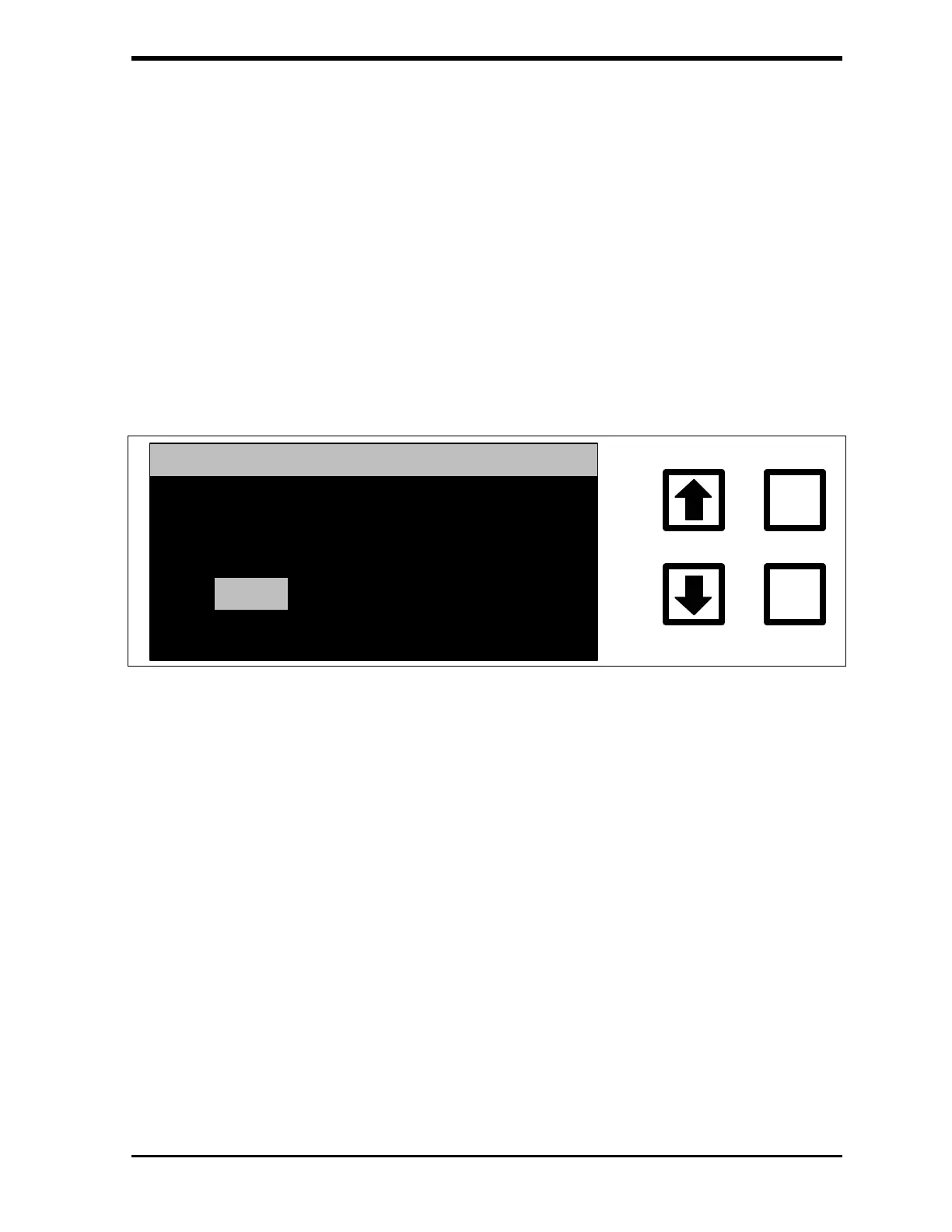
ENTER. The REAGENT FLUSH menu is displayed:
ENTER
CLEAR
REAGENT FLUSH
FLUSH WHICH
OXIDIZER BOTH
ACID
FIGURE 4-27: REAGENT FLUSH Menu
6. For on-line sampling, make sure that the analyzer is connected to a
low TOC, DI water supply. For grab sampling, make sure the 1/16"
Teflon inlet line is placed below the water level in a sample bottle
containing low TOC, DI water.
7. Use the arrows ( or ) to scroll to BOTH and press ENTER. A
warning message is displayed:



 To Next Page