Ionics Instruments 2004 C-2 DLM 30007-08 Rev. A
The working range of the analyzer in Turbo mode is 10 - 2500 ppb TOC. Data
may be recorded from the front panel screen, the analog outputs, or from the
RS-232 interface. When in the Turbo mode, the printer interface is not
functional.
Setting Turbo Sampling Model
The SAMPLE MODE menu for a Sievers 800 Series Turbo analyzer contains
an option to select fast sampling. To set TURBO SAMPLING mode:
1. Select SETUP from the MAIN menu.
2. Use the arrows ( or ) to scroll to SAMPLE MODE and press
ENTER.
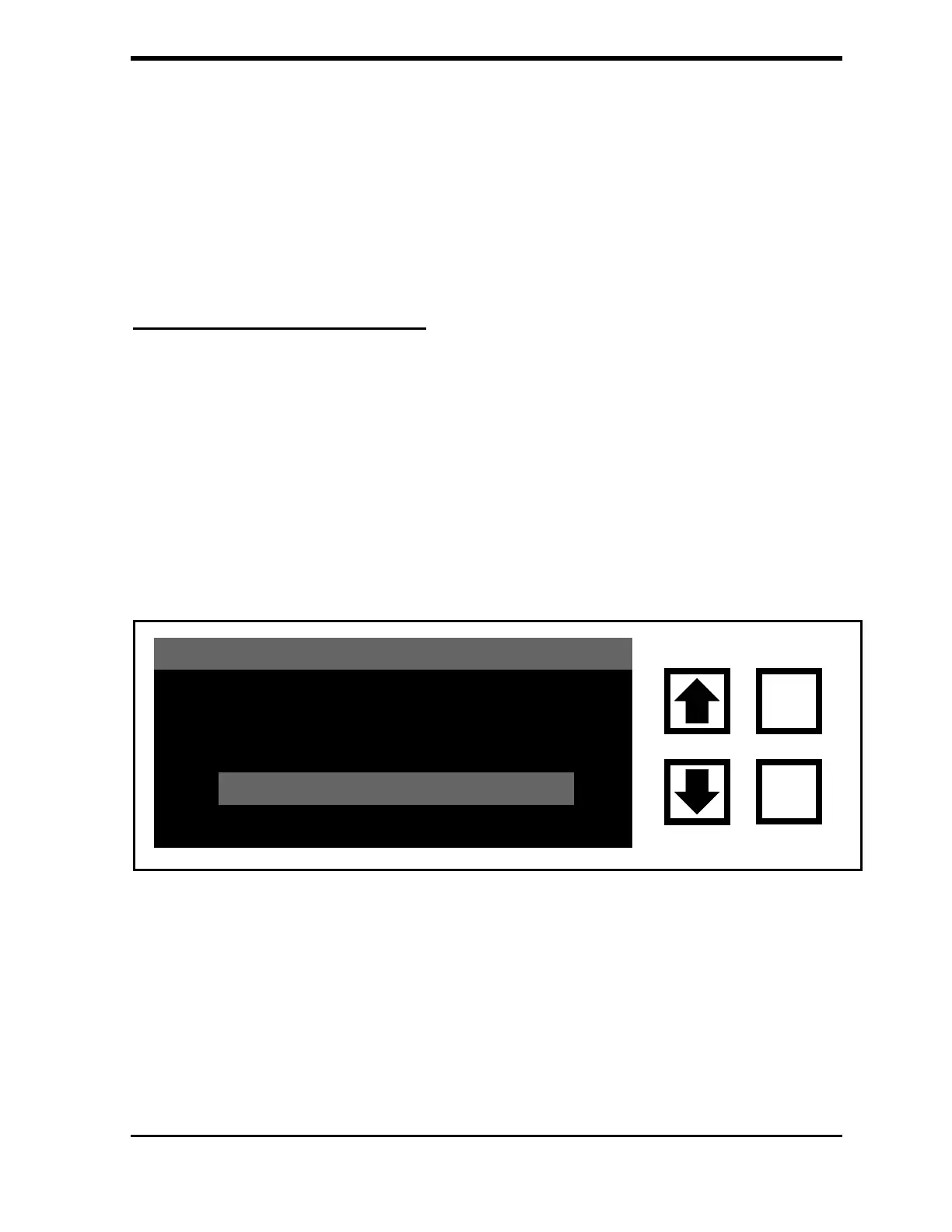
3. Use the arrows ( or ) to scroll to highlight TURBO SAMPLING.
FIGURE C-2: SAMPLE MODE Menu
4. Press ENTER to change the current mode to TURBO.
ONLINE SAMPLING
GRAB SAMPLING
ENT = SELECT, CLR = EXIT
TURBO SAMPLING
CURRENT MODE: ONLINE
CLEAR
ENTER



 To Next Page