Ionics Instruments 2004 Page 3-13 DLM 30007-08 Rev. A
The Protective Enclosure provides protection for the analyzer from
dripping splashing hazards present in industrial process environments.
The cooling fan and filters provide for safe and reliable operation of the
analyzer.
The Environmental Enclosure is used for safe operation of the
analyzer in low or high temperature environments. It is the same
design as the Protective Enclosure with the addition of a
heating/cooling system to maintain the optimal operation temperature
for the analyzer.
Front Panel Displays and Controls
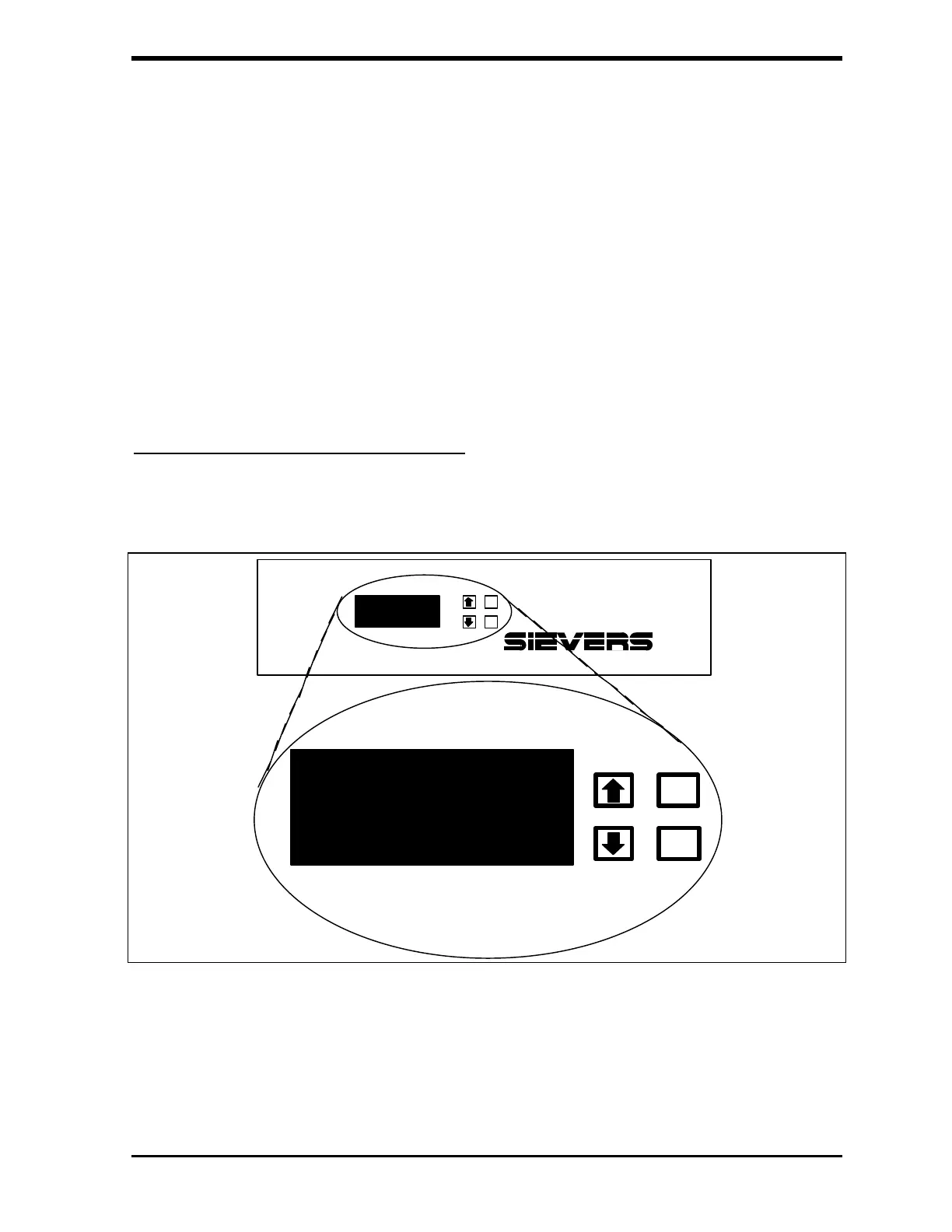
Operate the analyzer using the front panel display and the four buttons, as
shown below:
800
Portable Total Organic Carbon Analyzer
HISTORY
SETUP
ERRORS
MAINTENANCE
CALIBRATE
ENTER
CLEAR
START TOC
FIGURE 3-3: Front Panel
The control buttons are the up and down arrows, ENTER, and CLEAR.



 To Next Page