Ionics Instruments 2004 Page 4-26 DLM 30007-08 Rev. A
If one of the preset flow rate options is selected, the name of the selected
option will be displayed in the lower right-hand side of the TOC Measurement
Display.
Manual/Grab Flow Rates
The preset flow rates are only for the on-line sampling mode. If one of the
preset flow rates for on-line sampling is not selected, or if using the grab
sampling mode, the acid and oxidizer flow rates must be set according to
Table 2 as described below. If the preset flow rates for on-line sampling have
been selected, proceed to the printer setup section.
To change the flow rates for on-line or grab sampling from the SETUP menu:
1. Press the down arrow () to scroll to REAGENTS. Press ENTER.
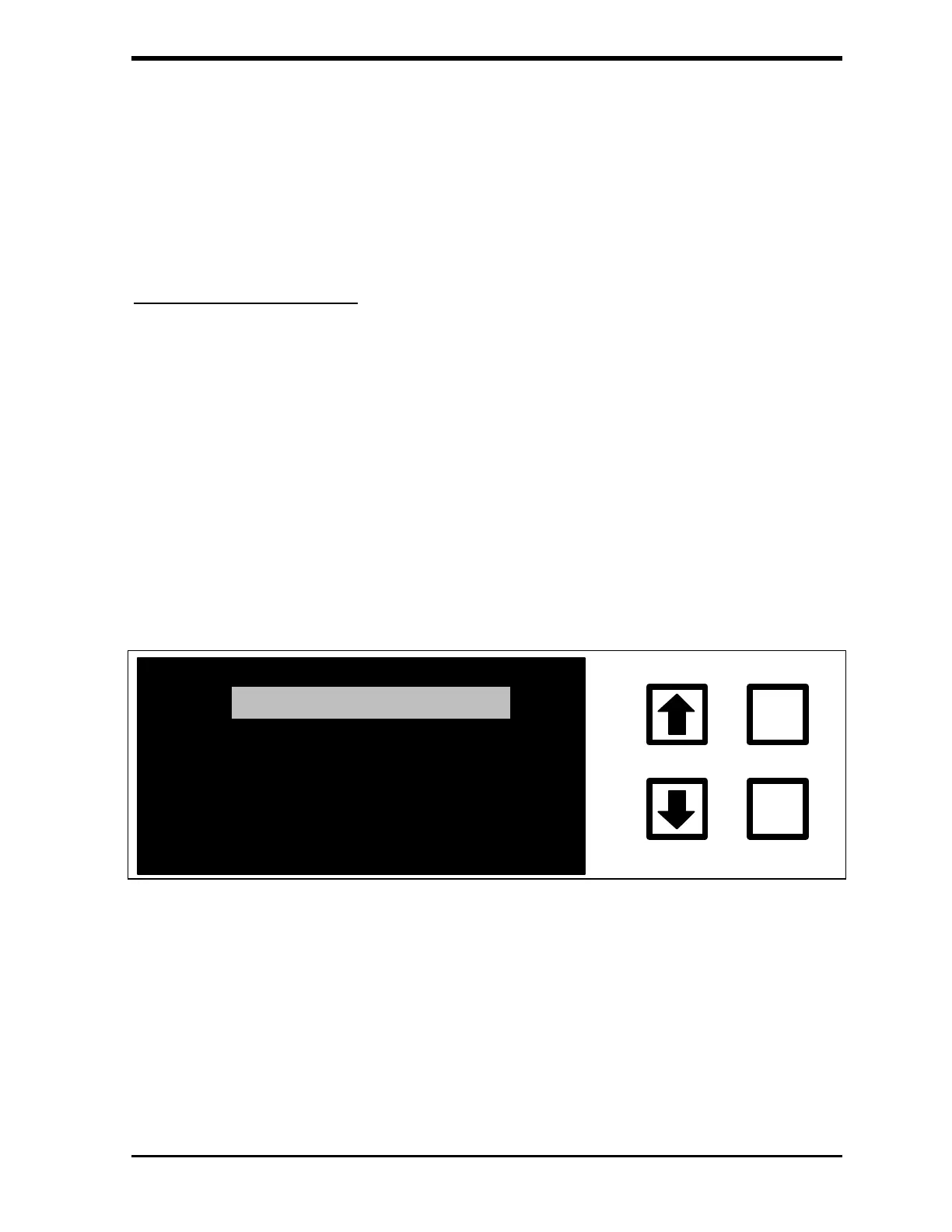
The REAGENTS menu is displayed:
ENTER
CLEAR
ONLINE FLOW RATES
GRAB FLOW RATES
REAGENT FLUSH
FIGURE 4-19: REAGENTS Menu
2. Use the arrows ( or ) to select on-line flow rates or grab flow
rates, as applicable and press ENTER. The flow rates menu for that
sampling mode will be displayed.



 To Next Page