Ionics Instruments 2004 Page 4-27 DLM 30007-08 Rev. A
OXID FLOW RATE
ENTER
CLEAR
ACID FLOW RATE
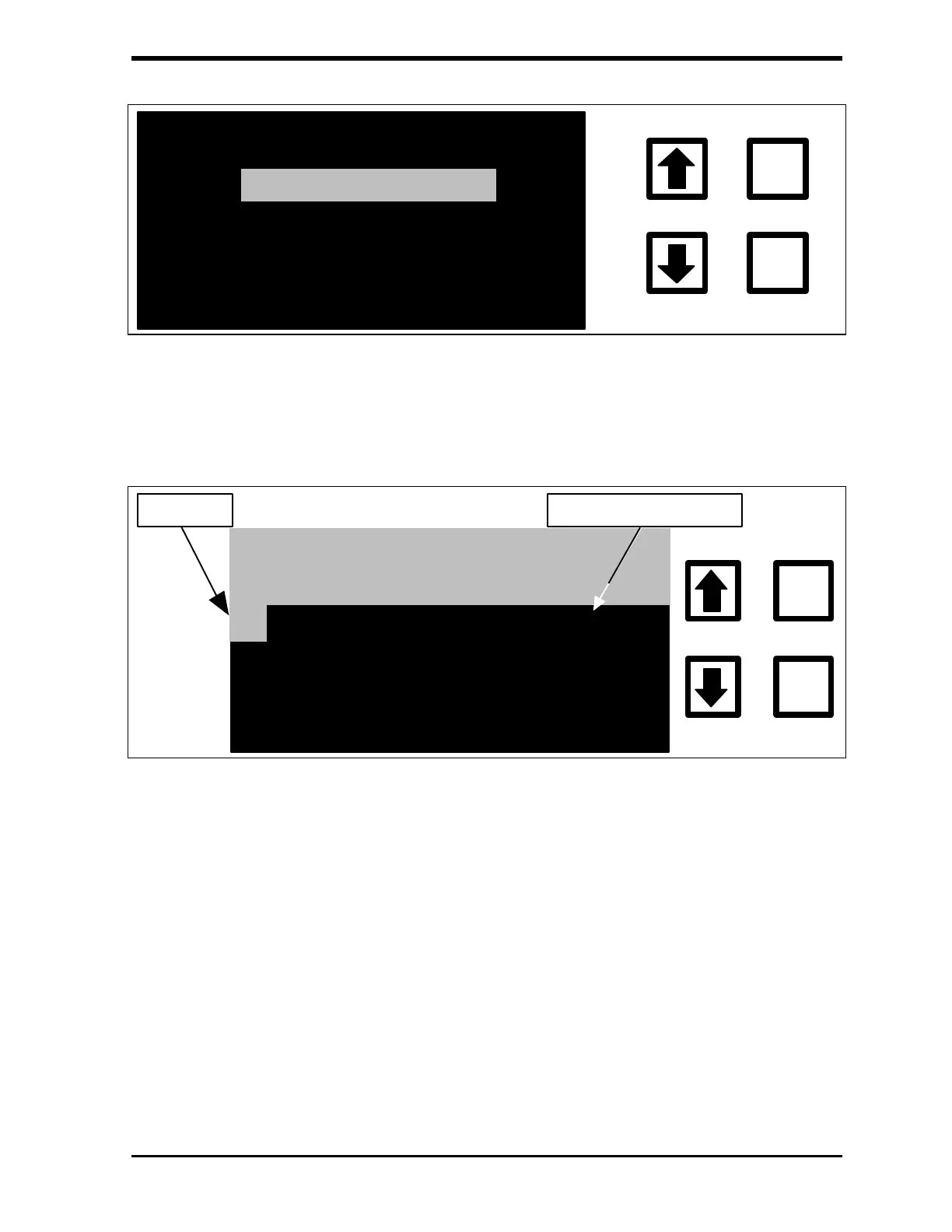
FIGURE 4-20: FLOW RATE Menu
3. Press ENTER to display the ACID FLOW RATE screen.
ACID FLOW RATE IN
MICROLITERS/MINUTE
ENT = SAVE CHAR/NUM
ENTER
CLEAR
0.000000
CLR = RESTART/EXIT
RROWS = CHANGE CHAR
CURSOR
CURRENT VALUE
FIGURE 4-21: ACID FLOW RATE Screen
4. The current flow rate setting is shown toward the upper right-hand
corner and the new flow rate will be entered at the cursor position. If
a mistake has been made when entering the new values, press
CLEAR to delete the entry. To exit the ACID FLOW RATE screen
without changing the setting, press CLEAR twice.
5. Use the arrows ( or ) to scroll to the first digit of the new flow rate
and press ENTER.



 To Next Page