Ionics Instruments 2004 Page 7-11 DLM 30007-08 Rev. A
Disabling a Password –
After a password has been defined, the password can be disabled by setting
the password to be empty. This is accomplished by following the instructions
in Setting a Password; when the ENTER NEW PASSWORD screen is
displayed, press ENTER before selecting any characters. This sets the
password to empty, disabling the password for the selected user ID.
Login Timeout
DataGuard minimizes the risk of unauthorized access by providing a logout
mechanism. When a user has finished their activities on the analyzer, logging
out prevents a second user from accessing the system under the first user’s
account. This feature is described in the Logout section of this chapter.
DataGuard also provides a timeout feature that automatically logs the user out
after a period of inactivity with the keypad. If a user does not log out and
leaves the system, the automatic logout feature will log the user out if the
keypad is not used within a defined period of time. The LOGIN TIMEOUT
menu allows the duration of this time period to be defined.
Setting the login timeout:
1. Select LOGIN TIMEOUT from the ADMIN menu and press ENTER.
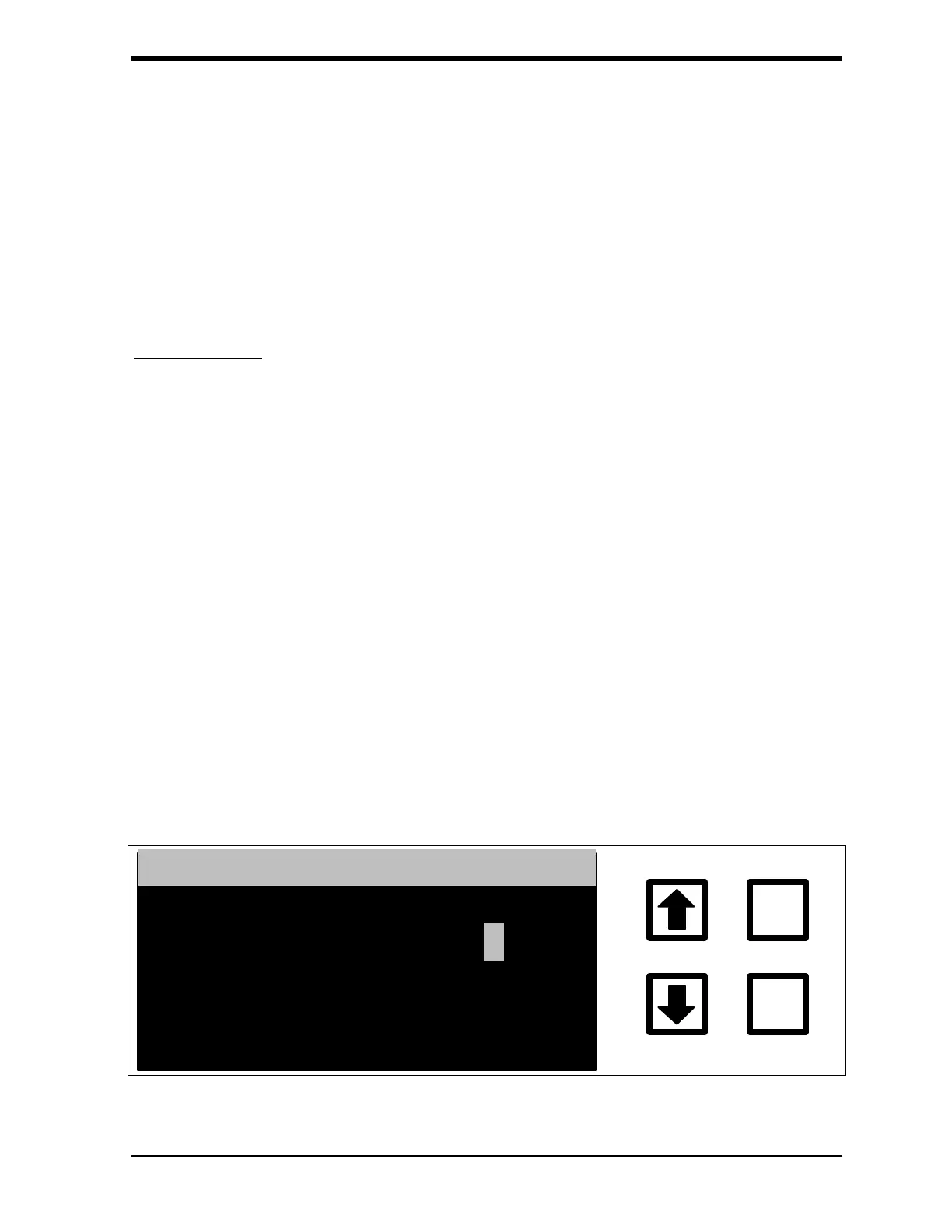
The LOGIN TIMEOUT screen displays:
LOGIN TIMEOUT
ENTER
CLEAR
ENTER 1-99 MINUTES
ENT = SAVE CHAR/NUM
CUR: 5 NEW:
CLR = RESTART/EXIT
RROWS = CHANGE CHAR
FIGURE 7-13: LOGIN TIMEOUT Screen



 To Next Page