Ionics Instruments 2004 A-2 DLM 30007-08 Rev. A
FIGURE A-1: Set-Up Menu for Sievers 810 TOC Analyzer
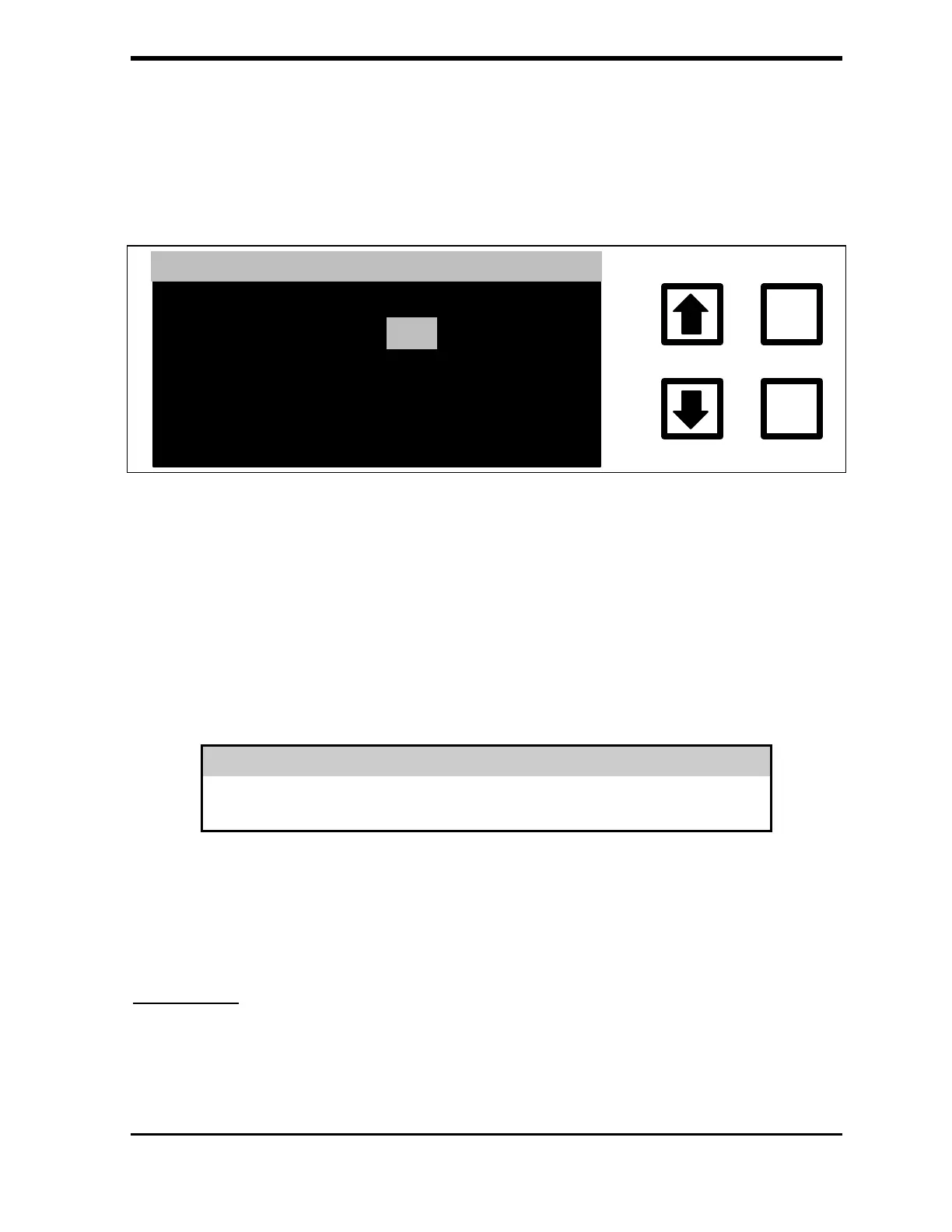
The OPERATING FREQUENCY menu is displayed showing the current
set point.
ENTER
CLEAR
OPERATING IN 50/60 HZ
CURRENT: 60
CHANGE TO:
50
ENT = SET, CLR = EXIT
RROWS TO CHANGE
FIGURE A-2: Operating Frequency Menu for Model 810 TOC Analyzer
3. Use the arrows ( or ) to select the AC power supply frequency at
the location.
4. Press ENTER to set the frequency, and then press CLEAR to return
to the SETUP menu.
WARNING
The correct frequency must be selected for the AC power supply or the TOC
measurements will be in error.
Selecting the frequency determines which set of calibration constants will be
used for calculating TOC, TC, and IC.
Calibration
When the analyzer is being recalibrated, the calibration constants must be
changed for the operating frequency. When CALIBRATE is selected from the



 To Next Page