Ionics Instruments 2004 Page 6-26 DLM 30007-08 Rev. A
12. If necessary, connect the 3/8" OD waste line tubing to the sampler by
sliding the tubing over the barb fitting on the sampler outlet.
13. Turn the main power switch on.
14. From the MAIN menu, select START TOC. Press ENTER.
The first two TOC measurements are performed on the water contained in the
analyzer from the last measurement. The third measurement will be
representative of the water from the system.
Changing the Password
After password protection has been enabled (as described in the Installation
chapter), the password may be changed at any time. The password protection
discussed here is independent of the password protection established via
DataGuard; for further information regarding DataGuard passwords, please
refer to the DataGuard Operation chapter.
To change the password:
1. Select SETUP from the MAIN menu and press ENTER.
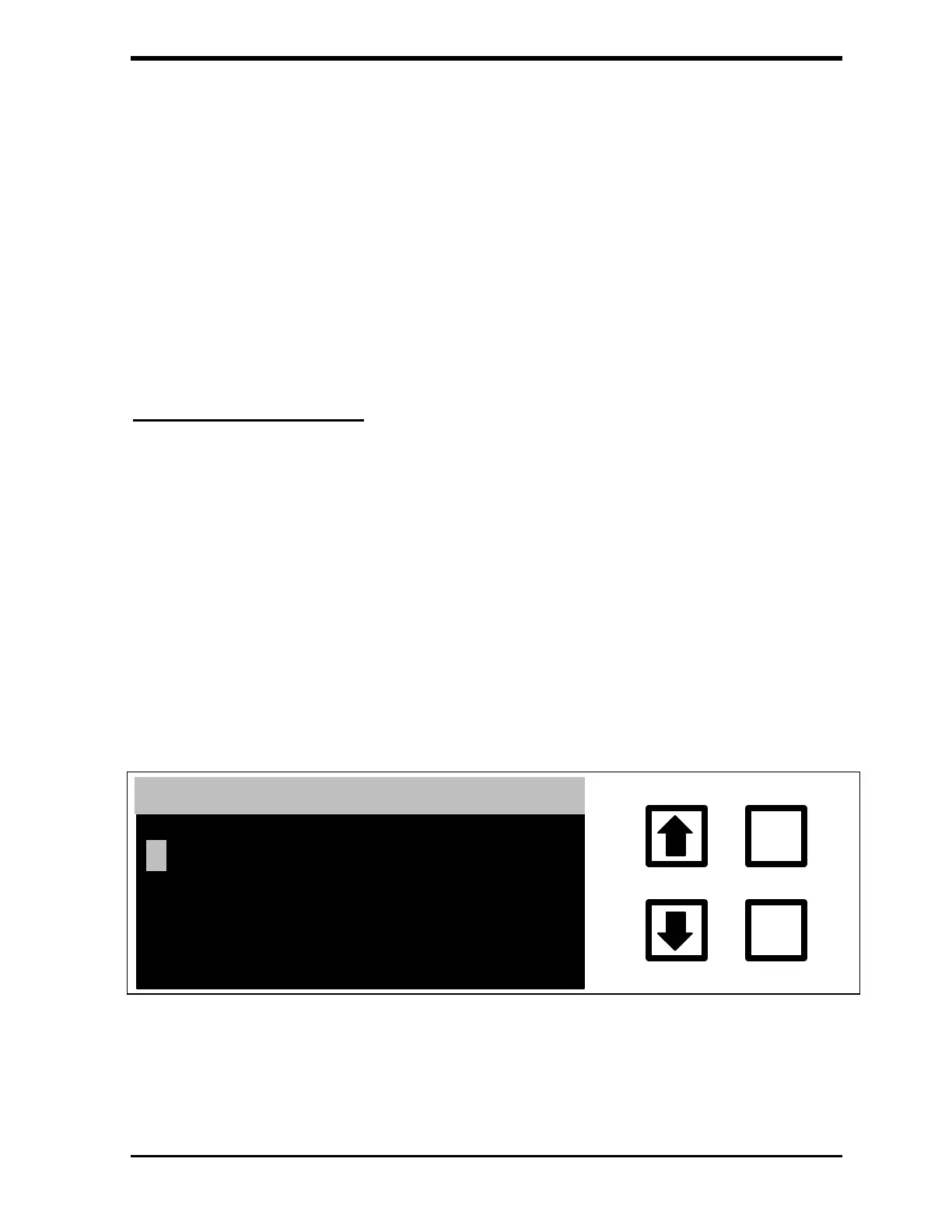
2. Scroll to PASSWORD and press ENTER. The ENTER NEW
PASSWORD screen is displayed:
ENTER
CLEAR
ENTER NEW PASSWORD
ENT= SAVE CHAR/PSWD
CLR= RESTART/EXIT
RROWS = CHANGE CHAR
FIGURE 6-30: ENTER NEW PASSWORD Screen
3. Enter the first letter of the current password by using the arrows (
or ) to scroll to the desired letter.



 To Next Page