Ionics Instruments 2004 Page 6-22 DLM 30007-08 Rev. A
ENTER
CLEAR
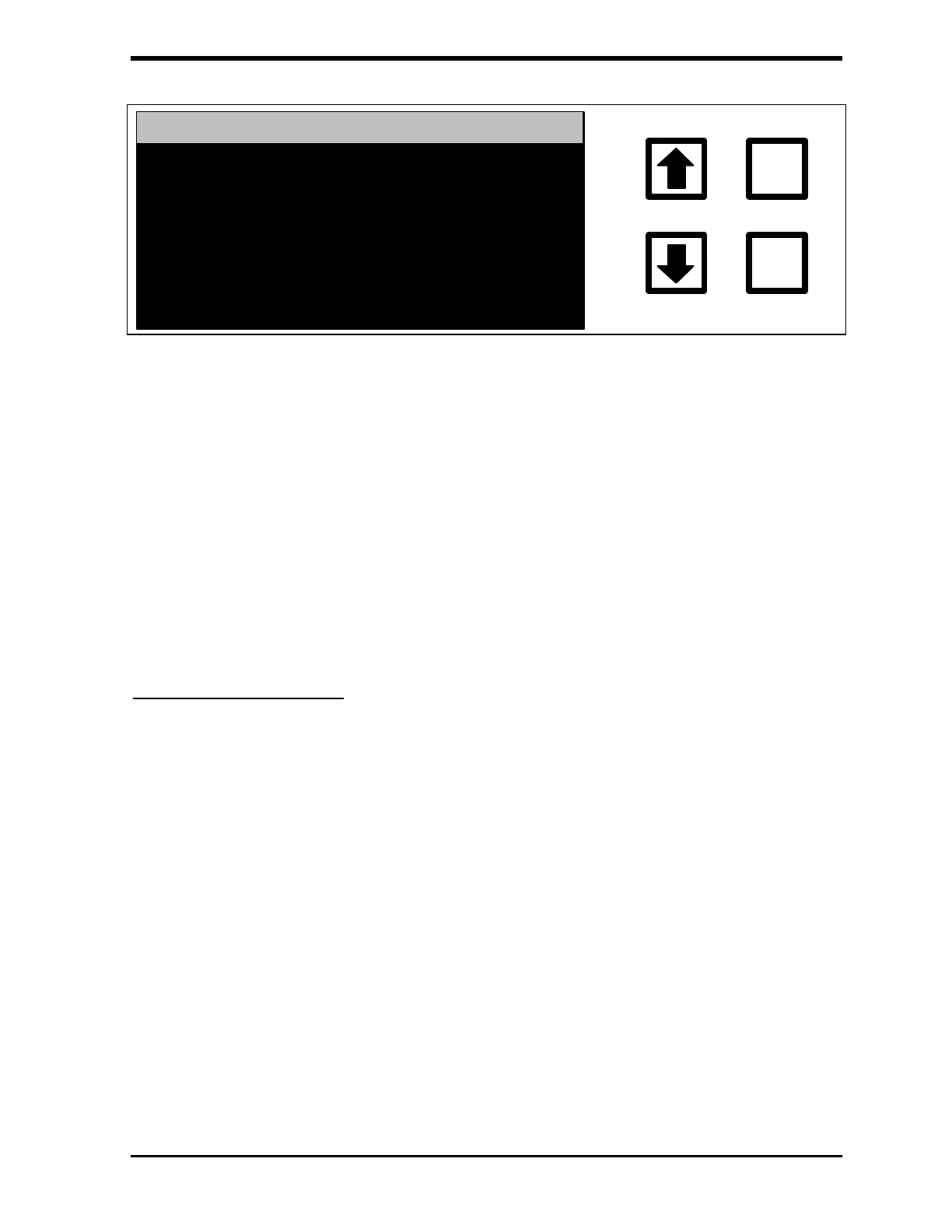
GRAB HEADER SETTING
CURRENTLY: 1ST TIME
CHANGE TO: ALWAYS
RROWS TO CHANGE
ENT = SET, CLR = EXIT
FIGURE 6-28: GRAB HEADER SETTING Screen
Options include 1ST TIME (prints the first grab sample of the day) or
ALWAYS (prints for each grab sample).
17. Use the arrows ( or ) to select the desired option and press
ENTER to save the setting.
18. Press CLEAR twice to return to the GRAB SAMPLE SETUP menu.
Running Grab Samples
1. Make sure the open end of the 1/16” sample line is below the liquid
level in the sample bottle.
2. From the GRAB SAMPLING screen, use the arrows ( or ) to
scroll to START and press ENTER. The display will change and the
analyzer will start the “fast flush” of the sample.



 To Next Page