Ionics Instruments 2004 Page 6-23 DLM 30007-08 Rev. A
TOC = FLUSHING
ENTER
CLEAR
MENU STOP
S=01 R=01 06:00
RunTime O
tions
Time Remainin
Sam
le
Numbe
Re
etition
Numbe
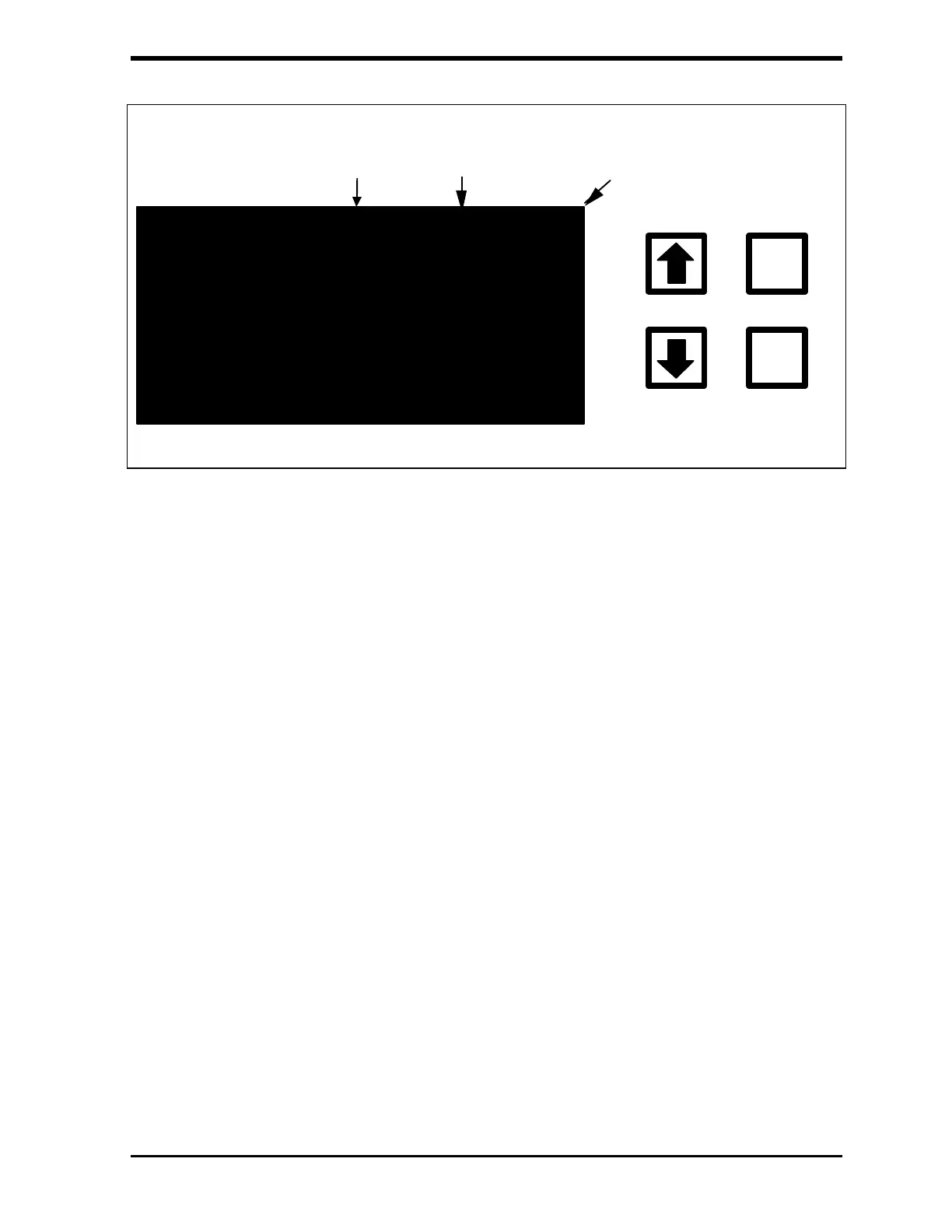
FIGURE 6-29: Grab Sampling Measurement Screen (example)
3. While the analyzer is running in the Grab Sample mode, use the
arrows ( or ) to select from two menu options, MENU and STOP
(the SETUP menu cannot be accessed while you are running). The
MENU option allows viewing of the data stored on the RAM card from
HISTORY and viewing of any warnings or error messages from
ERRORS. Press CLEAR to return to the Grab Measurement screen.
4. Stop the Grab Sample measurements in one of two ways – select
STOP TOC from the menu options or select STOP from the Grab
Sample RunTime menu. Both options will return to the Grab Sample
screen.
As the measurements are completed, the last value is displayed and
printed (if applicable), and the repetition number is increased. After
all of the replicate measurements have been made, the display will
change to indicate that it is done.
To ensure that the nuts have not been overtightened and collapsed the tubing,
briefly remove the inlet Teflon tubing from the sample container. The sample
pump should draw a small amount of air into the tubing. Replace the tubing in
the sample container making sure that the end of the tubing is below the liquid



 To Next Page