Ionics Instruments 2004 Page 5-11 DLM 30007-08 Rev. A
5. Use the arrows ( or ) to select the minimum value (in ppb) for the
recorder or device. Press ENTER to save each digit.
6. Press ENTER to store the minimum value. The display changes
to allow selection of the maximum range; or press CLEAR twice to
return to the ANALOG OUTPUT menu without saving.
NALOG OUTPUT RANGE
IN PPB
ENTER
CLEAR
CURSOR
ENT = SAVE CHAR/NUM
CLR = RESTART/EXIT
RROW = CHANGE CHAR
MAX = 10
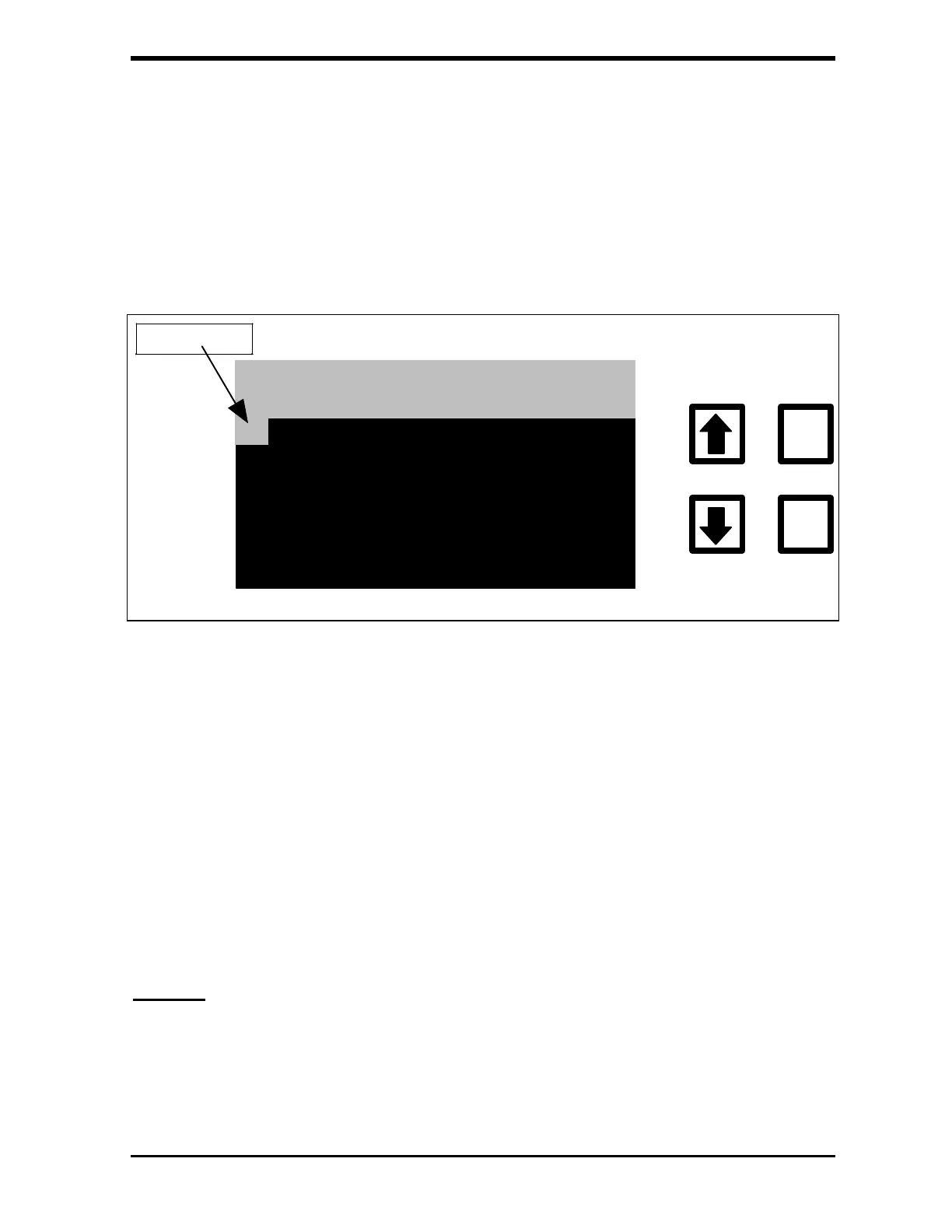
FIGURE 5-11: ANALOG OUTPUT RANGE Display (Maximum Value)
7. Use the arrows ( or ) to scroll to the maximum value (in ppb) for
the recorder or device. Press ENTER to save each digit.
8. Press ENTER to store the maximum value and return to the
ANALOG OUTPUT menu; or
9. Press CLEAR twice to return to the OUTPUTS menu without saving
the new value.
Display
After each measurement, the analyzer will display a result in the
Measurement screen. Using the DISPLAY option from the OUTPUT menu,



 To Next Page