Ionics Instruments 2004 Page 7-5 DLM 30007-08 Rev. A
For more information about passwords with the DataGuard feature, refer to the
password section in this chapter. After a valid password is entered, the MAIN
menu displays:
HISTORY
SETUP
ERRORS
MAINTENANCE
CALIBRATE
ENTER
CLEAR
START TOC
LOGOUT
DMIN
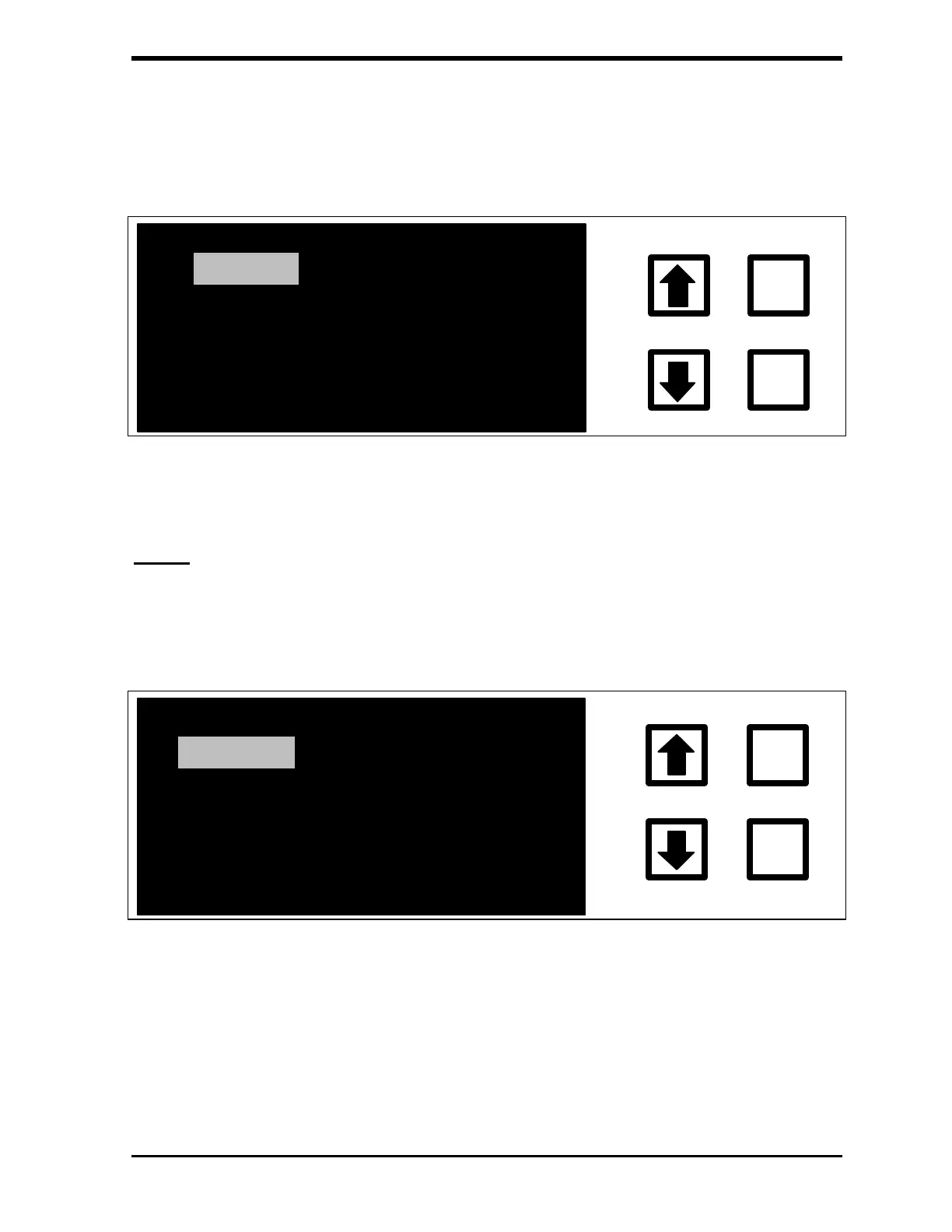
FIGURE 7-4: MAIN Menu
Setup
All of the run parameters are accessed through the SETUP menu. To access
the SETUP menu from the MAIN menu, use the arrows ( or ) to scroll to
SETUP and press ENTER. The SETUP menu displays:
CLOCK
REAGENTS
PRINTER
OUTPUTS
ENTER
CLEAR
UV LAMP
PRESETS
SAMPLE MODE
UDIT TRAIL
FIGURE 7-5: SETUP Menu
Refer to the Operations chapter for information about CLOCK, REAGENTS,
SAMPLE MODE, PRINTER, OUTPUTS, UV LAMP, and PRESETS.



 To Next Page