Ionics Instruments 2004 Page 6-10 DLM 30007-08 Rev. A
Return to the Error List by pressing any key and return to the RUNTIME menu
by pressing CLEAR.
Stop TOC
NOTE
Always stop TOC measurements before turning off or unplugging the analyzer.
Turning off the analyzer while data is being written to the RAM card may
damage the RAM card.
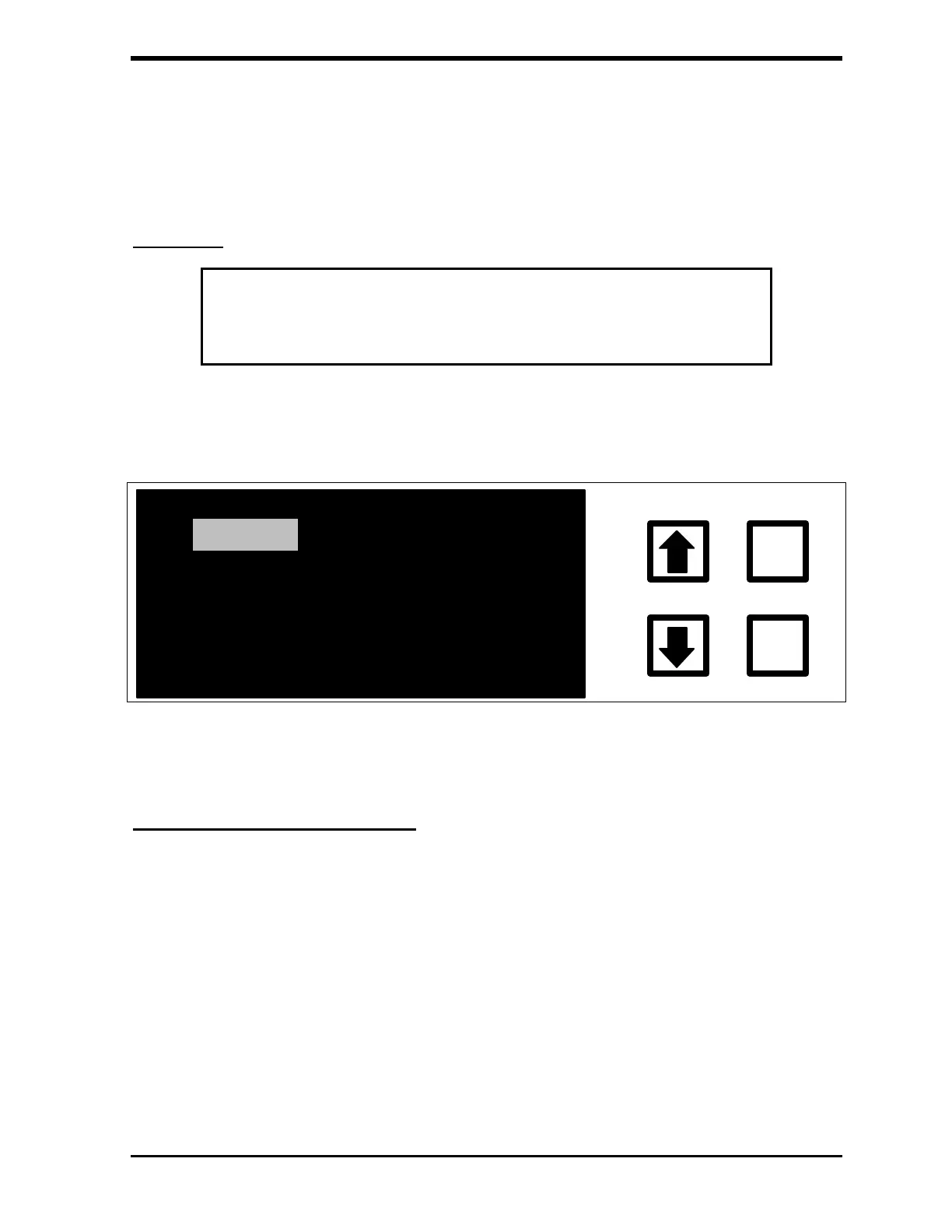
With the STOP TOC option highlighted, press ENTER. Stopping the analyzer
when in on-line mode will cause the MAIN menu to be displayed.
HISTORY
SETUP
ERRORS
MAINTENANCE
CALIBRATE
ENTER
CLEAR
START TOC
FIGURE 6-11: MAIN Menu
Viewing Consumables Status
From the MAIN menu, scroll to MAINTENANCE, press ENTER and then select
CONSUMABLES and press ENTER.



 To Next Page