Ionics Instruments 2004 Page 6-9 DLM 30007-08 Rev. A
Errors
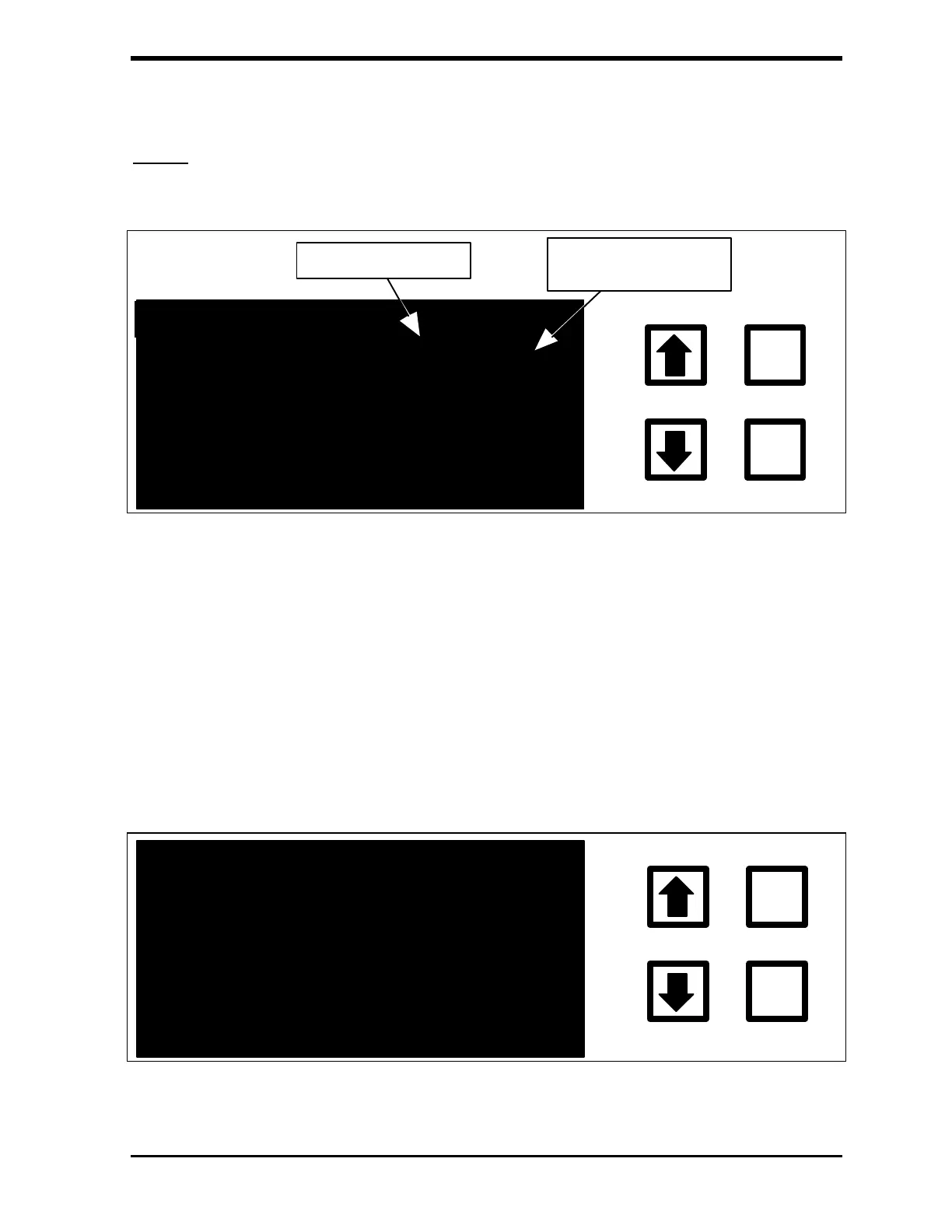
With the ERRORS option highlighted, press ENTER to display the error list.
ENTER
CLEAR
ERROR LIST # 04:30
07/04/92 17:56 27
07/04/92 12:33 01
07/04/92 12:33 02
ERROR NUMBER
TIMES ERROR
HAS OCCURRED
FIGURE 6-9: Error List
The date, time, error number, and number of times this error or warning has
occurred is displayed. The time remaining until the next TOC measurement is
also displayed in the upper right-hand corner of the screen. A complete
discussion of warnings and errors along with remedies is found in the
Troubleshooting chapter along with a list of warnings and error numbers
(Table 10). The type of error can be displayed and, in some cases, actions to
be taken from the Error List. To see what error has occurred, scroll to the
desired error in the list and press ENTER.
ERROR # 27 INFO
ENTER
CLEAR
RAMCARD HAS BEEN
FILLED WITH DAT
OLD DATA WILL NOW
BE OVERWRITTEN
NY KEY TO EXIT
03:20
FIGURE 6-10: Error Information Display



 To Next Page