Ionics Instruments 2004 Page 7-12 DLM 30007-08 Rev. A
2. Use the arrows ( or ) to scroll through the numbers for each digit
to be entered and press ENTER after each one to select. Pressing
CLEAR returns to the previous digit.
3. When all of the digits have been entered, press ENTER again to set
the login timeout.
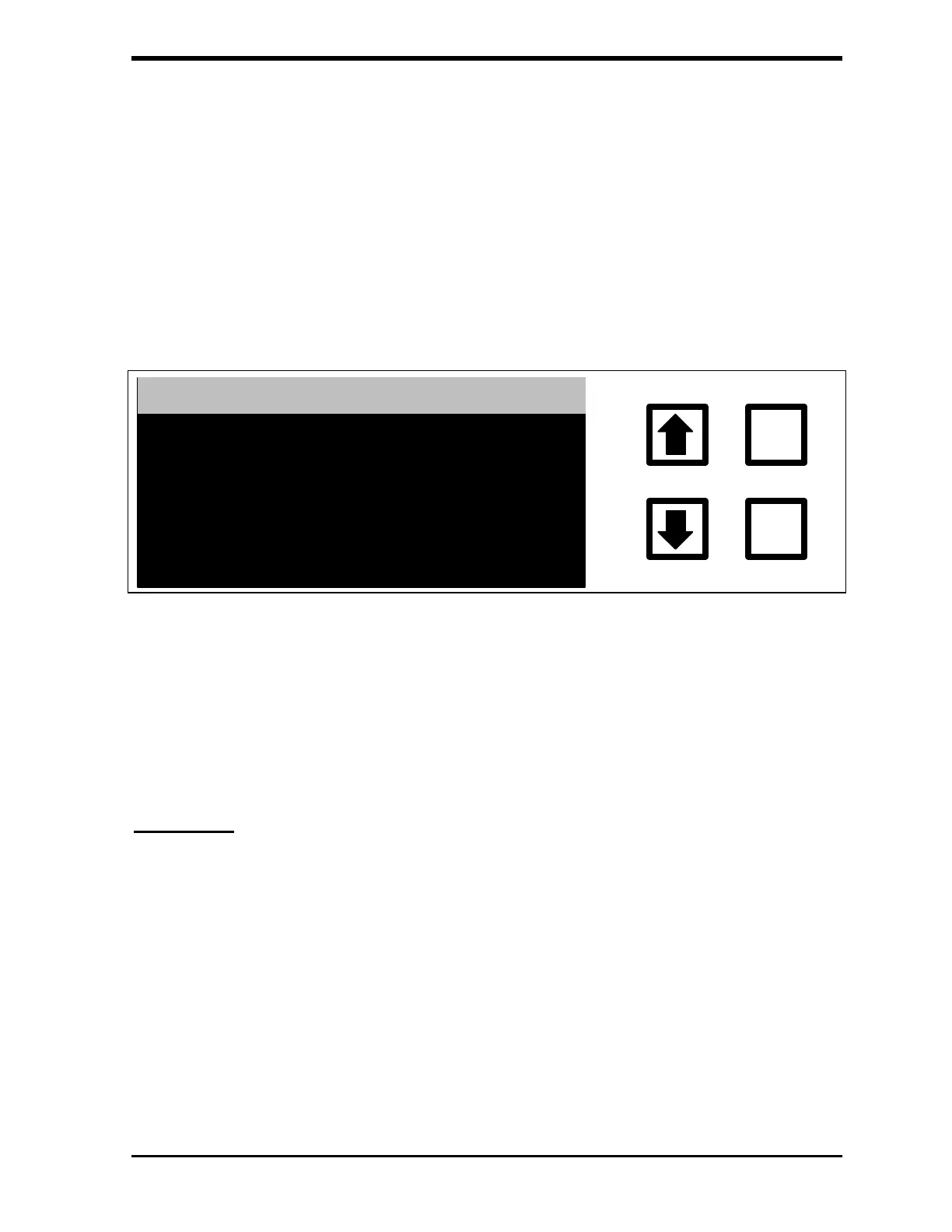
When an automatic timeout occurs, the LOGIN HAS TIMED OUT screen
displays when a user pushes any key:
ENTER
CLEAR
LOGIN HAS TIMED OUT
FIGURE 7-14: LOGIN HAS TIMED OUT Screen
After a few seconds, the ENTER PASSWORD screen displays. The user
must re-enter a valid password in order to access the menu system.
Audit Trail
The DataGuard feature maintains an audit trail showing the history of activities
performed on the instrument. Each audit trail entry contains an identification
number, what operation was performed, when the operation was performed,
and the ID of the user that performed the operation. Some entries also have
the new value of a setting, if appropriate.
To manage the audit trail, scroll with the arrows ( or ) to highlight AUDIT
TRAIL and press ENTER. The AUDIT TRAIL menu is displayed:



 To Next Page