Ionics Instruments 2004 Page 6-5 DLM 30007-08 Rev. A
ENTER
CLEAR
RAW WATER
08:24
TOC =
ANALYZING
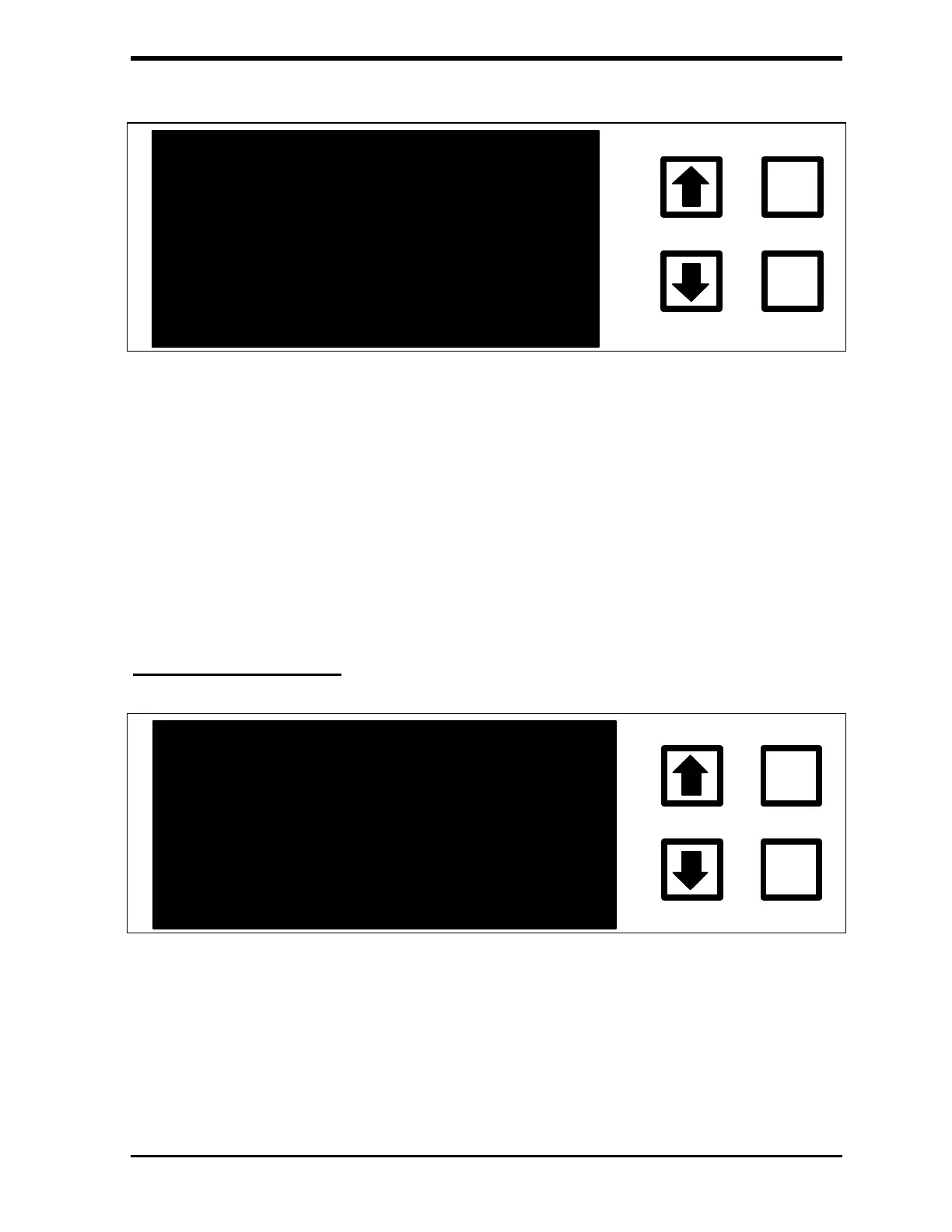
FIGURE 6-3: Startup Display - ANALYZING
When the TOC analysis begins, the first TOC measurement is performed on
the water contained in the analyzer. The second measurement will be
representative of the water from the sampling port. It may take six or more
measurements to obtain an accurate reading when the analyzer is first
installed. If the previous sample(s) were less than clean, the analyzer will
need more measurements.
Measurement Display
TOC =
3.67 PPB
06:00
ENTER
CLEAR
DEIONIZED WATER
FIGURE 6-4: Measurement Display
The principal display when the analyzer is operating is the Measurement
Display. It shows the last value of TOC, TC or IC (selected in the
SETUP/DISPLAY option) either in parts per billion (PPB), or parts per million
(PPM). The time remaining until the next value is shown in the upper right



 To Next Page