Ionics Instruments 2004 Page 4-29 DLM 30007-08 Rev. A
6. Press CLEAR three times to return to the SETUP menu.
The optimum oxidizer flow rate will depend on the TOC levels of the water
samples and the types of organic compounds that are present. A more
detailed discussion of setting oxidizer flow rates is in the Operations Chapter.
To set the flow rates for the other sampling mode (Grab or On-line), use the
arrows ( or ) to select the appropriate option from the REAGENTS menu
and press ENTER to display the FLOW RATES menu. Follow the procedures
described above to set the acid and oxidizer flow rates for this sampling mode.
Setting Up a Password
The PASSWORD option in the SETUP menu allows password protection for
the analyzer. Once a password is selected, it will need to be entered to
recalibrate the analyzer, install consumables, or change the password. This
password is independent of any passwords established via DataGuard. The
analyzer is shipped with the password protection disabled. To select a
password from the SETUP menu:
1. Use the arrows ( or ) to scroll to PASSWORD and press ENTER.
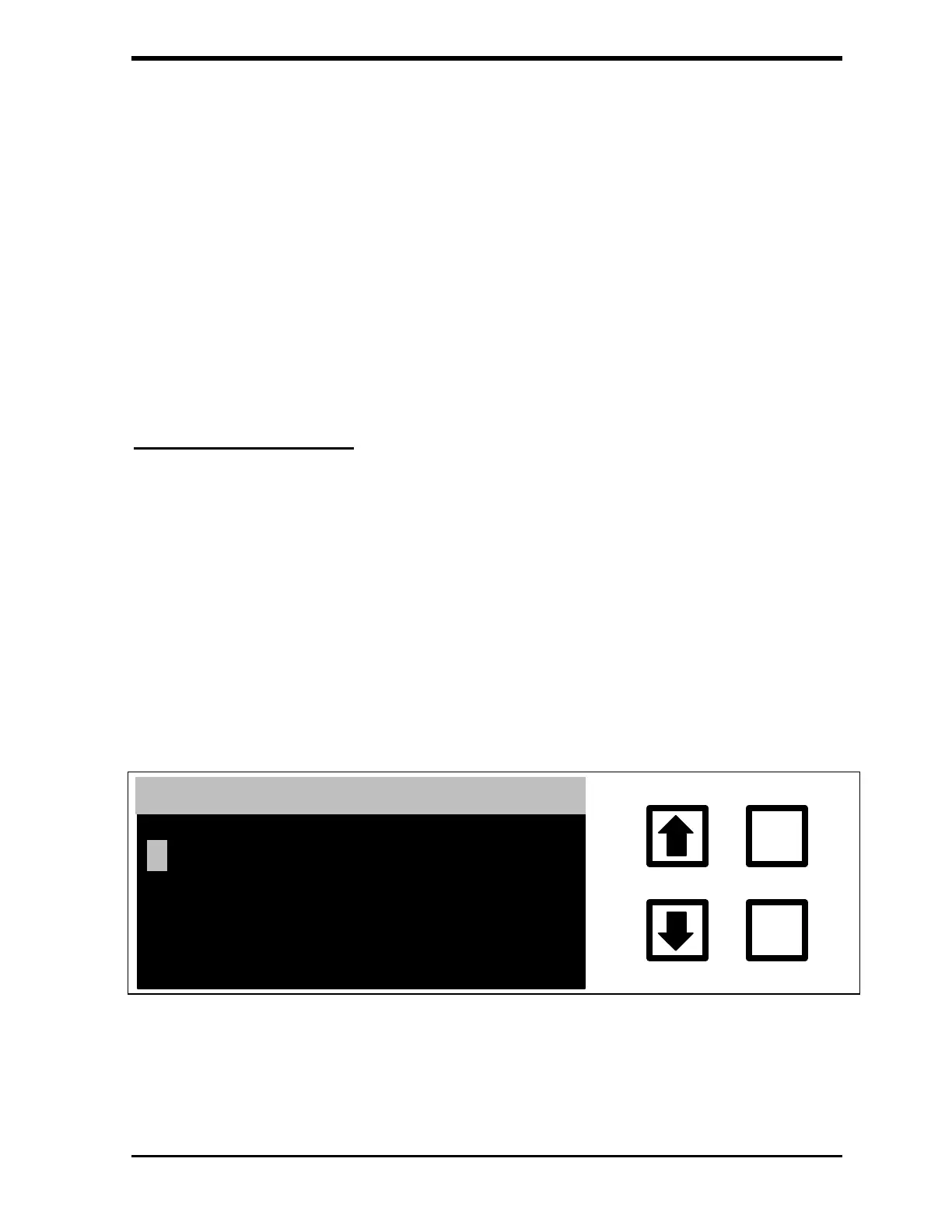
The ENTER NEW password screen is displayed:
ENTER
CLEAR
ENTER NEW PASSWORD
ENT= SAVE CHAR/PSWD
CLR= RESTART/EXIT
RROWS = CHANGE CHAR
FIGURE 4-23: ENTER NEW PASSWORD Screen



 To Next Page