Ionics Instruments 2004 Page 4-28 DLM 30007-08 Rev. A
6. Use the arrows ( or ) to select the next digit and press ENTER.
7. Input the remaining digits.
8. To save the new acid flow rate, press ENTER.
9. The menu changes and the program prompts for confirmation. Press
ENTER to save the new value. The new flow rate is then displayed.
Confirm that the value is correct.
ENTER
CLEAR
RE YOU SURE ?
ENT = YES, CLR = ABORT
ACID FLOW RATE IN
MICROLITERS/MINUTE
0.000000
0.75
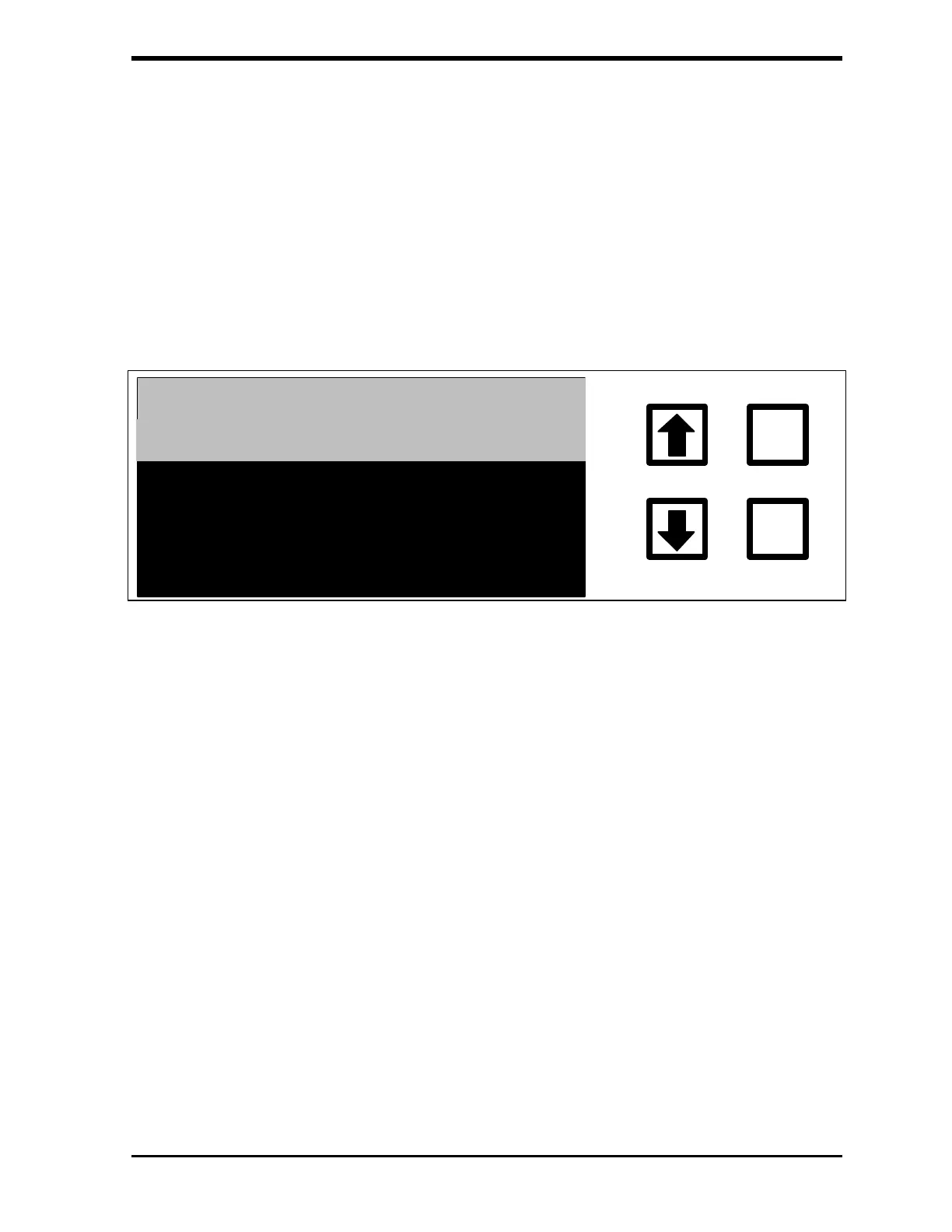
FIGURE 4-22: ACID FLOW RATE Confirmation Screen
10. Press CLEAR to return to the Flow Rate menu.
To change the oxidizer flow rate from the FLOW RATE menu:
1. Scroll to OXID FLOW RATE and press ENTER to display the
OXIDIZER FLOW RATE menu.
2. Use the arrows ( or ) to scroll to the first digit of the new flow rate
and press ENTER.
3. Enter the remaining digits.
4. To save the new oxidizer flow rate, press ENTER.
5. When the menu changes, press ENTER to save the new value. The
new flow rate is then displayed. Confirm that the value is correct.



 To Next Page