Ionics Instruments 2004 Page 9-19 DLM 30007-08 Rev. A
7. Scroll to the decimal point and press ENTER.
8. Repeat this process to set and save the remaining values for the IC
CALIBRATION CONST., pressing ENTER each time to store the value.
Five significant figures (e.g., 1.2416) are used for the calibration constants.
9. Press ENTER to indicate that inputting the number has been finished for
the new IC CALIBRATION CONST.
10. If the password protection has been enabled, the ENTER PASSWORD
screen is displayed. Enter the password. Once the password is entered or
if the password protection is disabled, the IC Calibration screen is
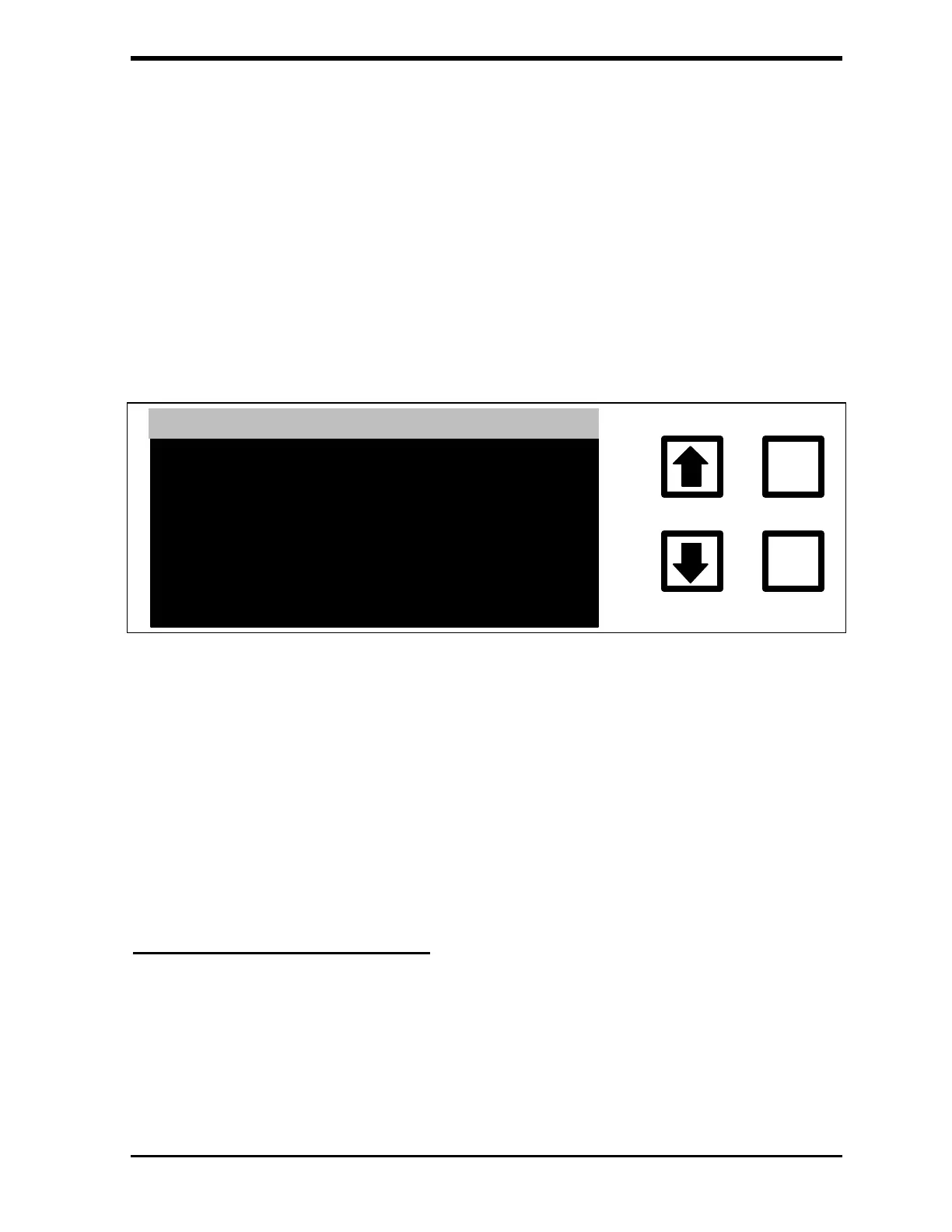
displayed. The program prompts for confirmation.
ENTER
CLEAR
RE YOU SURE ?
ENT = YES, CLR = ABORT
IC CALIBRATION CONST
1.19810000
1.2416
FIGURE 9-10: IC CALIBRATION CONSTANT Verification Screen
11. Press ENTER to confirm.
12. The new IC calibration constant is now stored and the Calibration menu is
displayed. Press CLEAR to return to the MAIN menu. Record the new IC
calibration and calibration constant in the calibration record and/or on the
calibration worksheet.
TC and IC Calibration Verification
The next step in the calibration is to make sure the new calibration is correct.
Step 1 – Measure the TC Standard:



 To Next Page