Ionics Instruments 2004 Page 9-18 DLM 30007-08 Rev. A
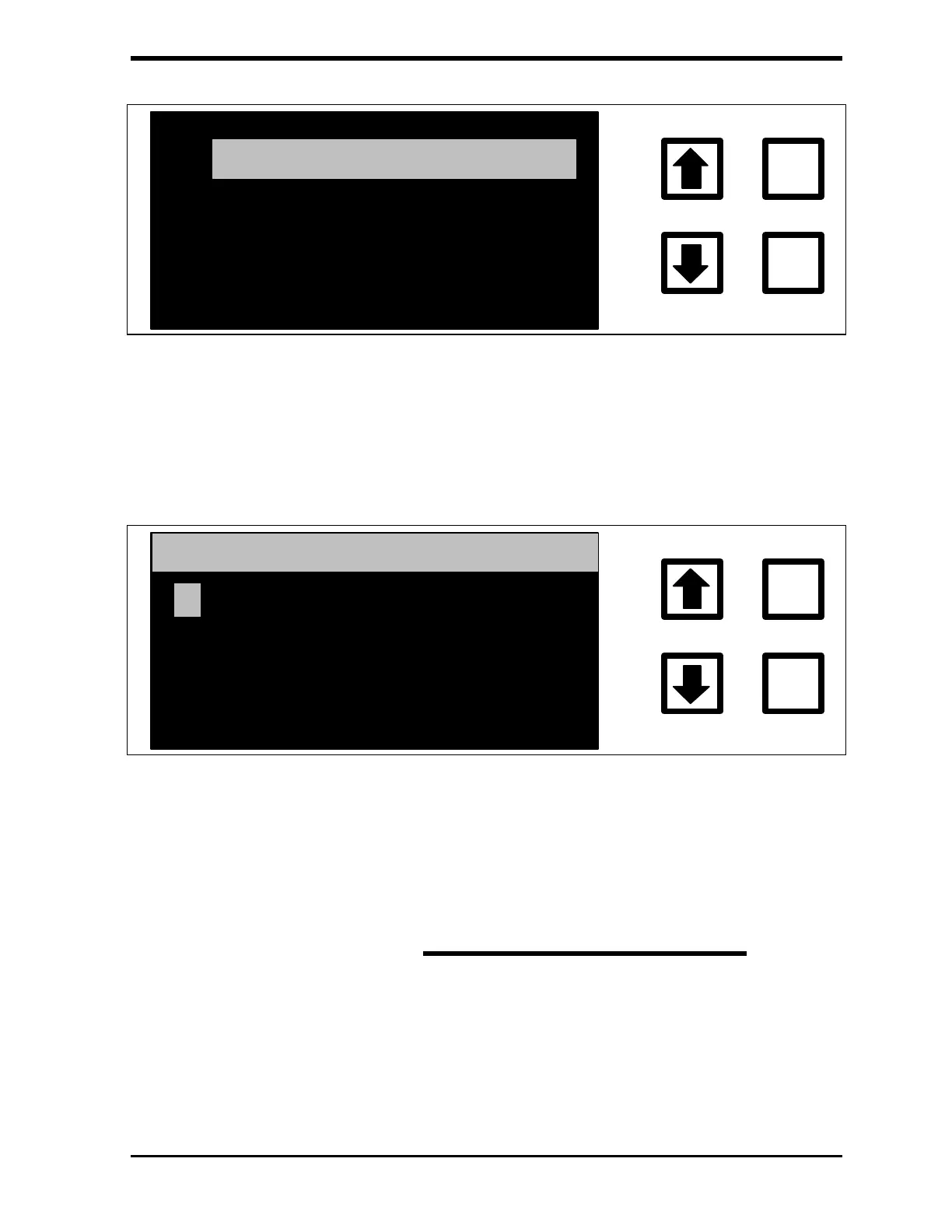
IC CALIB. CONSTANT
ENTER
CLEAR
TC CALIB. CONSTANT
TC ZERO OFFSET
FIGURE 9-8: CALIBRATION Menu
4. Scroll to IC CALIB. CONSTANT and press ENTER. The current IC
calibration constant is displayed. ENTER this value on the calibration
worksheet.
IC CALIBRATION CONST
1.19810000
ENTER
CLEAR
ENT = SAVE CHAR/NUM
CLR = RESTART/EXIT
RROWS = CHANGE CHAR
FIGURE 9-9: IC CALIBRATION CONSTANT Screen
5. Compute the new IC calibration constant using the formula:
Average IC value from last three runs
New IC
CALIB.
CONST.
Initial IC
CALIB.
CONST.
Average TC values from last three runs
*
=
6. Scroll to the first digit of the new IC CALIBRATION CONST. and press
ENTER to save this value. Press CLEAR to start again if a mistake has
been made.



 To Next Page