Ionics Instruments 2004 Page 6-21 DLM 30007-08 Rev. A
The DESCRIPTION SPACE option will print several blank lines at the
top of the printout so that sample information and other notes may be
written on the printout.
The MAIN HEADER option will print the analyzer’s serial number and
firmware version, the date, and lines for entering the operator’s name
and sample information.
13. With the DESCRITION SPACE option highlighted, press ENTER.
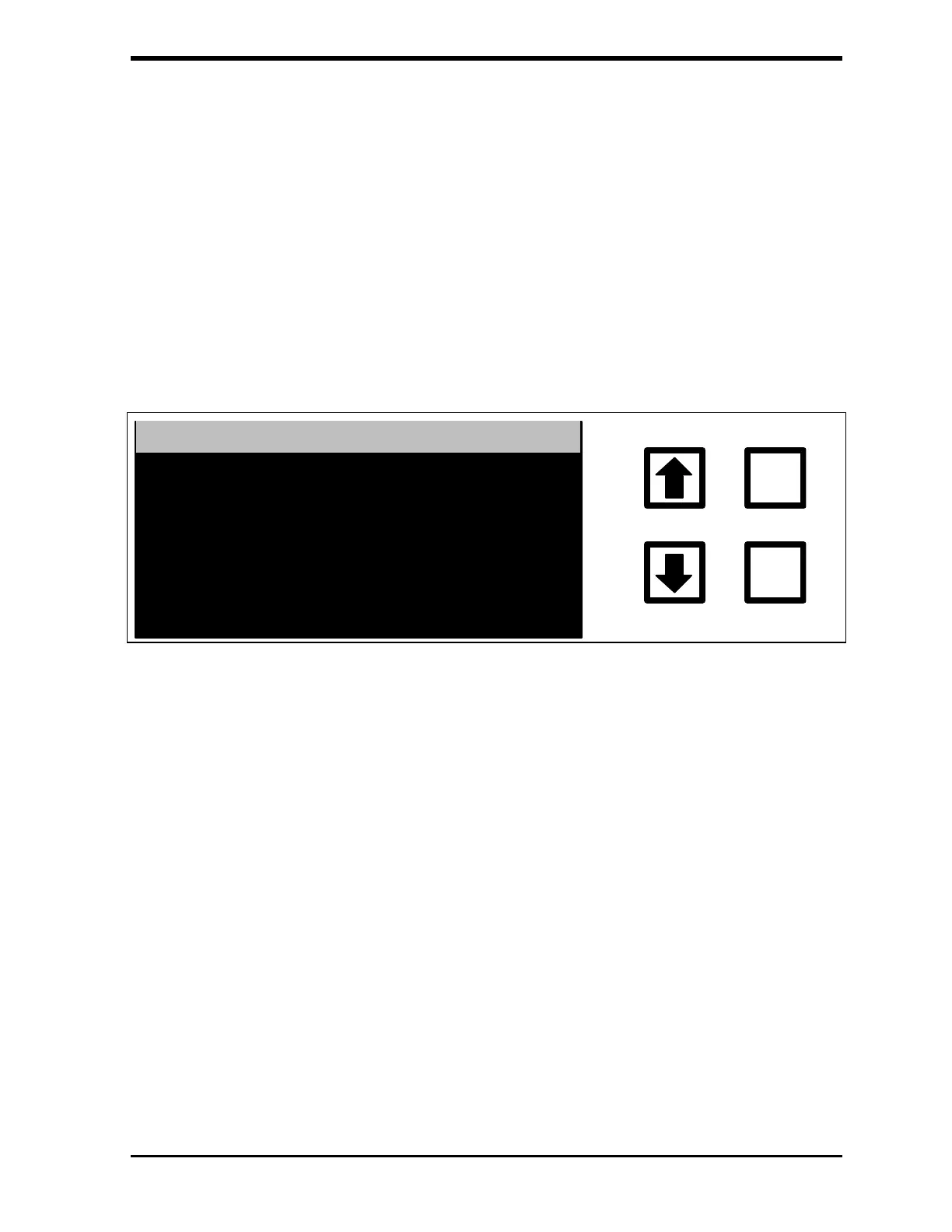
The GRAB DESCRIPTION SETTING screen is displayed:
ENTER
CLEAR
GRAB DESCRIP. SETTING
CURRENTLY: OFF
CHANGE TO: ON
RROWS TO CHANGE
ENT = SET, CLR = EXIT
FIGURE 6-27: GRAB DESCRIPTION SETTING Screen
14. Use the arrows ( or ) to select the desired state (ON or OFF) and
press ENTER to save the setting.
15. Press CLEAR to return to the GRAB PRINTOUT menu.
16. Use the arrows ( or ) to scroll to MAIN HEADER and press
ENTER. The GRAB HEADER SETTING screen is displayed:



 To Next Page