Ionics Instruments 2004 Page 7-14 DLM 30007-08 Rev. A
WARNING
Once the audit trail is full, the instrument will not allow any operations other
than printing or exporting the audit trail; the audit trail should be archived as
soon as the warning displays.
View Audit Trail
To view the current audit trail, use the arrows ( or ) to highlight VIEW
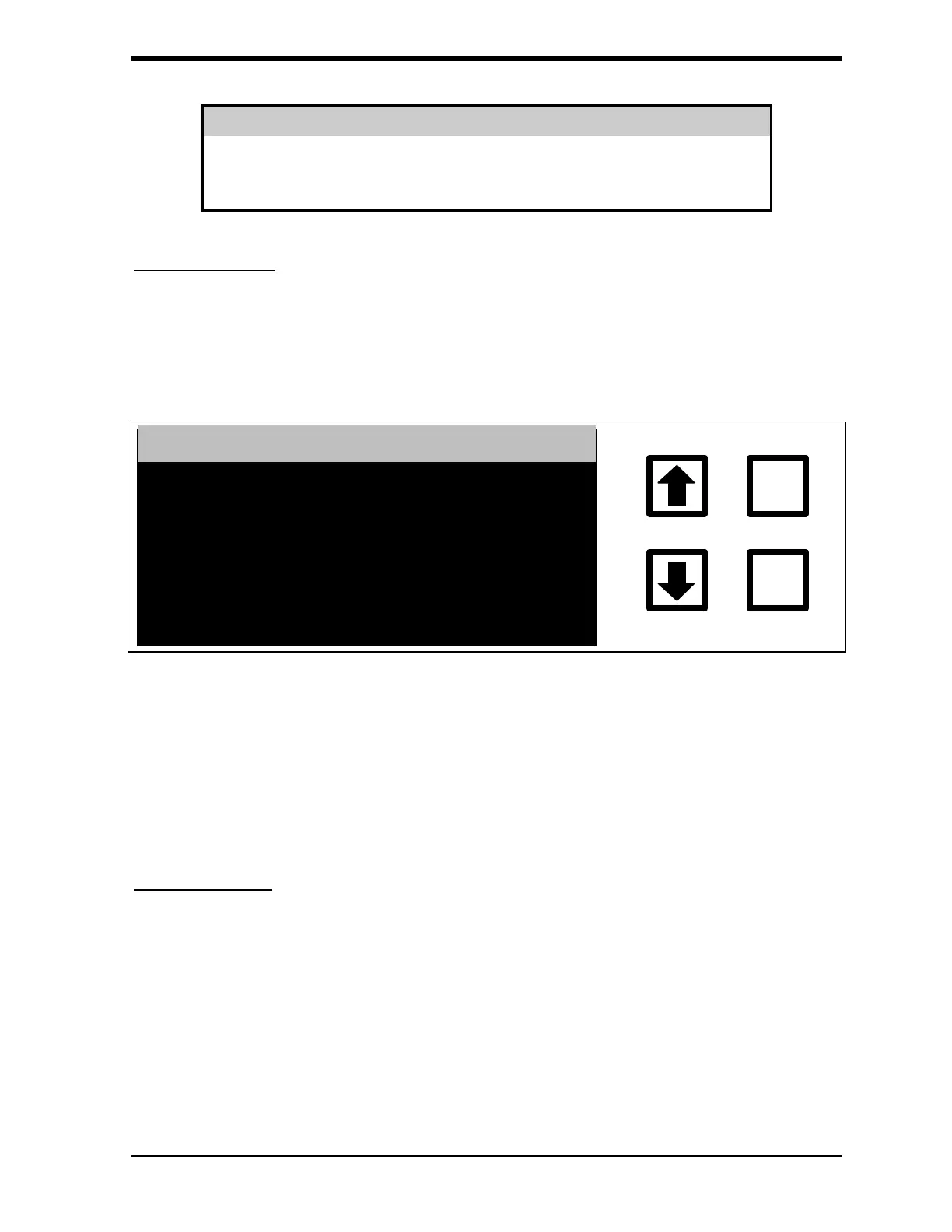
AUDIT TRAIL, then press ENTER. The screen displays the most recent entry
in the audit trail:
AUDIT TRAIL
ENTER
CLEAR
DMIN 01 #091660
PASSWORD SET
08 MAR 2002 09:56:58
QUALITY 03
NEXT, CLEAR=EXIT
FIGURE 7-16: VIEW AUDIT TRAIL Screen
Use the arrows ( or ) to scroll to earlier or later entries. Press CLEAR to
return to the AUDIT TRAIL menu.
Print Audit Trail
To print the current audit trail, use the arrows ( or ) to highlight PRINT
AUDIT TRAIL, then press ENTER. The PRINTING AUDIT TRAIL screen
displays:



 To Next Page