Ionics Instruments 2004 Page 7-15 DLM 30007-08 Rev. A
PRINTING AUDIT TRAIL
ENTER
CLEAR
PLEASE WAIT…
CLEAR = EXIT
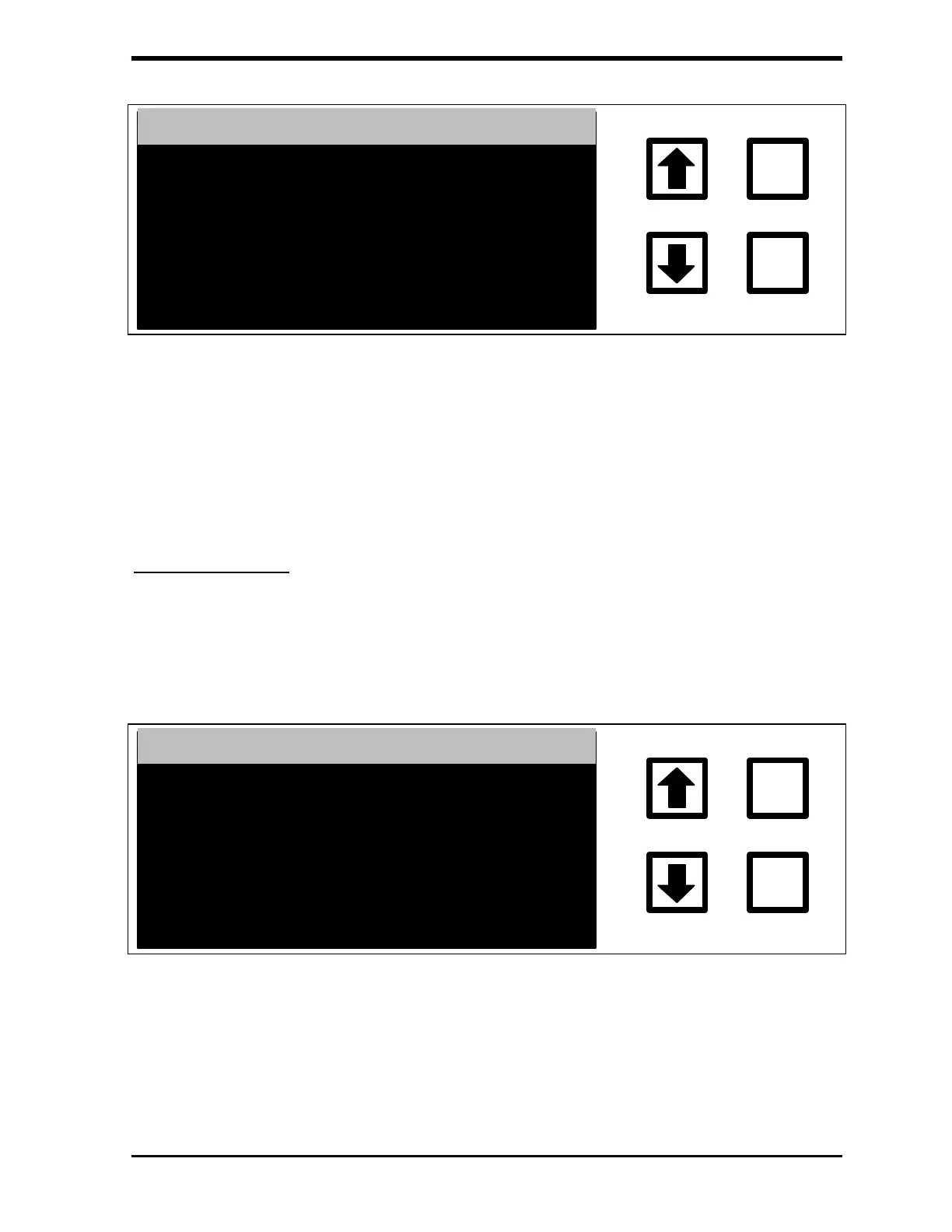
FIGURE 7-17: PRINTING AUDIT TRAIL Screen
This screen will be cleared when printing is complete. To abort printing, press
CLEAR. After the audit trail is printed or aborted, the AUDIT TRAIL menu
displays.
Export Audit Trail
To export the current audit trail to the RS-232 port, use the arrows ( or ) to
highlight EXPORT AUDIT TRAIL, then press ENTER. The EXPORTING
AUDIT TRAIL screen displays:
EXPORTING AUDIT TRAIL
ENTER
CLEAR
PLEASE WAIT…
CLEAR = EXIT
FIGURE 7-18: EXPORTING AUDIT TRAIL Screen
This screen will be cleared when the entire audit trail has been sent to the RS-
232 port. To abort the export process, press CLEAR.



 To Next Page