Ionics Instruments 2004 Page 5-8 DLM 30007-08 Rev. A
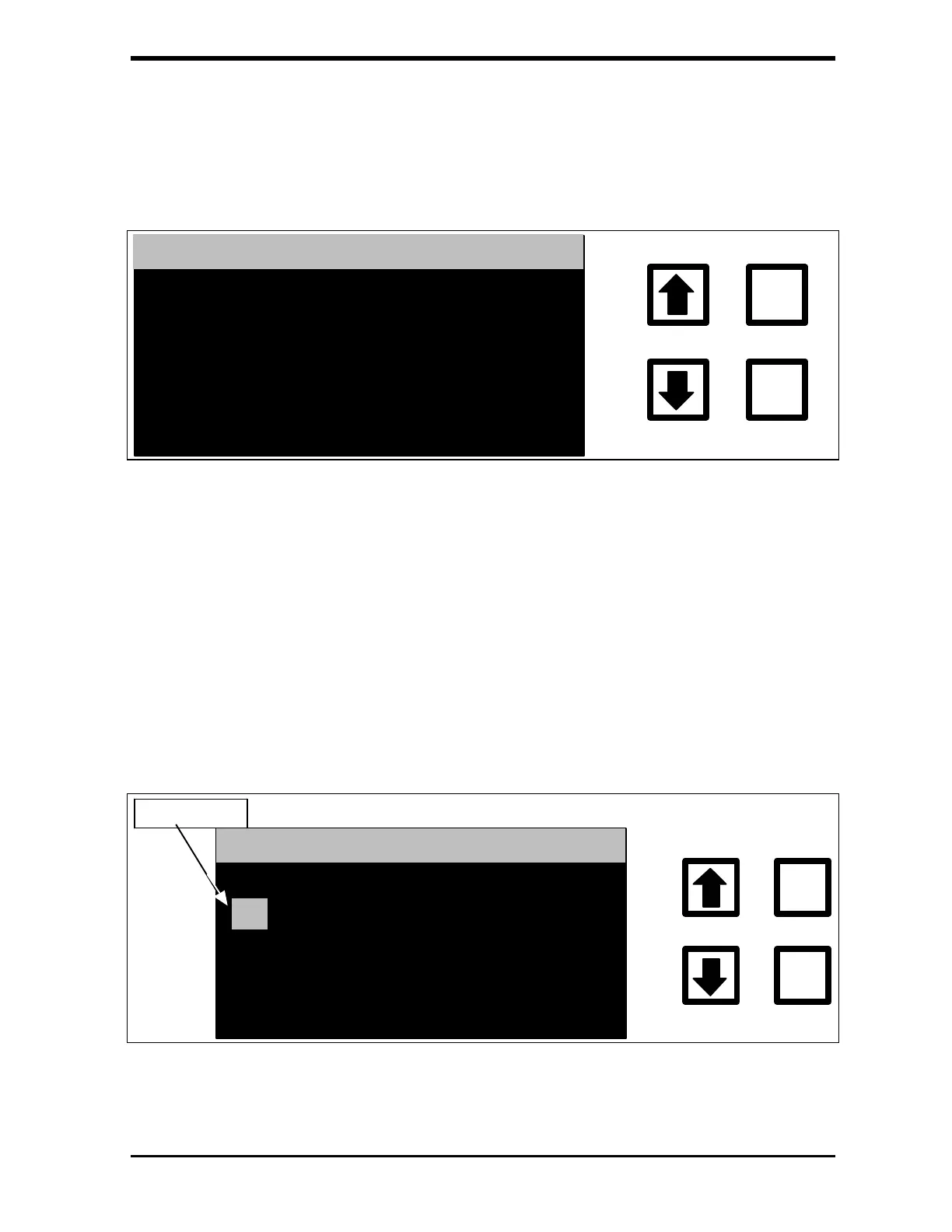
3. Press ENTER to display the Alarm #1 set-point screen. There are
seven alarm settings: TOC in ppb, TC in ppb, IC in ppb, Break In
Attempt, Warnings or Errors, Errors Only, and Alarm Off.
ALARM #1
LARM OFF
ENTER
CLEAR
ENT = CHANGE, CLR = EXIT
RROW = SELECT TYPE
FIGURE 5-6: ALARM #1 Set-point Screen
4. Use the arrows ( or ) to select the alarm setting and press
ENTER.
For example, to set the alarm to 1 ppm (1000 ppb) TOC, select TOC in ppb
and press ENTER. The new menu is shown with the cursor on the left side of
the display:
ALARM #1
TOC IN PPB
ENTER
CLEAR
CURSOR
ENT = SAVE CHAR/NUM
CLR = RESTART/EXIT
RROW = CHANGE CHAR
FIGURE 5-7: ALARM #1 Set-point Screen – Example



 To Next Page