Ionics Instruments 2004 Page 6-28 DLM 30007-08 Rev. A
8. Use the arrows ( or ) to highlight the first letter of the new
password and press ENTER to save the character.
9. Continue selecting the characters for the password, pressing ENTER
to select each character.
10. After all of the characters have been entered, press ENTER again to
store the password. A message indicating the password has been
set will appear.
WARNING
A password will need to be entered to recalibrate the analyzer, to change
consumables, or to change the password. Choose a password that will be easy
to remember, and record the password and store it in a secure location for future
reference.
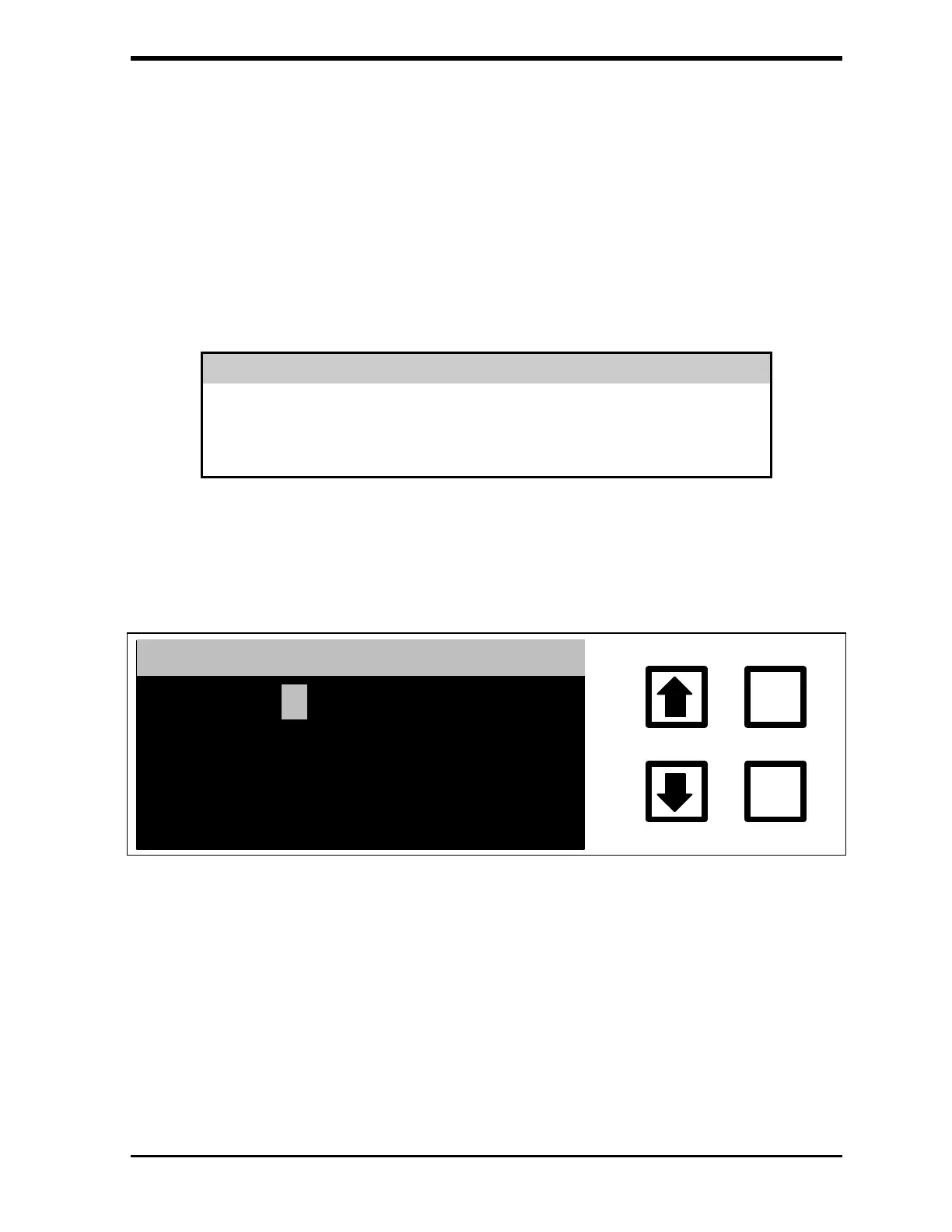
11. If an incorrect password has been entered in step 6, the
INCORRECT PASSWORD screen will display:
ENTER
CLEAR
INCORRECT TRY AGAIN
*****
FIGURE 6-33: INCORRECT PASSWORD Screen
The display will change back to the ENTER NEW PASSWORD screen.
Follow the procedures in steps 3-6 above to re-enter the current password.
If the password has been forgotten or for some other reason cannot be
changed, contact Ionics Instruments for assistance.



 To Next Page