Ionics Instruments 2004 Page 8-21 DLM 30007-08 Rev. A
ENTER
CLEAR
INSTALL
SET % LEFT
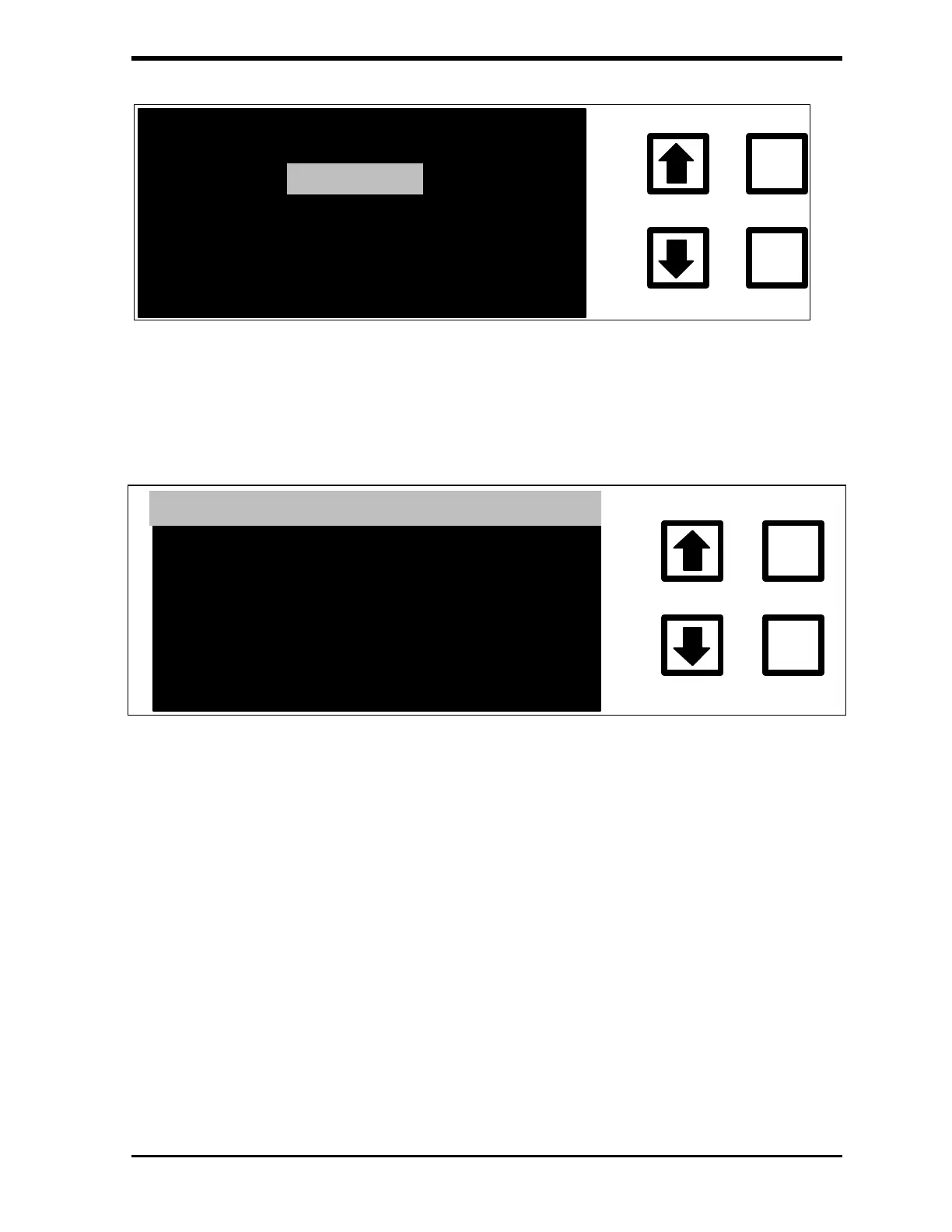
FIGURE 8-13: TUBING INSTALLATION Menu
2. With the INSTALL option highlighted, press ENTER to display the
TUBING Status and INSTALLATION screen:
TUBING INSTALLATION
ENTER
CLEAR
5 % REMAINING OF
TYP. LIFE EXPECTANCY
ENT = INSTALL, CLR = EXIT
TUBING AGE
HOURS
8300
FIGURE 8-14: TUBING Status and INSTALLATION Screen
3. To set the timer to zero, press ENTER.
4. If password protection is enabled, the ENTER Password screen is
displayed; enter the password and press ENTER. Otherwise, go to
step 5.
5. The display changes to the TUBING Status and INSTALLATION
screen and prompts for confirmation. Press ENTER to reset the
timer and return to the TUBING INSTALLATION screen. Press
CLEAR to exit without changing the timer.
6. To change the percent left, highlight SET % LEFT and press ENTER.
Follow the on-screen instructions to change the percent left.
7. Press CLEAR to return to the CONSUMABLES menu.



 To Next Page