Ionics Instruments 2004 Page 9-4 DLM 30007-08 Rev. A
Operations chapter for more details on switching to on-line
monitoring).
4. Connect the sample inlet system to a low TOC, deionized water
supply.
5. Turn on the water supply.
Step 2 – Turn off the UV lamp and measure water:
1. Turn on the analyzer.
2. If necessary, stop the TOC measurement by going to the STOP TOC
option in the RUNTIME menu and pressing ENTER. Once in the MAIN
menu, select SETUP and press ENTER.
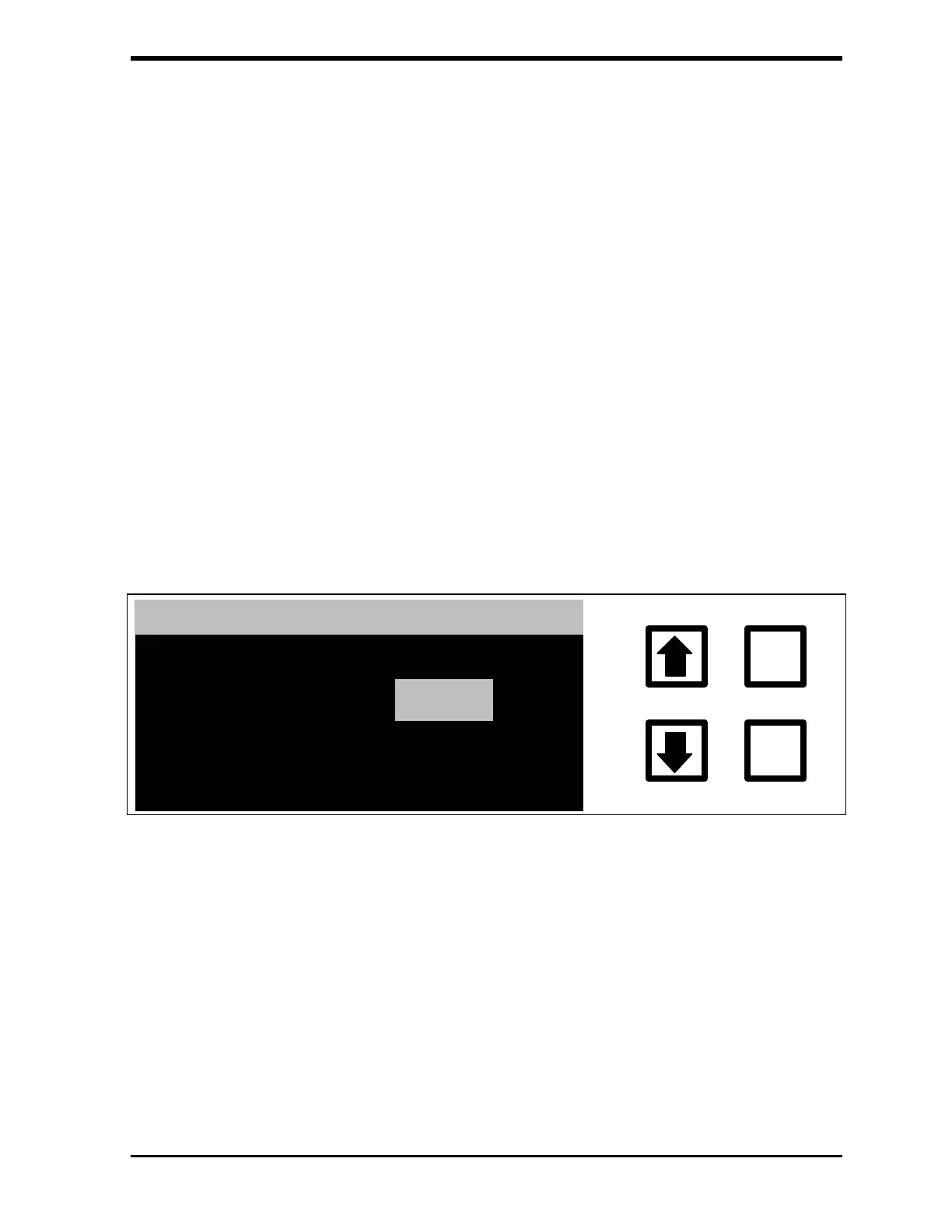
3. Scroll to the UV LAMP option and press ENTER to display the SET UV
LAMP STATE screen:
SET UV LAMP STATE
ENTER
CLEAR
ENT = SET, CLR = EXIT
RROWS TO CHANGE
LAMP IS: ON
CHANGE TO:
OFF
FIGURE 9-1: SET UV LAMP STATE Screen
4. Use the arrows ( or ) to select OFF and press ENTER to shut the
lamp off.
5. Press CLEAR to return to the SETUP menu.
6. From the SETUP menu, select PRESETS. Highlight the S1-DI Water
preset flow rates and press ENTER twice.
7. Press CLEAR three times to begin analysis.



 To Next Page