Ionics Instruments 2004 Page 9-14 DLM 30007-08 Rev. A
ENTER
CLEAR
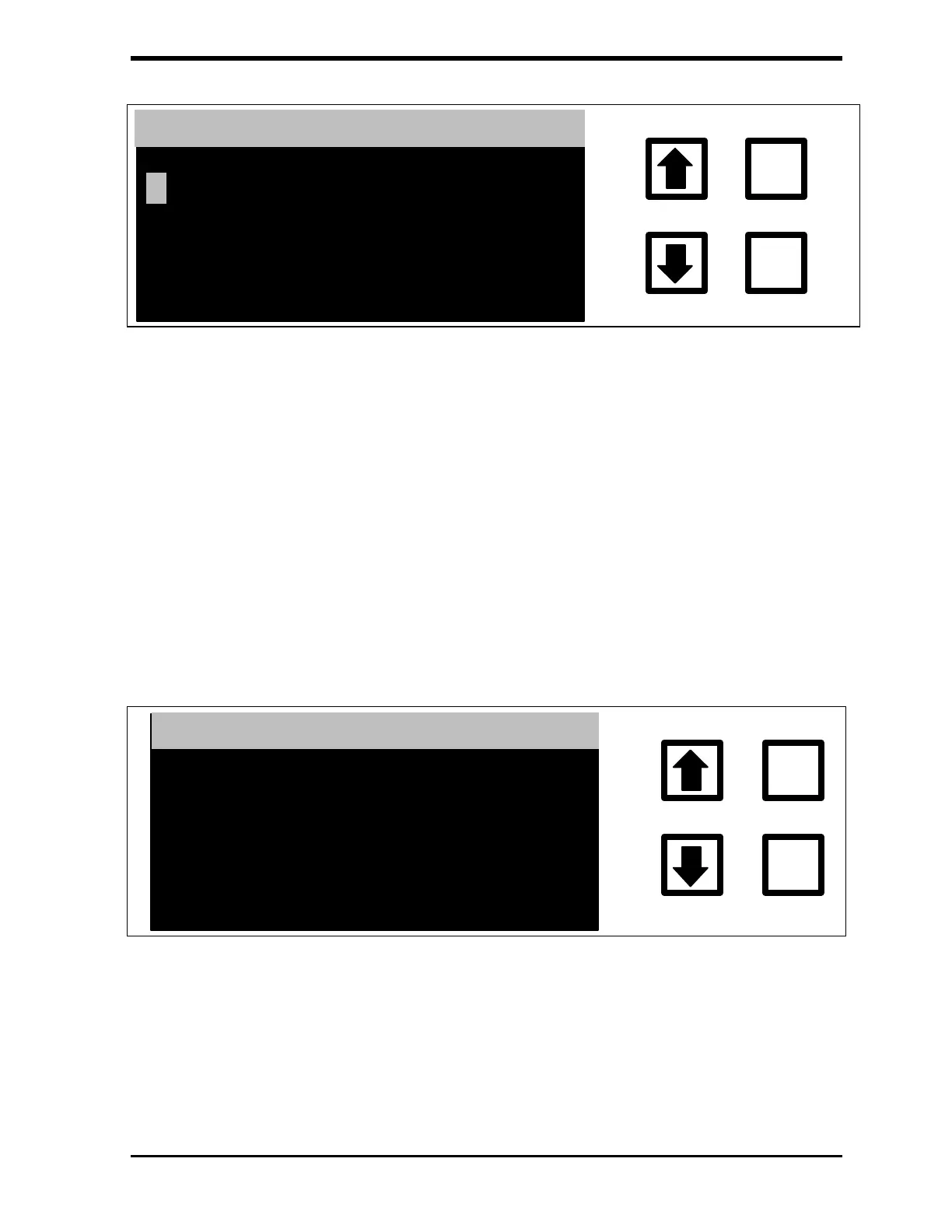
ENTER PASSWORD
ENT= SAVE CHAR/PSWD
CLR= RESTART/EXIT
RROWS = CHANGE CHAR
FIGURE 9-6: ENTER PASSWORD Display
12. Press ENTER to input the first letter of the password. Use the
CLEAR Button to delete the first letter if a mistake has been made.
Use the
arrows ( or ) to select the remaining letters of the
password, pressing ENTER to accept each letter.
13. After all of the letters have been entered, press ENTER again to
enter the password. The display will change, indicating that the
correct password has been entered or that the password is incorrect
and needs to be re-entered.
14. The display will show the TC Calibration menu with the new TC
Constant Correction value displayed. The display prompts for
confirmation.
ENTER
CLEAR
RE YOU SURE ?
ENT = YES, CLR = ABORT
TC CALIBRATION CONST
1.198100001.2416
FIGURE 9-7: TC CALIBRATION Menu
15. Press ENTER. The new TC calibration constant is now stored and the
Calibration menu is displayed. Record the new TC calibration and
calibration constant in the calibration record and/or on the Calibration
Worksheet.



 To Next Page