Ionics Instruments 2004 Page 10-7 DLM 30007-08 Rev. A
procedures in the Maintenance Chapter to remove the IC from the sample and
re-measure.
Error 43: This indicates that the TOC program has been altered or erased.
Contact Ionics Instruments for a new EEPROM.
Warning 44: A user failed to login to the instrument 5 consecutive times.
This may indicate that the user has forgotten the password, or it may indicate
an attempt to access the instrument without authorization.
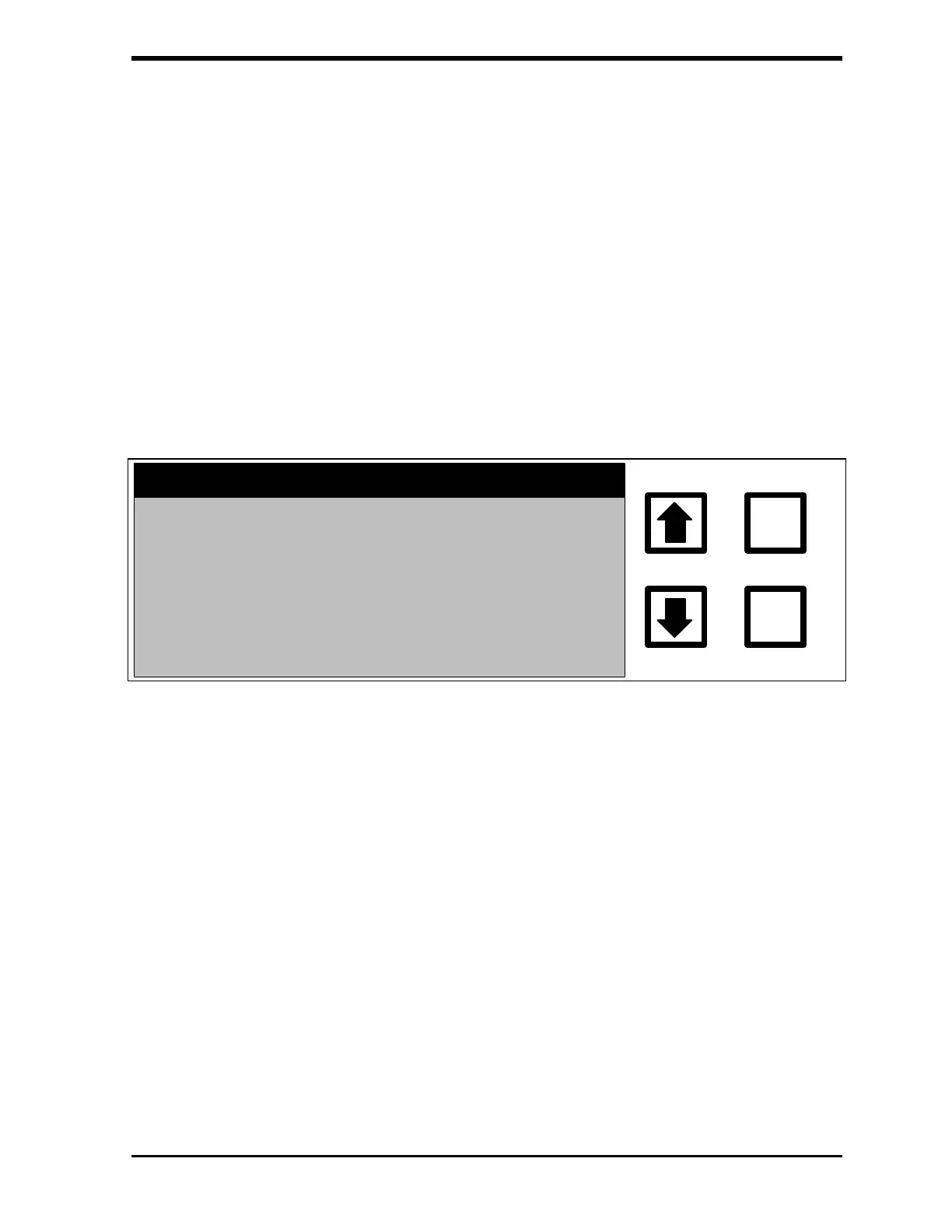
If an ERROR is detected, a fatal error message will be displayed:
FATAL ERROR #32 HAS
OCCURRED. MACHINE IS
HALTED. PRESS ANY KEY
ND CORRECT ERROR
ENTER
CLEAR
FIGURE 10-1: Fatal Error Screen
Correct the error before the analyzer will operate. If a fatal error occurs:
1. Record the error number, then press any key to clear the screen.
2. From the Main menu, scroll to ERRORS and press ENTER.
3. Scroll to the fatal error and press ENTER to display the Error
Information screen.
4. Perform any actions suggested in the Error Information menu.
5. If necessary, contact Ionics Instruments at 1-800-255-6964 or 303-
444-2009 for further instructions.



 To Next Page