Ionics Instruments 2004 Page D - 10 DLM 30007-08 Rev. A
5. The digital input is either in a state of ON or OFF. To change this
state, press the arrows ( or ) to toggle between the two choices.
When the correct state is displayed, press ENTER to set it. To allow
input, the state must be ON. Press CLEAR to return to the INPUTS
screen.
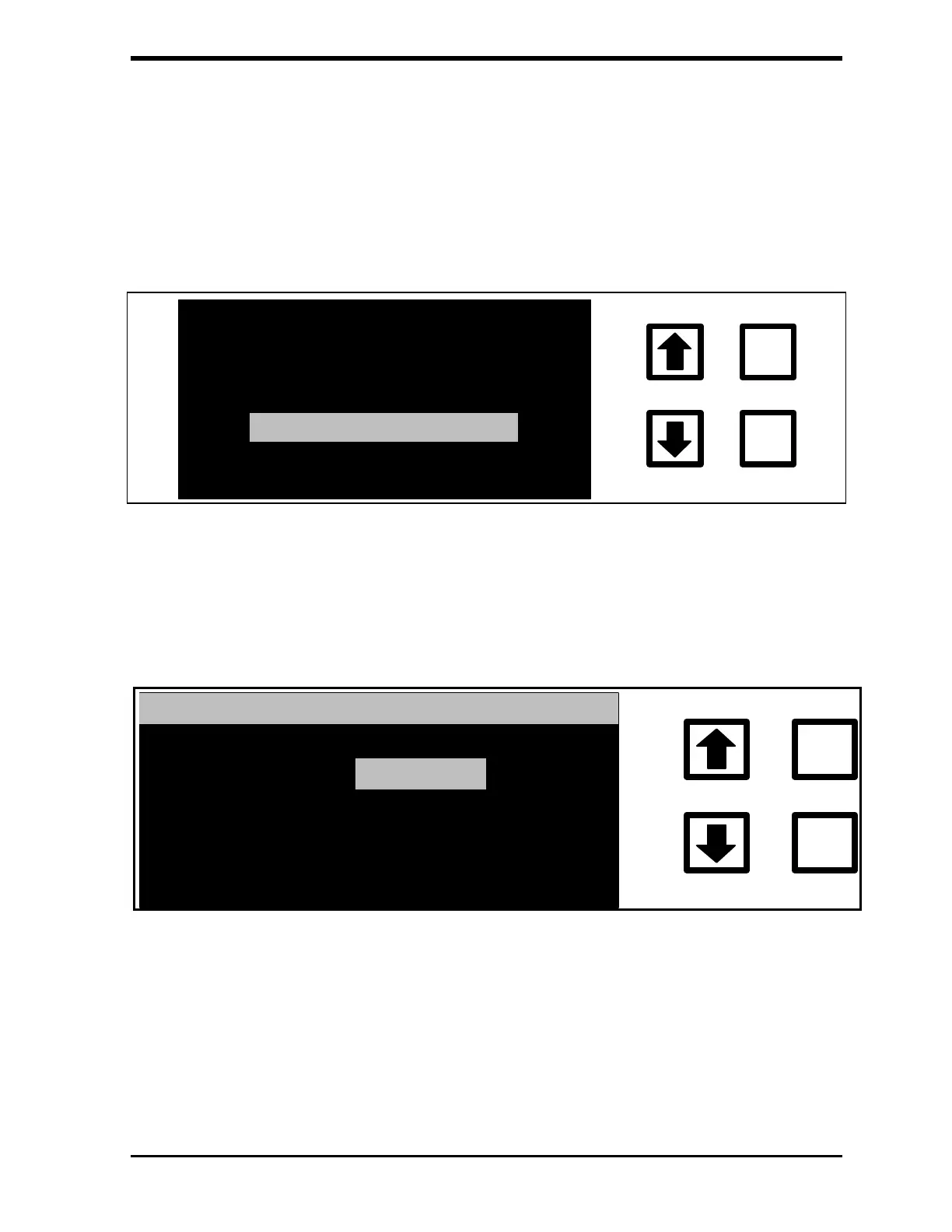
ENABLE/DISABLE
SET POLARITY
ENTER
CLEAR
FIGURE D-8: INPUTS Screen
6. Select SET POLARITY by using the arrows ( or ) and pressing
ENTER. The DIGITAL INP. POLARITY screen is displayed:
DIGITAL INP. POLARITY
RUN WHEN:
CLOSED
ENTER
CLEAR
RROWS TO CHANGE
OPENED
CLR = EXIT
CHANGE TO:
ENT = SET
FIGURE D-9: DIGITAL INP. POLARITY Screen
7. The DIGITAL INP. POLARITY is either in an OPENED or
CLOSED condition. To change this condition, press the arrows
( or ) to toggle between the two conditions. When the correct
condition is displayed, press ENTER to set. It is critical to have



 To Next Page