Ionics Instruments 2004 Page E - 3 DLM 30007-08 Rev. A
REPETITIONS
ENTER
CLEAR
GRAB SAMPLE SETUP
REJECTIONS
STATISITICS
PRINTOUT
REAGENTS
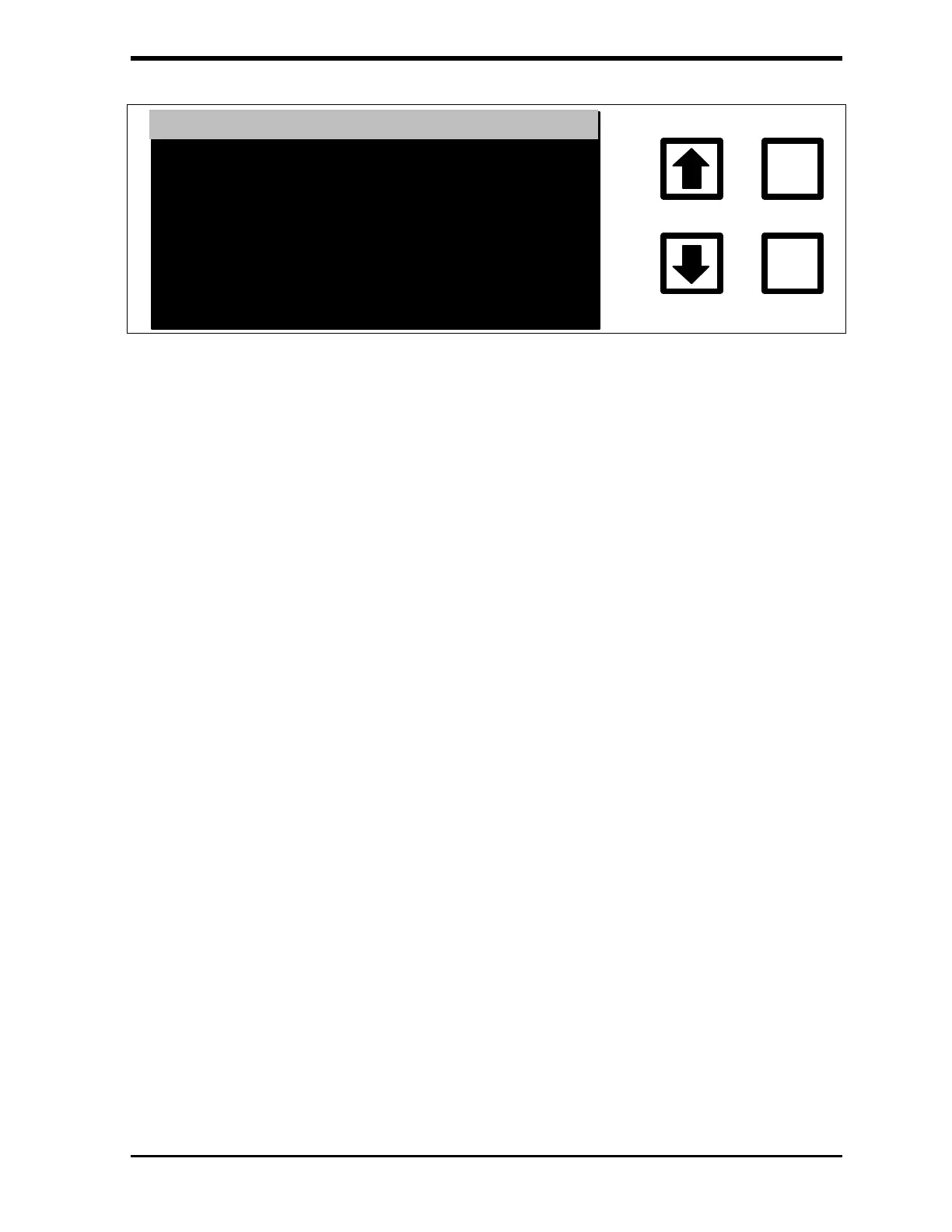
FIGURE D-2: GRAB SAMPLE SETUP Menu
9. From the Grab Sample Setup menu, scroll to Repetitions and press
ENTER.
10. Set the number of Repetitions to 10 and press ENTER to save the
number. Press CLEAR to return to the Grab Sampling Setup menu.
11. Use the arrows ( or ) to scroll to REJECTIONS and press
ENTER.
12. Set the number of Rejections to 7 and press ENTER to save the
number. Press CLEAR to return to the GRAB SAMPLE SETUP
menu.
13. Use the arrows ( or ) to scroll to REAGENTS and press ENTER.
14. Select the ACID FLOW RATE option and enter 0.75 µL/min. Press
ENTER to save the number, and press CLEAR to return to the
Reagents menu.
15. Use the arrows ( or ) to scroll to Oxidizer Flow rate, and enter
0.75 µL/min. Press ENTER to save the number and press CLEAR
twice to return to the Grab Sampling Setup menu.
16. Use the arrows ( or ) to scroll to STATISTICS and press ENTER.
17. Select the AVE/CV options and press ENTER to save the setting.
Press CLEAR twice to return to the Grab Sampling menu.



 To Next Page