Ionics Instruments 2004 Page 4-19 DLM 30007-08 Rev. A
ENTER
CLEAR
INSTALL
SET % LEFT
SET INSTALL DATE
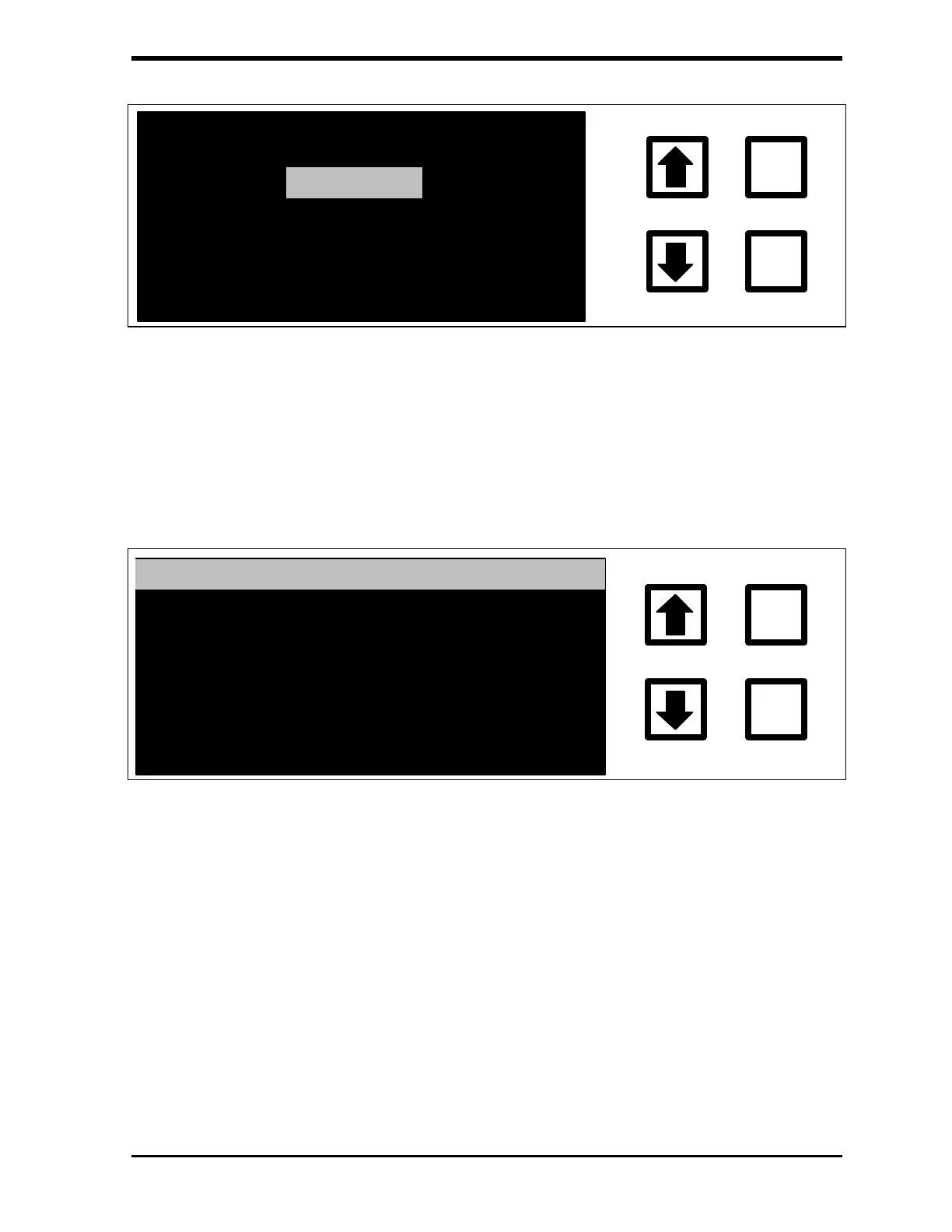
FIGURE 4-14: OXIDIZER INSTALLATION Menu
2. With the INSTALL option highlighted, press ENTER to display the
OXIDIZER Status and INSTALLATION screen:
OXIDIZER INSTALLATION
ENTER
CLEAR
INSTALL: 30 DAYS AGO
INSTALL DT. : 11/27/98
CURRENT DT. : 12/23/98
ENT = SET W/CURRENT DT.
CLR = EXIT
FIGURE 4-15: OXIDIZER Status and INSTALLATION Screen
The amount of oxidizer in the reservoir and the date when the
oxidizer cartridge was installed (INSTALL DT.) is shown. The
INSTALL date will be changed to the CURRENT date as described
below.
3. To change the INSTALL date to today's date, press ENTER. The
display will change back to the OXIDIZER Status and
INSTALLATION screen with the new install date shown.



 To Next Page