Ionics Instruments 2004 Page 5-13 DLM 30007-08 Rev. A
warning message, W42, will be displayed in the Measurement Display and
written to the RAM card. Normally, this option is on to alert when there are low
TOC/IC samples. However, for calibration or samples in which only IC is
measured, this option may be turned off and no warning message will be
indicated (errors will still be written to the RAM card). If applicable, turn off the
low TOC/IC warning message:
1. From the OUTPUTS menu, use the arrows ( or ) to scroll to
WARNING 42. Press ENTER. The WARNING 42 DISPLAY screen
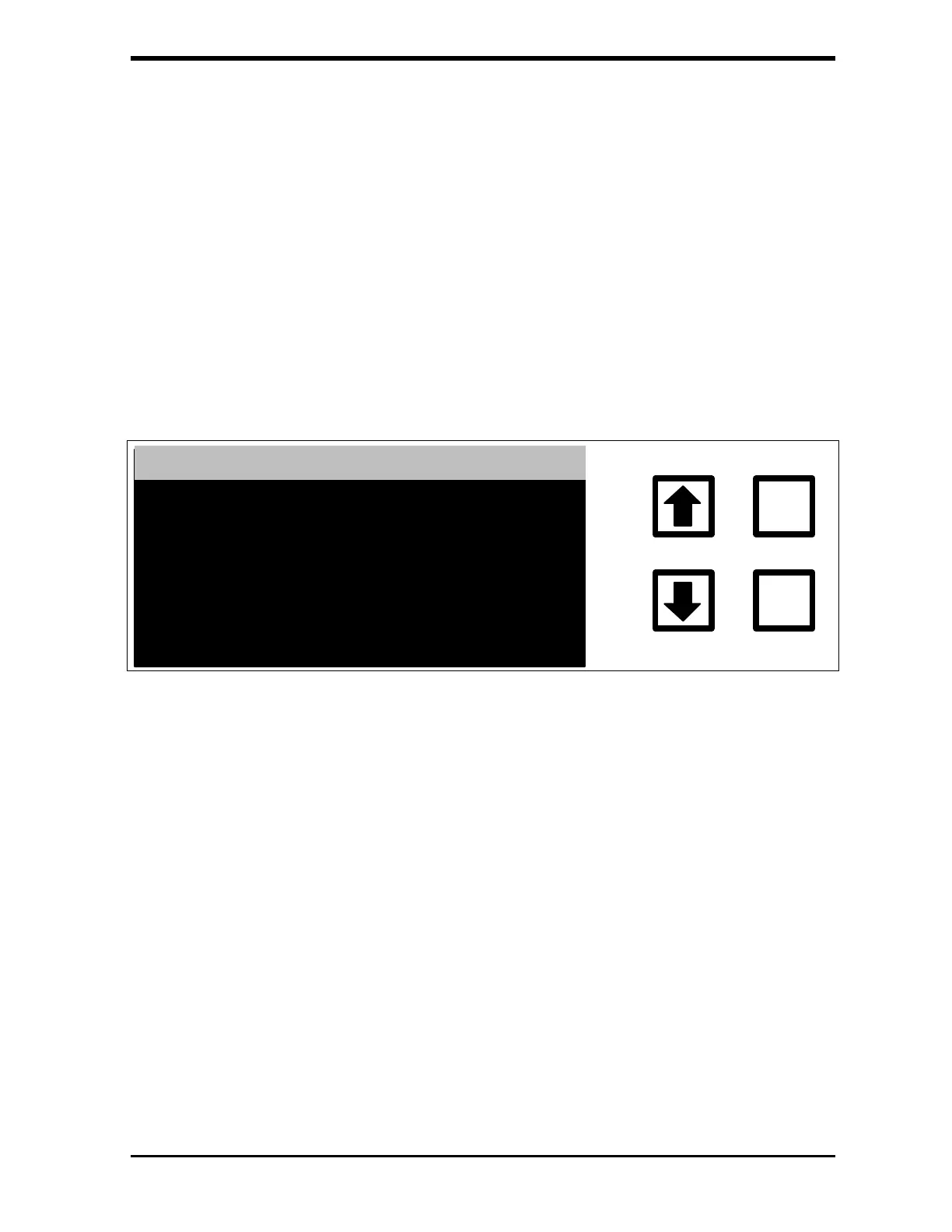
is displayed:
WARNING 42 DISPLAY
ENTER
CLEAR
DISPLAY IS: ON
RROWS TO CHANGE
ENT = SET, CLR = EXIT
CHANGE TO: OFF
FIGURE 5-13: WARNING 42 DISPLAY Screen
2. Use the arrows ( or ) to select OFF and press ENTER.
3. Press CLEAR twice to return to the SETUP menu.



 To Next Page