Operation instructions
SIPOS SEVEN: PROFITRON, HiMod
Page 30 Y070.302/EN
5 Start menu
5
Start menu
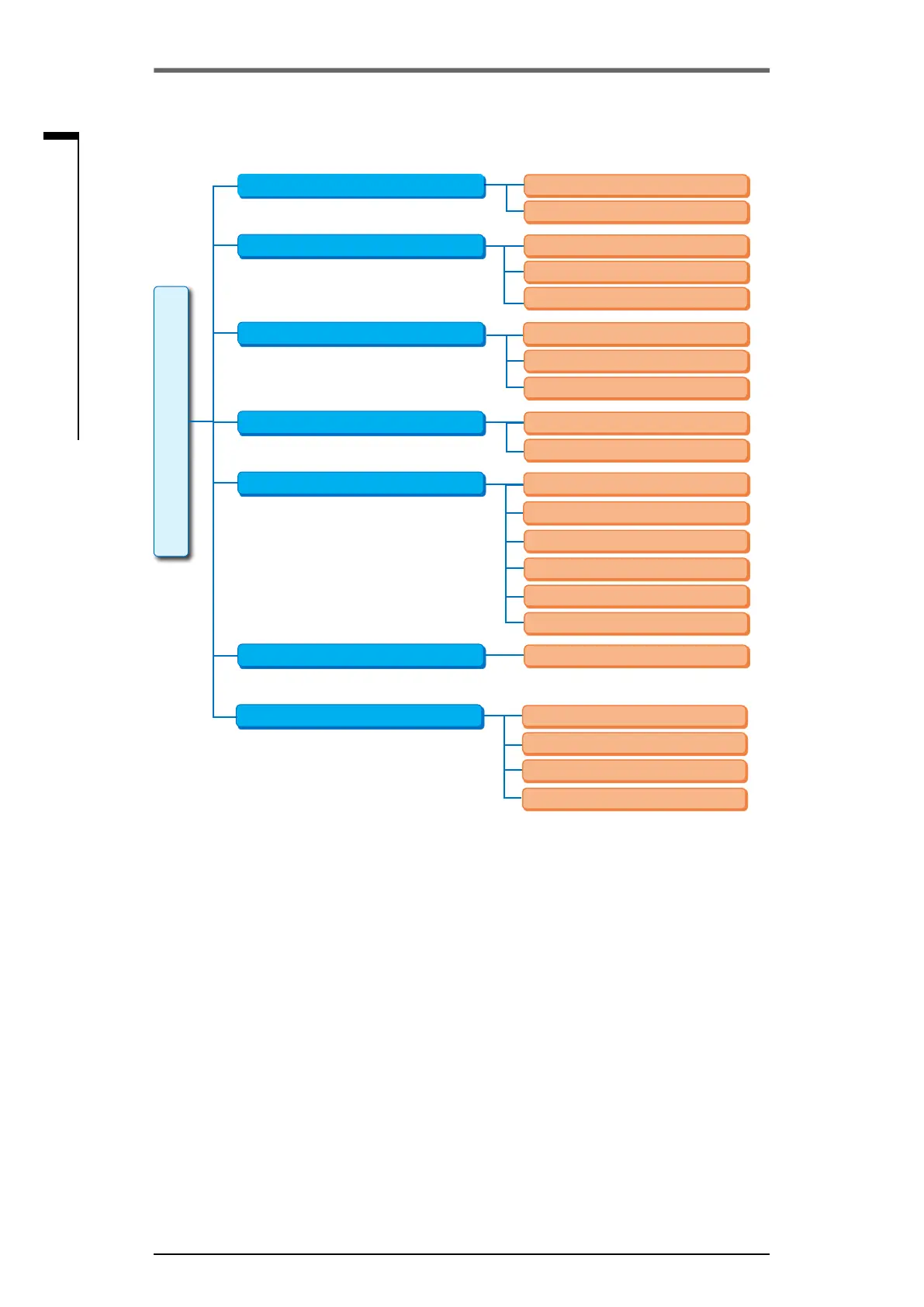
5�3 Main menu overview
Fig�: Main menu
The main menu contains the following menu items:
■
User management
For enabling access authorization.
■
Observe:
“Electronic name plate" indication, state of the inputs and outputs as well as the actuator status.
■
Diagnosis: Indication
– of operating data (number of starts, cut-offs, operating hours) of the actuator since initial com-
missioning;
– of operating data until next maintenance of the valve;
– whethermaintenanceofthevalveisrequiredornotaswellasconrmationofperformed
maintenance.
■
End positions:
End positions can be set via this menu item.
■
Parameters:
This menu is used to display and change the actuator parameters. Parameter values can only be
changed with user level "Supervisor" or higher.
If the access authorization has not been generally enabled, a prompt to enter the password is
displayed (4-digit code).
■
Torque curve
Three torque curves can be recorded.
■
System settings:
Display orientation and internal clock settings and activation of Bluetooth module.
User management
Current user
Main menu
Observing
Page 101
Diagnosis
Parameter
Operation data actuator
Valve
Additional gear
Valve maintenance limits
Maintenance valve
Control system
Page 105
Page 45, Page 56
End positions
Torque curve
System settings
Readjustment
Software functions
Special parameters
Read
Real time clock
Bluetooth
Remote control unit
Page 61
Page 98
Page 93
Administration
Inputs and outputs
Status
Page 31
Electronic name plate
New setting
Safety
Record
Display



 To Next Page