Y070.302/EN Page 77
Operation instructions
SIPOS SEVEN: PROFITRON, HiMod
8
Parameters and possible parameter values
8 Parameters and possible parameter values
8�4 Safety relevant parameters
EMERGENCY operation:
EMERGENCY operation can be triggered in
REMOTE mode via
■
Binary input EMERGENCY, or
■
Fieldbus telegram or in case of
■
Wire break of control source.
8�4�1 EMERGENCY input
Normally Closed (NC)
Active for 0 V DC signal.
Normally Open (NO)
Active for 24/48 V DC signal.
Set to active high in the factory.
8�4�2 EMERGENCY speed
During EMERGENCY operation, EMERGENCY
position is approached at EMERGENCY speed.
= EMERGENCY speed in CLOSE direction
= EMERGENCY speed in OPEN direction
Parameterization within the speed range, refer to rating plate
Factory settings:
– Speed 35 % n
max
.
– Positioning time 28 s/90°
Control source fault
Parameter
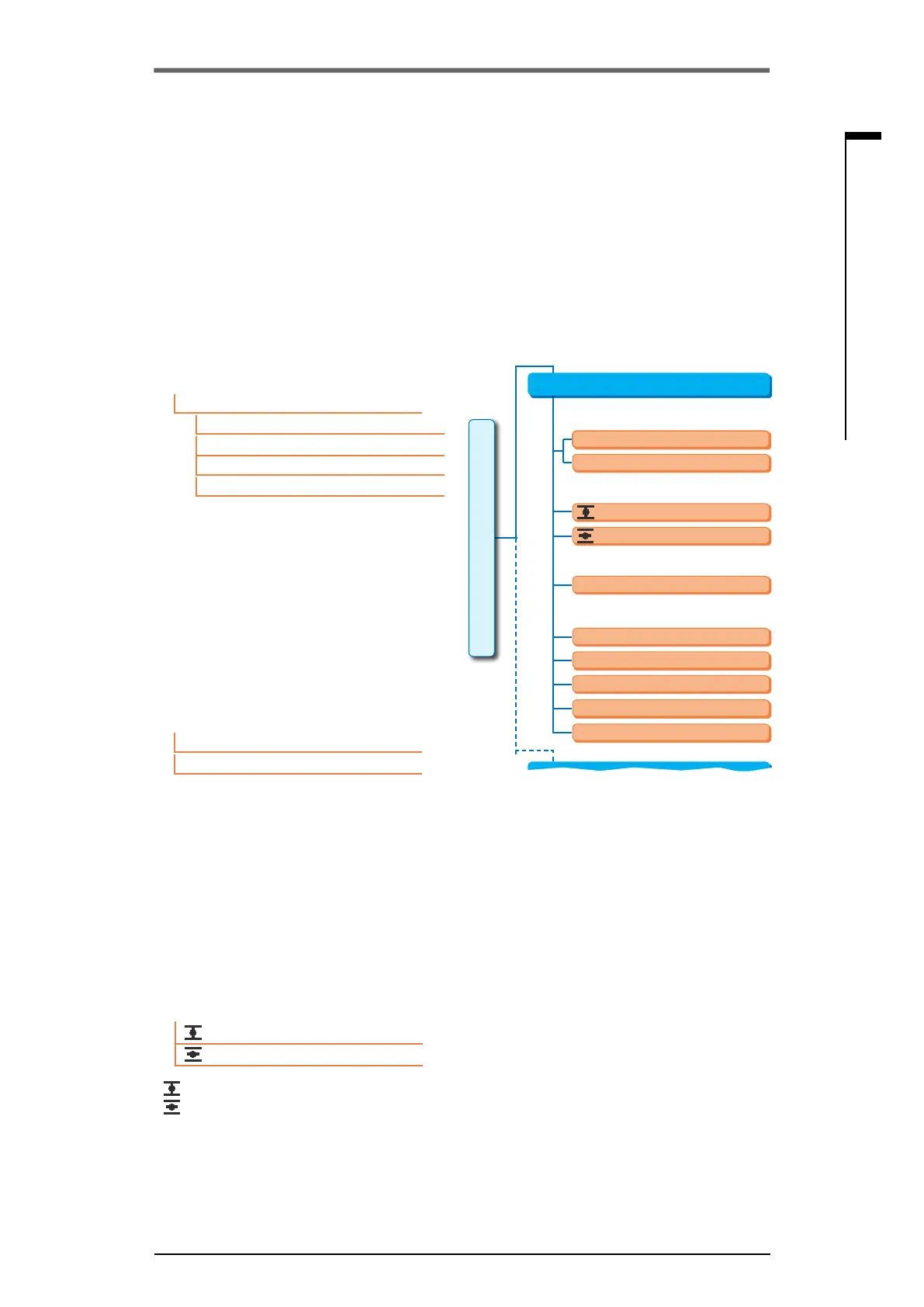
Fig�: Safety menu
XX rpm
0 to 100 %
Move to EMERGENCY pos.
Movetoxedsetpoint
Execute last command
XX rpm
Keep position
Keep actual process value
Safety
Normally Closed (NC)
EMERGENCY input
EMERGENCY speed
EMERGENCY position
Control source fault
Normally Open (NO)
Parameter
Alternative control mode
Safety
EMERGENCY input
EMERGENCY speed
EMERGENCY position
EMERGENCY input
Normally Closed (NC)
Normally Open (NO)
EMERGENCY speed
XX rpm
XX rpm
8�4 Safety related parameters
The present chapter describes
■
the parameters for EMERGENCY operation (EMERGENCY input, EMERGENCY speed, EMER-
GENCY position) and
■
Possible actuator behavior on interruption of the control signal.
The sequence of the description of the individual parameters corresponds to the menu structure,
refer to illustration.
The procedure for changing the parameter values in the 'Safety' menu is identical to the procedure
in the 'DCS’ menu, refer to „8.3.2 Operation sequence: Changing the parameters in the ‘Control
system’ menu“ on page 67.



 To Next Page