needs to be shipped. Do not ship the printer without first completely repacking
it in its original packaging. A document explaining how to repackage is
Before unpacking, make sure to have at least 4 meter of space at one side of the box,
because the printer will be rolled down a ramp.
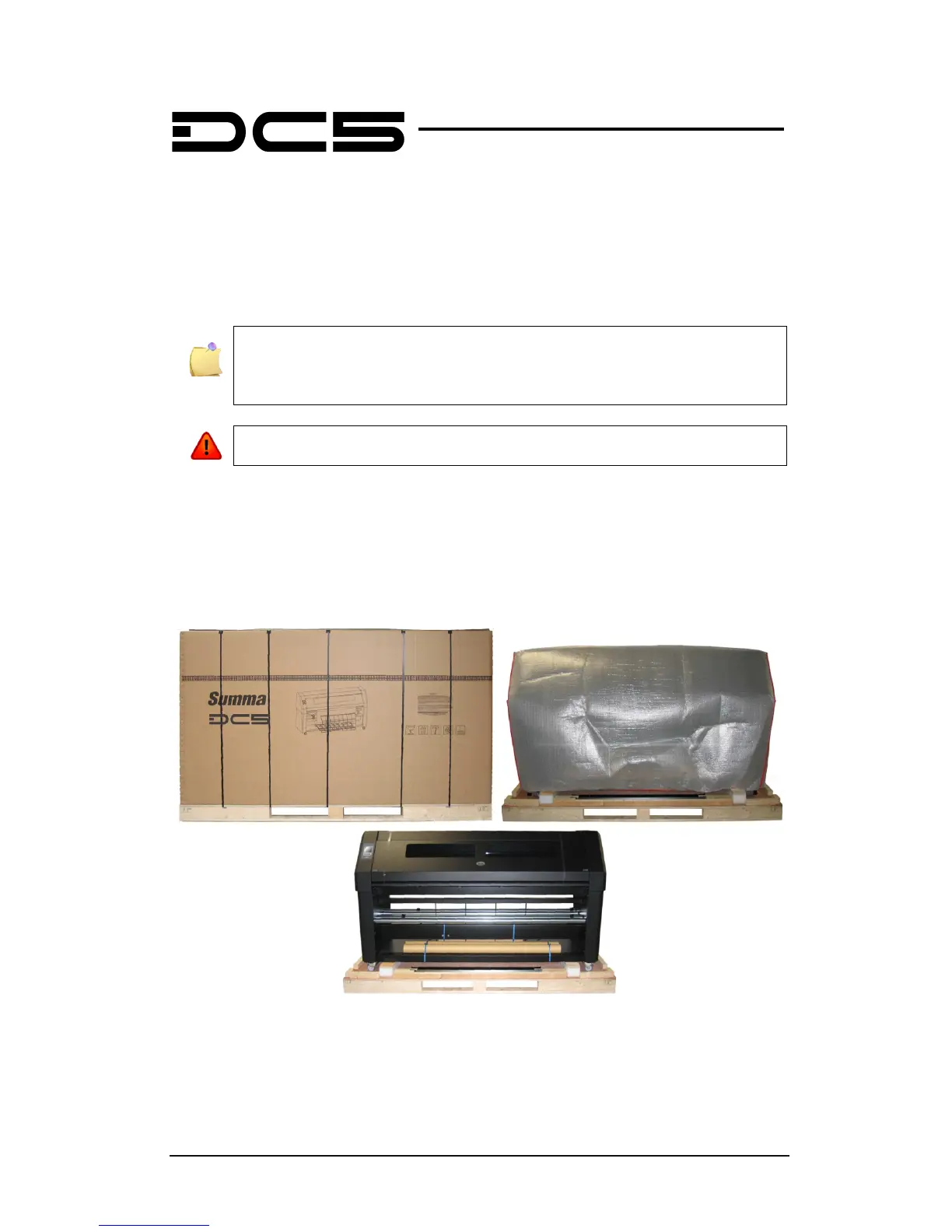
Remove the straps and open the flaps of the box, take out the 4 foam blocks. Then remove
the box from the pallet. This must be done in a room that is at least 2.5 meter high.
Remove the protective bag, cut all the straps and cable ties. Set aside the accessories box.
FIG 1-1
1-1 DC5(sx) ON SHIPPING PALLET



 To Next Page