DC5 User’s Manual
Basic Operation 2-5
2.1.6 Serial number and firmware revision
Press the DC5 button to check the serial number and the firmware revision.
2.1.7 Checking the ribbon status
Just above the status line is shown which cassettes/colors are loaded in the machine. It also
shows an indication of the amount of ribbon left in the cassette. Press on the button to have
more detailed information (color names and a percentage of ribbon left). However be aware
that the amount left is always an estimate.
FIG 2-4
2-4 DETAILED RIBBON STATUS
2.1.8 Touch screen information while printing
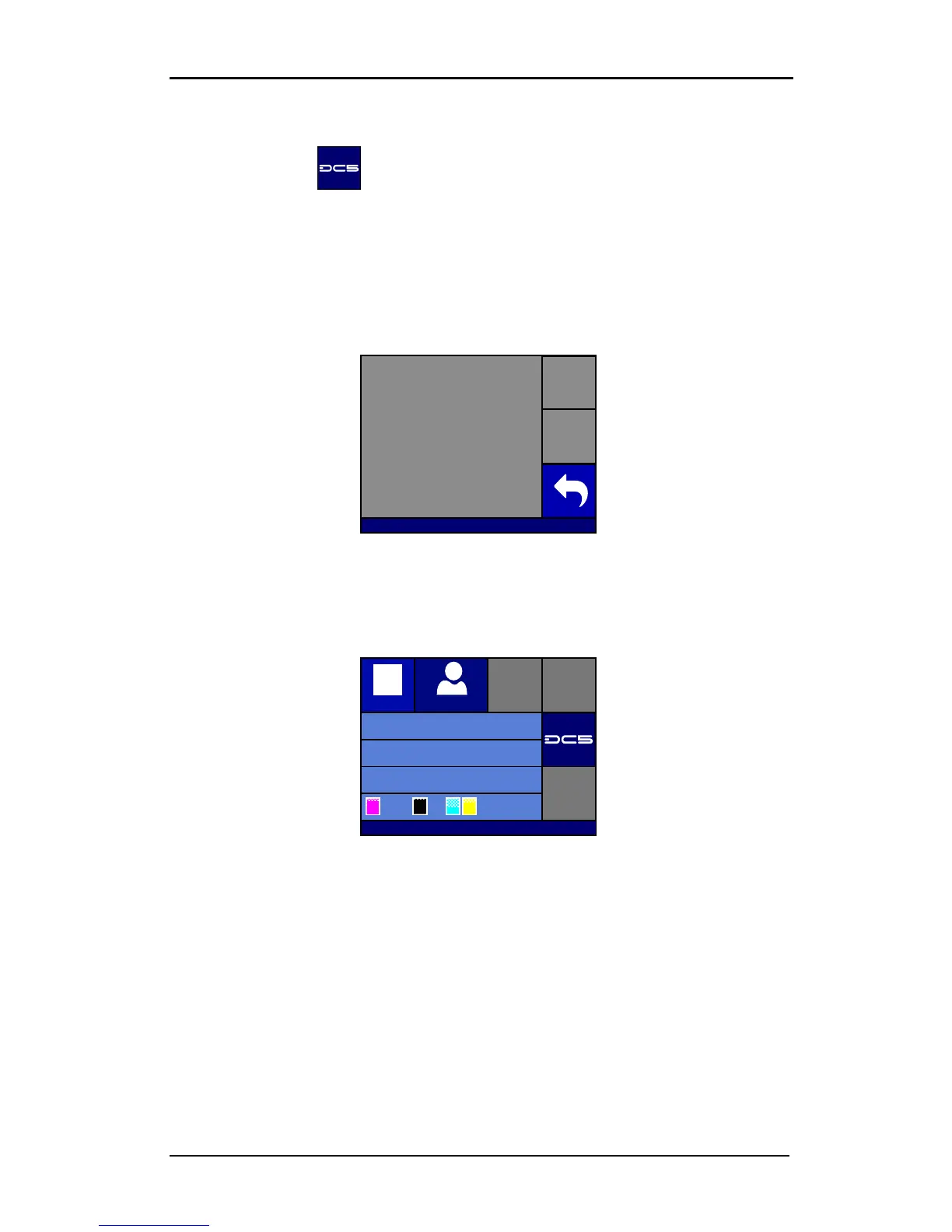
FIG 2-5
2-5 TOUCH SCREEN VIEW WHILE PRINTING
Following info is available while printing:
The name of the current user is shown.
The printer also shows the name of the current job, the number of passes that are in the job
and an estimate of the time left before the printing is finished.
Just above the status line the information about the loaded cassettes is shown. The outer
left position shows which cassette is currently in the carriage. The rest of the loaded
cassettes are ordered in the middle of the cassette status line.



 To Next Page