Software 6-1
6 Software for the PC
6.1 Introduction
The installation/manual USB stick contains the programs for PC to be installed:
1. USB driver installation program: installs the USB driver for the printer.
2. Summa Printer Control DC5: installs an application program for controlling the
printer parameters.
3. Summa Color Control: RIP with cutting capabilities (optional for DC5sx – dongle
required).
4. Automatic installation of spot color palette for Corel and Illustrator.
5. Plug in for Corel and Illustrator.
6. ICC profiles.
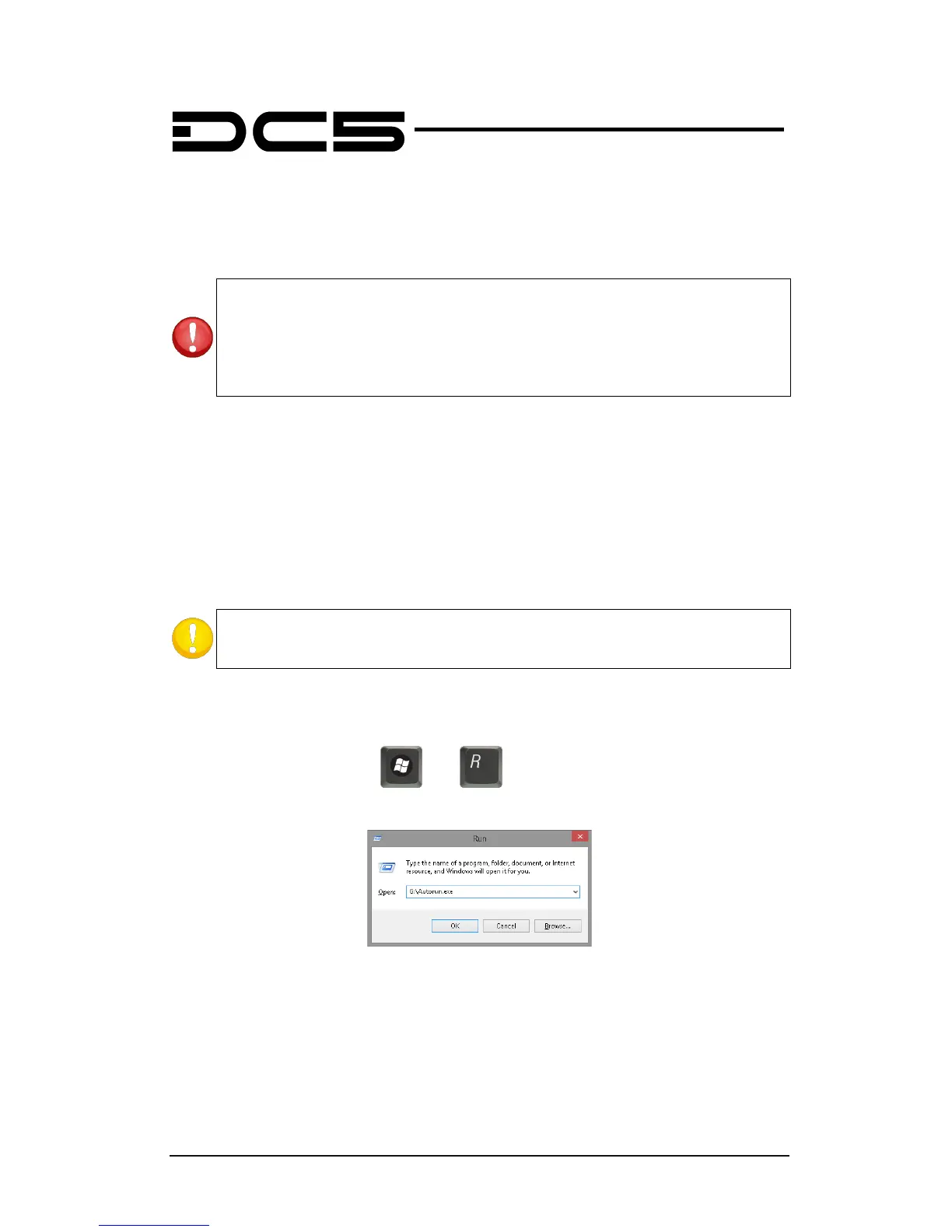
When the stick is inserted in the computer, then it normally starts automatically (Windows
XP and Vista) or an autoplay window is opened (then click on open folder to view files and
double click autorun). If not, launch the routine manually from the “Run” command line in
the Windows Start menu (hit and ). Type “G:\autostart.exe” (where G is the
drive letter of the USB stick).
After that the start-up screen appears.
The USB stick is made in this way it downloads the latest version automatically. If no
internet connection is available, click on the button “no internet available. However, bare in
mind that it is possible that the files on the USB may be outdated.
hardware/software specifications. To avoid problems, do not connect the DC5 with
a computer where a DC3 or DC4(sx) is already connected to.
If a computer is used that previously had software installed on it for the DC3 or



 To Next Page