DC5 User’s Manual
Software 6-17
6.3.3 RIP settings
The different RIP settings are grouped in tabs in one window. The buttons at the bottom are
used for following:
: Click this button if one of the default values of the 5 tabs needs to be
changed. To a new default value for a parameter, go to the tab, change the parameter and
click on this button.
: Click this button to leave the rip/print widow without any action. If default
values have been changed or configurations have been saved, these actions will not be lost.
: Click this button to start the action, chosen in the first tab (RIP & print, RIP &
view or RIP only).
: Changes made to any of the tabs can be saved under a separate named
configuration. This can be useful for setting up media profiles or customer dependent
settings.
: This option serves to load a previously saved parameter setting.
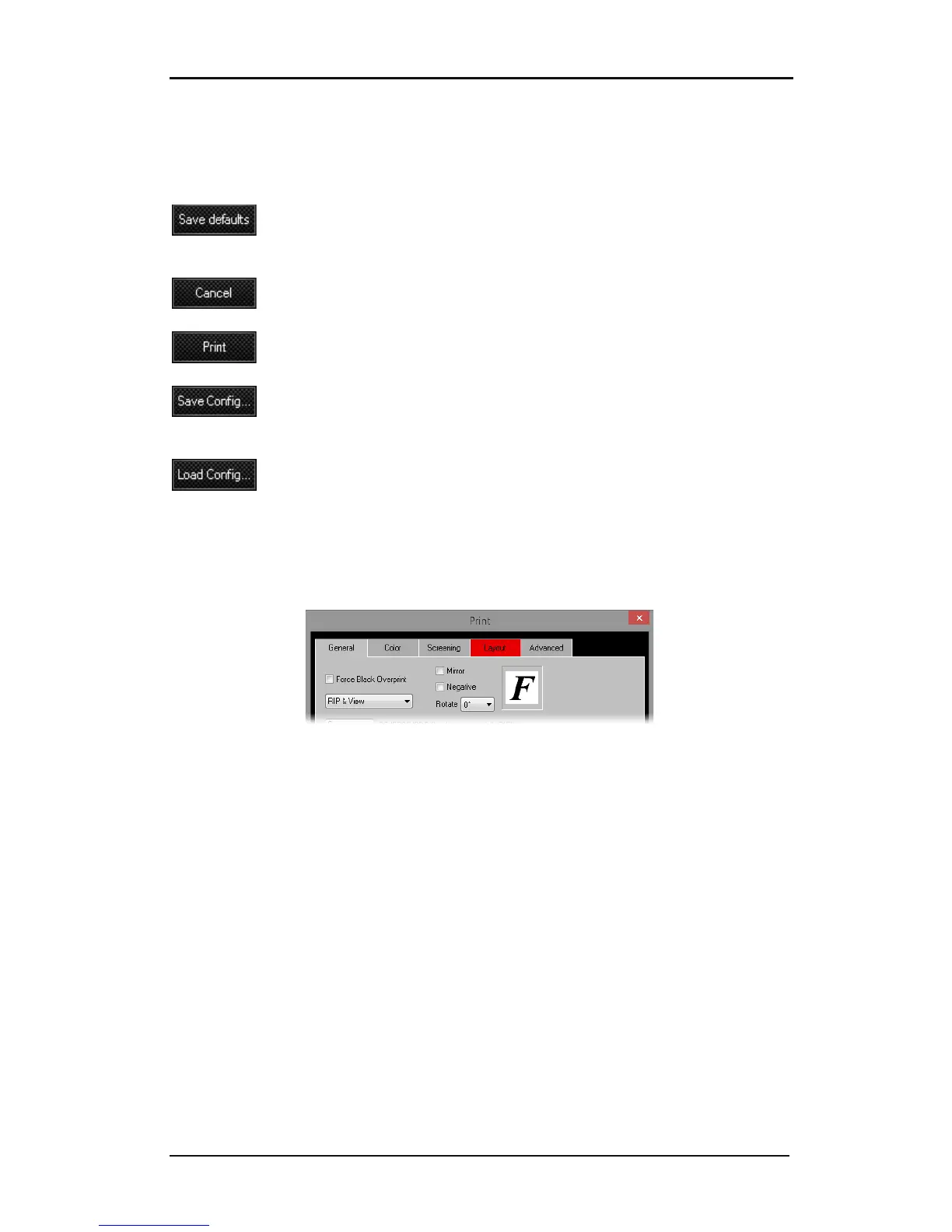
Sometimes the program wants to attract the attention of the user. It then changes the color
of the tab from gray to red, even if it is not selected.
For instance, if the size of the job is wider than the chosen media width, the program alerts
the user that the result will be tiled.



 To Next Page