DC5 User’s Manual
Basic Operation 2-7
2.3 How to Set Media Tracking Parameters
The DC5(sx) prints and measures small marks, located at each side of the print to optimize
the tracking performance. After each printing pass, the media is advanced and those small
lines are read by a sensor to align the consecutive printed passes.
The same sensor is also used to straighten the loaded media in the load direction.
Each time the media type or the color of the OptiTrac lines is changed, a
recommended line feed must be performed (see the below section). Failing to do
so may result in poor print quality.
NOTE: For good tracking performance leave enough media in front and at the
back of a job (minimum 15cm).
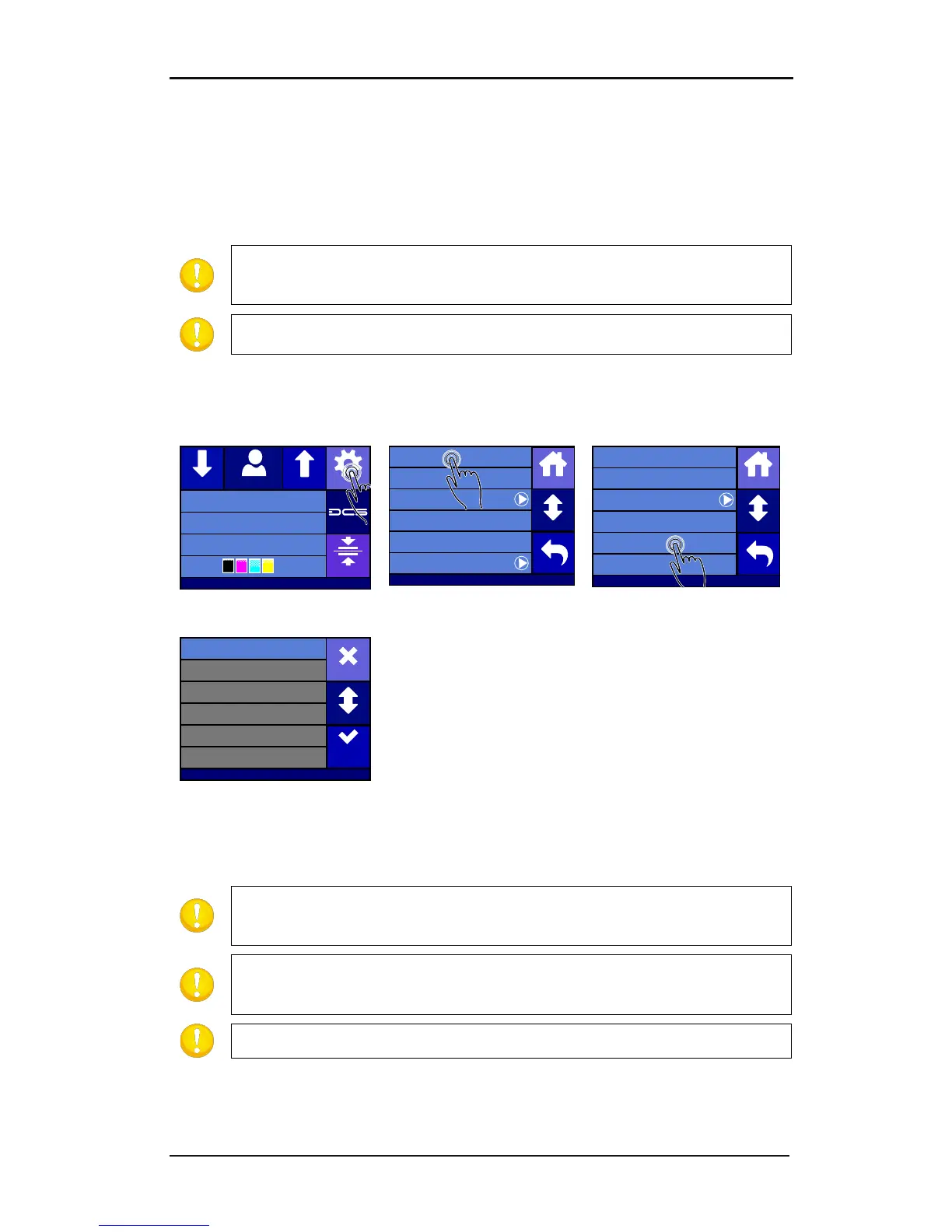
Choosing OptiTrac color
1. Power on the printer and load the media (see section 1.6.1).
pressing on the color, or press
More
colors. Then
press Apply.
Be careful with OptiTrac colors which have a large red component in
them. They can usually not be used because the sensor cannot detect them as it
reads them as being white. It is not recommended to use such colors.
It is recommended to set OptiTrac to automatic. Marks are then always
printed on the far right side of the media (were it is calibrated – see following
NOTE: OptiTrac silver is recommended for printing on dark media.
6. Proceed with the line feed calibration (step 0 in next procedure).
Summa USB port
Density 12000
Knife pressure 75gr
Media width 672mm
Clamp
Settings
Feed
Configuration 1Feed
Settings
Shut down
Communication ...
System menu ...
Reprint job
Cutter menu ...
Printer menu ...
Back
Home
More
Settings | Printer menu
Op tiTr ac Automatic
OptiTrac color Cyan
Scratchguard Off
Calibrate Linefeed
Double Density Off
Density 12000
Back
Home
More
Settings | Printer menu
Green
Red
Black
Yellow
Magenta
Cyan
More
Apply
Cancel



 To Next Page