DC5 User’s Manual
Software 6-4
6.1.3 Installing Summa ColorControl
Color Control is a RIP which can import eps files and then send the data to the printer.
It accepts both print and contour-cut data. Color Control requires a hardware key (also
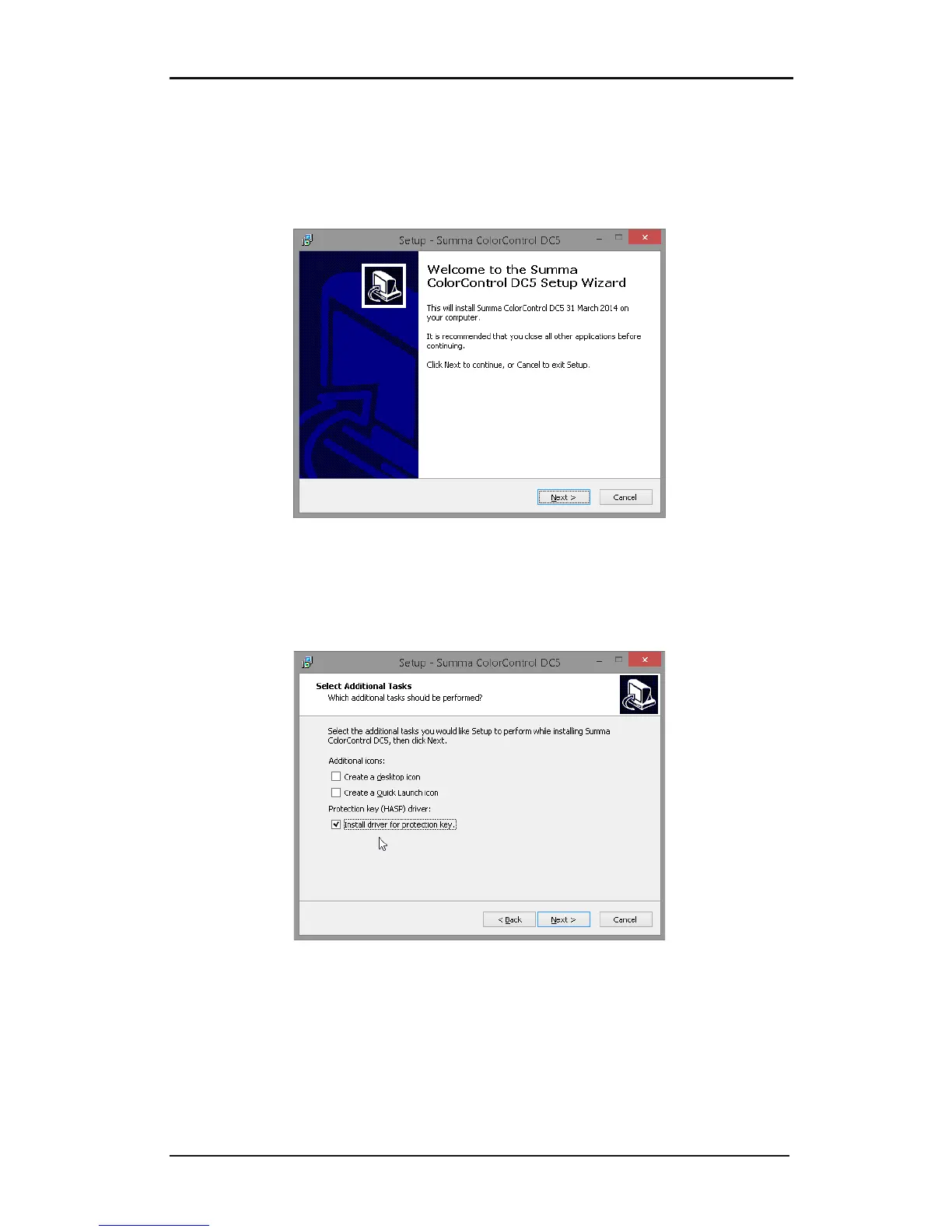
called a dongle). Click on the button to install.
FIG 6-4
6-4 SCC INSTALLATION
The last option during setup is whether to install the driver for the dongle or not. The
installation program remembers whether the driver has been installed or not. If not then
this option is automatically set to on, otherwise it is set to off. Check this box if the HASP
driver needs to be re-installed.
FIG 6-5
6-5 HASP DRIVER INSTALLATION
The driver is a third party driver from the company Aladdin. Follow the instruction on
screen. The installation may take a while. Wait until the program shows it has finished the
installation of the driver. Then install the dongle and wait again until Windows reports that
the dongle is ready to use. After that ColorControl can be started. It is not recommended to
change the options during the installation.
See section 6.3 for explanation of the options of ColorControl.



 To Next Page